What Is Bluetooth Multipoint? (2026 Guide)

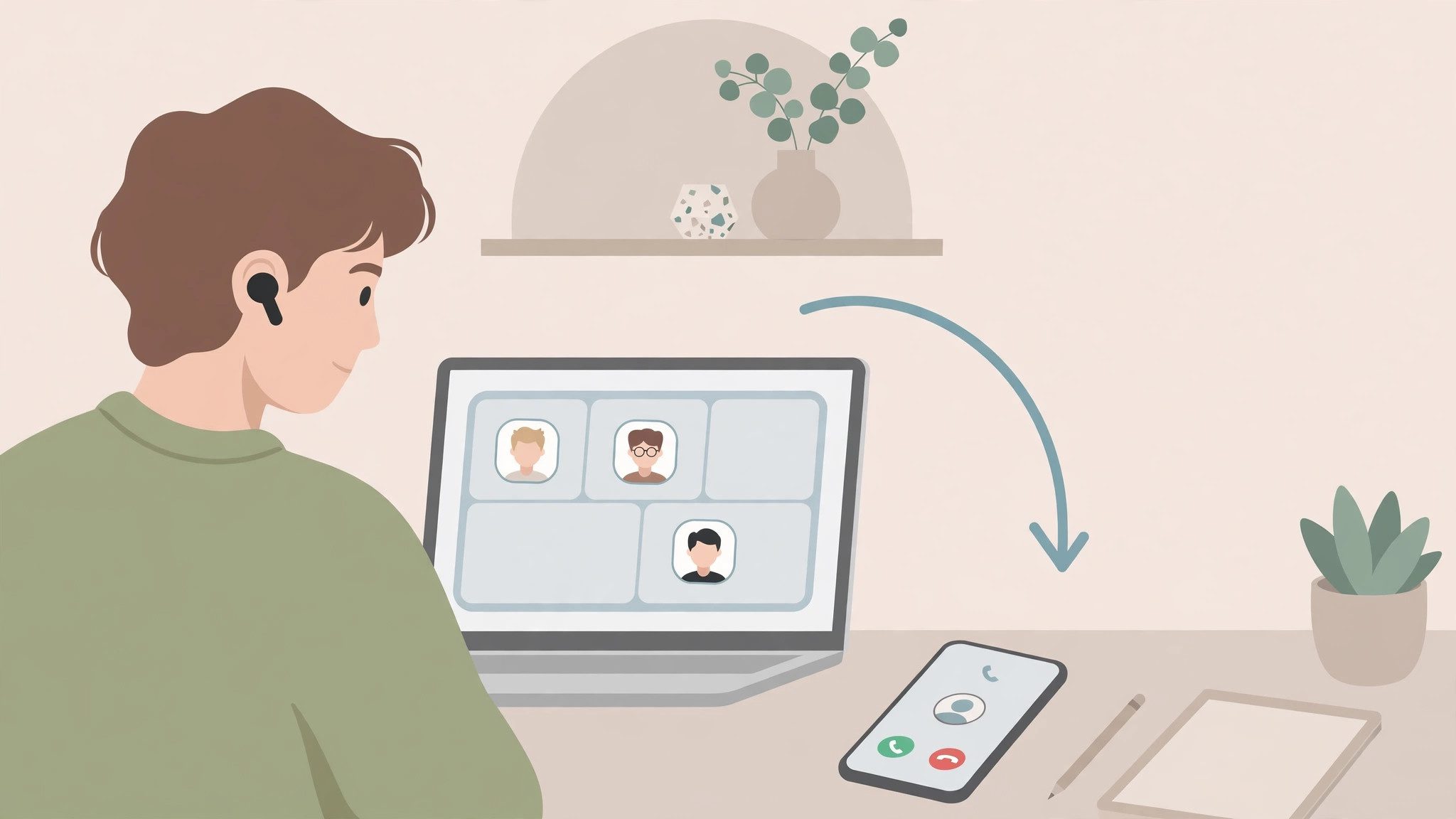
Your music is playing from the laptop. Your phone rings. You scramble to pause the video, pull the headphones off, and answer on speaker — and by the time you sort it out, the caller has hung up.
Multipoint ends that scramble. It keeps your headphones linked to both devices at once, so the call comes through your earbuds and the music picks up again when you hang up.
This guide explains what multipoint is, how it works, how to turn it on, and which headphones have it — in plain words, with no jargon left unexplained.
The short version: multipoint lets one pair of headphones stay connected to two devices — usually a phone and a laptop — and switch between them on its own. Calls always win over music. If your headphones have it, turn it on; if you are shopping, put it near the top of your list.
What Is Bluetooth Multipoint?
Bluetooth multipoint refers to a feature that lets one pair of headphones stay connected to two devices at the same time, like a phone and a laptop. The headphones play sound from one device, then switch to the other on their own when a call or video starts.
Bluetooth multipoint is a feature that keeps one pair of headphones connected to two devices at once, so you can listen to music on a laptop and still take a call on your phone. According to Bose's multipoint guide, incoming calls get top priority, and the headphones switch back to your music once the call ends.
Bluetooth multipoint works best for people who split their day between a phone and a computer, such as remote workers on video calls. According to Google's Android support pages, the feature needs Android 8 or later with Google Play Services, and the headphones must already be paired with both devices before multipoint can switch between them.
Two devices. One switch. No re-pairing.
The classic setup is a phone and a laptop. You watch a video on the laptop, a call comes in on the phone, and the headphones jump to the call without you touching a thing. When you hang up, the video sound comes back. That jump is the whole point of the feature — and the reason people who have it rarely go back.
How Does Bluetooth Multipoint Actually Work?
Your headphones hold two live links at once and pick the sound that matters most. Calls beat music, and the switch happens on its own.
Bluetooth multipoint switching is automatic because the headphones hold two live links and pick the sound that matters most at each moment. Calls beat music, and alarms beat both, which is why a ringing phone cuts through a laptop playlist without you touching a thing. The trade-off is that only one device plays at a time.
Under the hood, two Bluetooth profiles do the work. A2DP carries music and video sound, while HFP carries phone calls. A multipoint pair keeps both profiles open on both devices, then follows a simple priority ladder: calls first, then alarms and notifications, then music and video. The headphones run this ladder, not your phone or laptop — which is why the same feature feels instant on one pair and slow on another.
I've seen conflicting data — some sources say multipoint arrived with Bluetooth 4.0 back in 2010, while others say it isn't in the Bluetooth spec at all. My read is both are half-right: the idea is old, but each maker builds it their own way, which is why the same feature feels smooth on one pair and clumsy on another.
Here's the thing: multipoint comes in a few shapes, and the box rarely spells out which one you are getting.
- Simple multipoint. The common one. Two devices, and a call on one pauses the sound on the other. Most flagship headphones and earbuds use this.
- Triple connectivity. Three devices at once instead of two. Rare — the Technics EAH-AZ80 is one of the few models that does it.
- Advanced multipoint. Built for office headsets. You can hold two calls at once and flip between them, putting one on hold. Call-centre headsets use this most.
- Proprietary switching. Apple and Samsung run their own systems instead of standard multipoint. They only work inside their own device families, and they are covered in the iPhone section below.
One pair. Two links. Your headphones pick.
How Do I Turn On Bluetooth Multipoint?
Pair both devices first, then switch multipoint on in the headphone app. Most models need the app toggle — pairing alone is not enough.
To turn on Bluetooth multipoint, follow these steps: 1. Check your headphones support multipoint in the spec sheet or manual. 2. Pair the headphones with your phone first. 3. Put the headphones back in pairing mode and pair them with your laptop. 4. Open the headphone app and switch on multipoint if it is off. 5. Play music on one device, then start a call on the other to test the switch.
- Check support first. Look for "multipoint" or "two-device connection" on the spec sheet, the box, or the maker's site. If neither phrase appears, your headphones probably do not have it.
- Pair the first device. Put the headphones in pairing mode and connect them to your phone, the way you normally would.
- Pair the second device. Put the headphones back in pairing mode — do not turn them off — then pick them in your laptop's Bluetooth settings.
- Flip the toggle in the app. Open the headphone app and switch multipoint on. Sony's app calls it "Connect to 2 devices simultaneously" under System settings. Bose puts it under Settings, then Bluetooth Connections. Jabra and Sennheiser have a multipoint toggle in their apps too.
- Test the switch. Play music on the laptop, then call your phone from another phone. The music should pause and the call should come through the headphones.
Or maybe I should say it this way: the app toggle is the switch, and pairing is just the wiring. Pairing both devices without the toggle leaves you with two saved links and no switching — which is exactly the state most people get stuck in.
Some models skip the app entirely. The Shokz OpenRun Pro 2 sets multipoint up with button presses, and some JBL models pair the second device straight from the headphones. If your pair has no app, check the manual for the button sequence.
Which Headphones Support Bluetooth Multipoint?
Most flagship headphones have it. Most budget pairs do not. The spec sheet is the only place that tells you for sure.
Here are the models that support it, current as of late 2026. Treat this as a starting point, not a shopping list — always check the spec sheet for the exact model you are buying, since makers sometimes drop the feature from cheaper variants.
- Sony WH-1000XM6 and WH-1000XM5, WF-1000XM5. Two-device multipoint, switched on in the Sony Sound Connect app. One catch: turning multipoint on drops the codec from LDAC to AAC on these models, so the sound is a touch less detailed.
- Bose QuietComfort Ultra Headphones and Earbuds (2nd Gen), QuietComfort 45. Multipoint toggle in the Bose Music app, under Bluetooth Connections.
- Jabra Elite 10 and Elite 8 Active. Multipoint in the Jabra Sound+ app, built for work calls as well as music.
- Technics EAH-AZ100 and EAH-AZ80. The AZ80 connects to three devices at once — the rare triple-connectivity model.
- Sennheiser Momentum 4. Multipoint through the Sennheiser app, plus a long 60-hour battery.
- Google Pixel Buds Pro 2. Multipoint is built in but off by default — switch it on in the Pixel Buds settings.
- Shokz OpenRun Pro 2. Button-based multipoint, no app needed, and it works while you run.
- Samsung Galaxy Buds. Multipoint-style switching inside Samsung's own device family — covered in the iPhone section below.
Flagships, mostly. Budget pairs, rarely.
If your current headphones are not on this list, search the model name plus "multipoint" before you give up — the feature hides under different names, like "dual connection" or "two-device pairing", and some makers bury it in a firmware update.
Does Bluetooth Multipoint Work With iPhone and AirPods?
Yes, with one catch: AirPods don't use standard multipoint. They use Apple's own system instead.
AirPods switch between Apple devices signed into the same iCloud account — iPhone, iPad, Mac, Apple Watch, and Apple TV. Start a call on your iPhone while a video plays on your Mac, and the AirPods jump over on their own. It feels like multipoint, but the wiring is Apple's own, and it only works inside Apple's device family. Pair AirPods to a Windows laptop and the magic stops: they behave like ordinary single-device headphones.
Standard multipoint headphones work fine with an iPhone too. A Sony, Bose, or Jabra pair links to your iPhone and your laptop at the same time, and the switch works exactly as described above — no Apple account needed. The iPhone does not care which brand is on your head.
Samsung does the same trick as Apple. Galaxy Buds switch between Samsung phones, tablets, and laptops signed into the same Samsung account, and they use standard multipoint with other brands' devices as well.
Same idea. Different wiring.
Can Bluetooth Multipoint Play Sound From Two Devices at Once?
No — and that is the most common mix-up. Multipoint switches sound. It never mixes it.
Bluetooth multipoint vs single-point pairing: multipoint is better suited for people who juggle a phone and a laptop because it switches between them on its own. Single-point pairing works better when you only ever listen on one device. The key difference is switching — multipoint does it for you, single-point makes you do it by hand.
Bluetooth cannot blend two audio streams into one pair of headphones. When a call arrives, the headphones pause the music, take the call, and hand the music back when the call ends. Notifications can steal the focus for a second — a loud ping from the phone will duck the laptop sound — but you will never hear a podcast and a phone call at the same time.
Want the other direction — one phone sending sound to two pairs of headphones? See how to connect two Bluetooth headphones to one phone.
Does Multipoint Hurt Sound Quality or Battery Life?
Sound quality, sometimes. Battery life, barely.
The sound trade-off is real on some models. Sony's WH-1000XM5 and WF-1000XM5 drop from LDAC to AAC when multipoint is switched on, because the chip cannot run the high-quality codec and two links at once. Most listeners will not hear the difference on a commute, but if you bought the headphones for the best possible sound, that drop is worth knowing about. Bose and Jabra models do not force a codec change, so their sound stays the same with multipoint on or off.
Battery life barely moves. Holding a second link uses a little extra power, but the difference is small — most people never notice it in daily use. If you want the best sound for a long listening session, turn multipoint off for the evening and flip it back on for work the next morning. It takes ten seconds in the app.
Small costs. Real convenience.
Why Isn't My Multipoint Working?
It is almost always the app toggle, a missing second pairing, or headphones that never had the feature. Work through the list in order.
Look — if your headphones keep grabbing the laptop when your phone rings, here's what actually works: pair the phone first, then the laptop, then flip the toggle in the app. The order matters more than people think, because some models only offer the toggle once both devices are paired.
- Multipoint is off in the app. The most common cause. Open the headphone app and look for the multipoint or "connect to 2 devices" toggle. On many models it is off by default.
- Only one device is paired. Multipoint needs two live links. Put the headphones back in pairing mode and pair the second device — pairing mode does not disconnect the first one.
- Your headphones don't support it. Check the spec sheet for "multipoint". Budget pairs often leave it out, and no setting can add it.
- Firmware is old. Some makers add multipoint in a firmware update. Open the app, check for updates, and install any that appear.
- The wrong device grabs the audio. Pause playback on the device you are not using. If a tablet keeps stealing the link, turn its Bluetooth off while you listen.
- AirPods on a Windows laptop. Apple's switching only works inside Apple devices. On a Windows laptop, AirPods act like ordinary single-device headphones.
- Codec confusion on Sony models. If the sound changes when you switch multipoint on, that is the LDAC-to-AAC drop, not a fault. It is the price of the second link.
Toggle first. Re-pair second.
Is Bluetooth Multipoint Worth It?
If you use a phone and a laptop every day, yes — it is the feature you will notice most. If you only listen on one device, skip it.
Multipoint is the most useful headphone feature for anyone who works on a laptop — more useful than noise cancelling. Noise cancelling makes sound nicer; multipoint stops you missing calls, and missed calls cost more than a noisy room. That is an opinion, and plenty of people will disagree — but ask anyone who has lived with multipoint for a month and they will tell you the same thing.
If you've got a phone and a laptop and you're tired of re-pairing every morning, multipoint's the feature you've been missing. Here is how to shop for it:
- Check the spec sheet, not the box. Look for the word "multipoint" in the specs. Marketing lines like "multi-device" sometimes mean something else.
- Two devices is enough for most people. Phone plus laptop covers the working day. Three-device support (Technics AZ80) only matters if a tablet joins the mix.
- Check the app toggle exists before you buy. If the companion app has no multipoint switch, the feature may be always-on — or missing entirely.
- Don't pay extra for it if you only use one device. A single-device listener gains nothing from multipoint, and the money buys better sound or comfort instead.
Two devices? Buy it. One device? Skip it.
Frequently Asked Questions
What's the fastest way to turn on Bluetooth multipoint?
Check the spec sheet, pair both devices, then switch multipoint on in the headphone app. Sony, Bose and Jabra all put the toggle in their apps.
How do I know if my headphones support multipoint?
Look for "multipoint" or "two-device connection" on the box or spec sheet. If neither phrase appears, assume they don't support it.
Can Bluetooth multipoint play two sounds at once?
No. Only one device plays at a time. Multipoint switches between them; it never mixes two streams into your ears.
Does multipoint work with AirPods?
AirPods use Apple's own switching instead of standard multipoint. They move between Apple devices signed into the same account, not between any two Bluetooth devices.
Why does my multipoint keep switching to the wrong device?
Usually a notification or app on the second device grabs the audio. Pause playback on the device you don't want, or turn its Bluetooth off while you listen.
Should I pay extra for multipoint headphones?
Yes if you use a phone and a laptop every day. If you only ever listen on one device, skip it and spend the money on sound or comfort instead.
Does Bluetooth multipoint drain the battery faster?
Barely. Holding a second link uses a little extra power, but the difference is small — most people never notice it in daily use.