What Bluetooth Version Is Best for Headphones? (2026)

You're comparing two pairs of earbuds. One box says Bluetooth 5.3. The other says 5.4 and costs more. The shop page calls 5.4 "the latest" and leaves it there. Is the newer number worth your money, or is it just a badge?
Here's the thing: the version number matters far less than most listings pretend. One version is the right floor for new headphones, and past that floor, other specs decide what you actually hear.
The short version: Bluetooth 5.3 is the best target for new headphones in 2026 — it's common, stable and power-friendly. Bluetooth 5.2 is the floor if you want LE Audio and the LC3 codec. Bluetooth 5.4 and 6.0 add almost nothing for music. A 5.0 pair you already own still works fine for everyday listening.
What Bluetooth Version Is Best for Headphones?
Bluetooth 5.3 is the best version to aim for in new headphones. It gives a stable link, good battery use and access to modern features. Bluetooth 5.2 is the minimum for LE Audio. Anything newer adds little you can hear.
What Bluetooth version is best for headphones comes down to features, not bragging rights. According to the Bluetooth SIG, Bluetooth 5.2 introduced the building blocks of LE Audio, the newer low-energy audio system built around the LC3 codec. Version 5.3 then added smarter power use and better handling of busy radio channels. That mix is why 5.3 sits at the sweet spot.
The best Bluetooth version for headphones is the one whose features your phone can also use. According to Bluetooth SIG guidance, LE Audio and LC3 need support on both ends — headphones and phone. A 5.4 badge on the box unlocks nothing if your phone only speaks classic Bluetooth audio. Check both ends before you pay extra.
Bluetooth version for headphones refers to the Bluetooth Core Specification the headphone chip follows. Each release adds capabilities on top of the last one. The number sets a ceiling for features. It does not promise better sound by itself.
Look — if you're buying today and the spec sheet doesn't list a version at all, here's what actually works: treat 5.3 as your default, accept 5.2 when the price is right, and don't pay a premium just to see 5.4 or 6.0 printed on the box. Our Bluetooth 5.3 earbuds guide shows what that class of hardware looks like in practice.
5.3 is the target.
Does a Newer Bluetooth Version Sound Better?
No. The version number does not set sound quality — the codec does. A Bluetooth 5.0 pair using aptX HD can sound better than a 5.3 pair stuck on basic SBC. Check codecs first, version second.
Whether a newer Bluetooth version sounds better depends on the codec, not the number. According to RTINGS, Bluetooth version does not directly determine audio quality. The codec — SBC, AAC, aptX, LDAC or LC3 — decides how your music is packed and sent. The version is just the road it travels on.
Think of it this way. The codec is the car. The Bluetooth version is the road. A newer road helps traffic flow, but it doesn't turn a slow car into a fast one. Or maybe I should say it this way: buy the car first, then check the road is paved.
Codec support splits by phone. iPhones lean on AAC. Many Android phones add aptX or LDAC. Our guides to aptX headphones and LDAC wireless headphones list models that actually carry those codecs, and our sound quality guide covers the settings that matter once you own a pair.
The one real sound step in recent versions is LE Audio with LC3. It can match or beat basic SBC quality while using less power, but both your phone and headphones must support it. A version badge alone never proves LE Audio is switched on.
Codecs beat badges.
What Changed in Bluetooth 5.0, 5.2, 5.3, 5.4 and 6.0?
Each step added one main thing. 5.0 boosted range and speed. 5.2 enabled LE Audio. 5.3 improved power use and stability. 5.4 targeted huge device networks. 6.0 added precise distance sensing. Only 5.2 and 5.3 matter much for headphones.
| Version | Year | Main change | Matters for headphones? |
|---|---|---|---|
| Bluetooth 5.0 | 2016 | Longer range, faster speed, dual audio groundwork | Yes — the base most older pairs use |
| Bluetooth 5.1 | 2019 | Direction finding for locating devices | Hardly — aimed at tracking, not music |
| Bluetooth 5.2 | 2019 | LE Isochronous Channels, the base of LE Audio and LC3 | Yes — the LE Audio floor |
| Bluetooth 5.3 | 2021 | Connection Subrating, better channel handling | Yes — steadier links, smarter power use |
| Bluetooth 5.4 | 2023 | Messaging for huge networks like shop shelf labels | Not really — built for retail networks |
| Bluetooth 6.0 | 2024 | Channel Sounding for precise distance checks | Not yet — helps finding devices, not sound |
Read that table top to bottom and a pattern shows. The audio-relevant jump happened at 5.2. The stability polish came at 5.3. After that, the Bluetooth SIG aimed its work at shops, warehouses and finding lost keys — useful things, just not headphone things.
Bluetooth 5.0 vs Bluetooth 5.3: 5.3 is better suited for new buys because its power and channel handling suit crowded trains and offices. Bluetooth 5.0 works better when the pair is cheap, well reviewed and already on sale. The key difference is stability polish, not sound.
Here's my honest take, and some readers will push back: paying extra for a 5.4 or 6.0 badge on headphones today is wasted money. That cash buys more if it goes to better fit, a stronger codec list or longer battery life. The badge can wait until a feature you need actually needs it.
Newer is not better here.
Is Bluetooth 5.0 Still Good Enough in 2026?
For everyday music, podcasts and calls, yes. Bluetooth 5.0 pairs still connect reliably and sound as good as their codec allows. Upgrade for features — LE Audio, better battery, multipoint — not for the number alone.
Plenty of well-loved headphones run 5.0 and still earn their keep. If yours hold a steady link and the battery lasts your day, a version upgrade buys you little. The weak spots of 5.0 show up in busy radio spots and in missing modern features, not in basic playback.
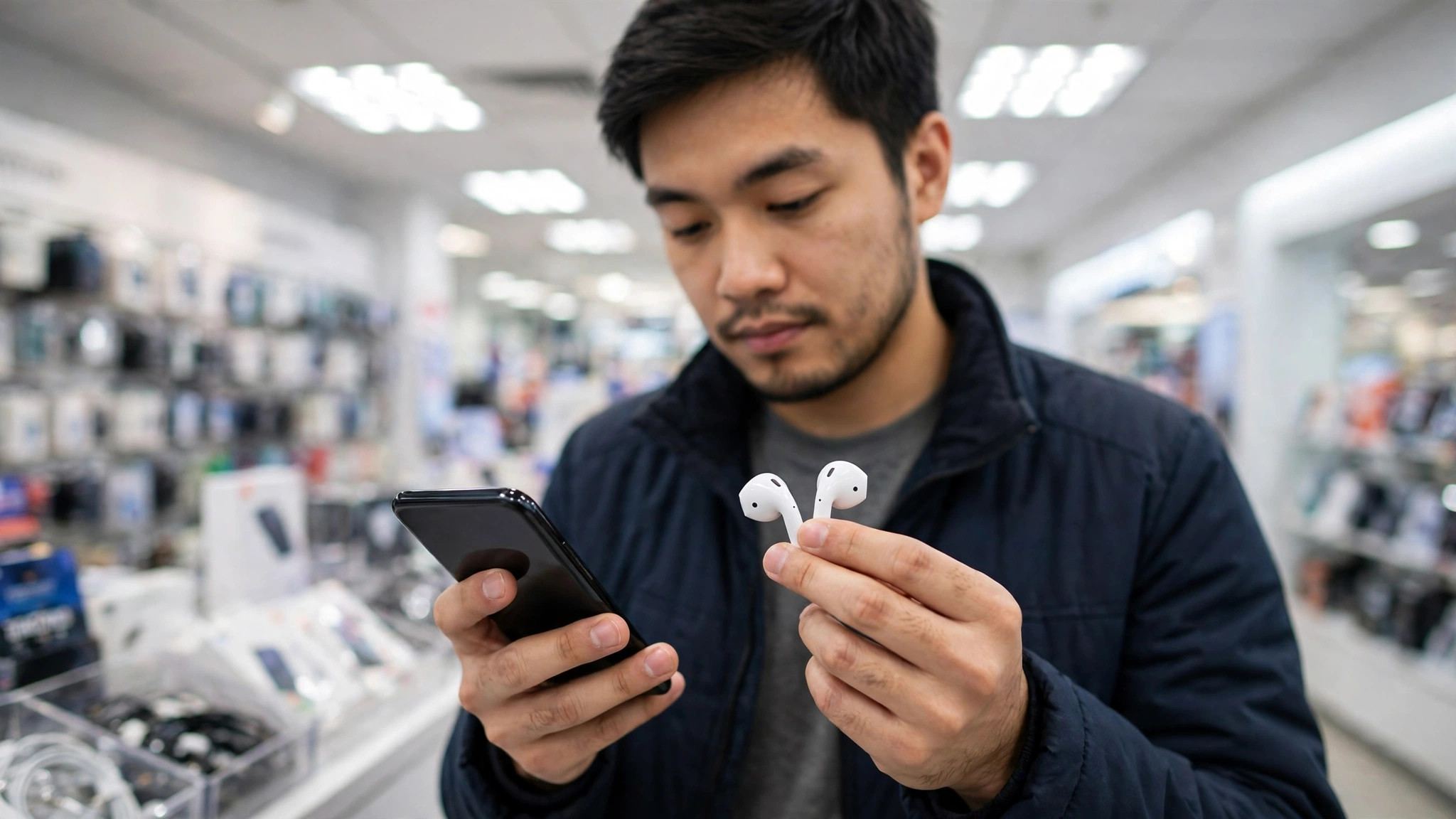
Quick note: a cheap 5.3 pair with poor tuning and a weak antenna can drop out more than a well-made 5.0 pair. How the maker built the product matters as much as the chip inside it. Reviews that test real-world dropouts tell you more than the box does.
If you're replacing a dead pair anyway, buy 5.2 or newer and you're set for years. If your 5.0 pair still works, keep your money. Our guide to choosing Bluetooth headphones puts version in its proper place — one line on a longer checklist.
Old can still work.
Which Version Do You Need for Gaming and Video?
For gaming, chase low delay, not version. LE Audio on 5.2+ hardware can cut delay sharply, and low-latency codecs like aptX Low Latency help on classic Bluetooth. A 5.3 badge alone does not fix lag.
Delay comes from the codec and the mode, not the version number. Classic Bluetooth audio often runs 100–200 milliseconds behind, which you notice in games and lip-sync. LE Audio targets far lower delay, and gaming modes on some earbuds trim it further at a small sound-quality cost.

I've seen conflicting data on exact delay figures — some sources quote 20–30 milliseconds for LE Audio, others report 60–100 in real products. Both can be honest: lab minimums and real-world results differ once phones, buffers and game modes join in. My read is to trust tested delay numbers for the exact model, not version maths.
Our low-latency codec guide ranks the codecs by real delay, and our explainer on Bluetooth headphones for PC gaming covers when a wired or 2.4 GHz link still wins. For films, most phones and TVs delay the picture to match, so casual viewing rarely suffers.
Delay is a codec story.
Does Bluetooth Version Affect Battery Life and Range?
A little. Newer versions manage power and busy channels more cleverly, which can stretch battery life and cut dropouts. Battery size, noise cancelling and volume still matter far more than the version number.
Bluetooth 5.3 added Connection Subrating, which lets a device switch fast between a sleepy low-power rhythm and a busy one. In plain terms: less wasted energy when nothing much is happening. LE Audio's LC3 codec also sends good sound at lower data rates, which saves power on both ends.
Range is mostly a 5.0 story. That release stretched Bluetooth Low Energy range a lot on paper, but walls, bodies and pockets still shrink it fast in real homes. Our guide on how far Bluetooth headphones can work explains why your own body is often the biggest obstacle. For battery claims, our battery life guide shows why the noise-cancelling-on number is the honest one.
Multipoint — staying linked to a phone and laptop at once — also gets blamed on version. It's really a maker feature. Our multipoint explainer lists which models support it, since plenty of 5.3 pairs skip it and some older pairs include it.
Small gains, real limits.
Will New Headphones Work With an Older Phone?
Yes. Bluetooth is backwards compatible, so 5.3 headphones pair happily with a 5.0 phone. They just fall back to the features both sides share. You lose LE Audio if the phone lacks it — nothing else breaks.
This is the both-ends rule, and it runs the whole topic. Pair a 5.4 pair of earbuds with an older phone and you get classic Bluetooth audio with whatever codec both support. The music still plays. The fancy features wait for a phone that speaks them.
The same rule cuts the other way. A new phone cannot give old headphones LE Audio they were never built for. Firmware updates sometimes add features, but they cannot add radio hardware. Buy headphones for the phone you own now, with one eye on the phone you'll own next.
Compatibility is rarely the problem.
How Do I Check the Bluetooth Version Before Buying?
Check three things: the headphone spec sheet for its version and codec list, your phone's Bluetooth and codec support, and whether LE Audio is named outright. Five minutes of checking beats a badge-based guess.
To check the Bluetooth version before buying, follow these steps: 1. Find the version on the maker's spec page. 2. Note the codec list beside it. 3. Check your phone's Bluetooth version and codecs. 4. Confirm LE Audio is named, not implied. 5. Match features at both ends.
- Find the version on the maker's spec page. Shop listings copy each other and often err. The brand's own page is the source to trust.
- Note the codec list. SBC is the baseline. AAC suits iPhones. aptX and LDAC suit many Android phones. LC3 means LE Audio.
- Check your phone. Its Bluetooth version and codec support cap what any headphones can do. Both ends must agree.
- Confirm LE Audio by name. A 5.2 or 5.3 badge does not prove LE Audio is switched on. Look for "LE Audio" or "LC3" in the specs.
- Match the features you need. Multipoint, gaming mode and Auracast are separate features. Tick them off one by one.
Still unsure which pair fits your phone and ears? Start with our choosing guide, then check codec picks in our true wireless earbuds guide before you spend.
Check both ends.
Frequently Asked Questions
What Bluetooth version is best for headphones?
Bluetooth 5.3 is the best target for new headphones. It is stable, power-friendly and widely supported. Bluetooth 5.2 is the floor for LE Audio features.
Is Bluetooth 5.4 better than 5.3 for earbuds?
Not for listening. Bluetooth 5.4 mainly serves huge device networks like shop labels. For music, 5.3 and 5.4 earbuds behave the same.
Does Bluetooth version affect sound quality?
No. The codec decides sound quality, not the version. Check for AAC, aptX, LDAC or LC3 support on both your phone and headphones.
Should I upgrade from Bluetooth 5.0 headphones?
Only for features, not the number. If your 5.0 pair connects well and sounds good, keep it. Upgrade for LE Audio, battery or fit.
Can Bluetooth 5.3 headphones work with a 5.0 phone?
Yes. Bluetooth is backwards compatible. The pair falls back to shared features, so music plays normally without LE Audio extras.
What Bluetooth version do I need for gaming?
Chase low delay, not version. Look for LE Audio or a low-latency codec and a tested gaming mode. A 5.3 badge alone fixes nothing.
How do I know if headphones support LE Audio?
Check the maker's spec page for "LE Audio" or "LC3" by name. A 5.2 or 5.3 version badge alone does not prove support.