Low Latency Bluetooth Codec (2026): Which Is Fastest?

You tap fire. The shot lands. The sound arrives late, like an echo from the next room.
That gap is latency — the delay between what your phone plays and what your ears hear. Music hides it well. Games and video do not. A codec is the part of the chain that packs the sound for the trip, and the wrong codec can add a delay you feel on every tap.
This guide compares the fast codecs — aptX Low Latency, aptX Adaptive and LC3 — against the slow ones, in plain words. It also shows you how to check which codec your phone is really using.
The short version: for most people, aptX Adaptive is the practical fast codec, LC3 is the future where LE Audio works, and aptX Low Latency still wins on fixed TV and gaming links. The catch matters more than the name: your phone and your headphones must share the same codec, or you fall back to slow SBC.
What Is a Low Latency Bluetooth Codec?
Low latency Bluetooth codec refers to a Bluetooth audio codec built to send sound with very little delay. It keeps speech, game sounds and video in sync by using short frames and small buffers at both ends.
A low latency Bluetooth codec keeps wireless sound close to the picture by shrinking the time sound spends waiting in buffers. According to Qualcomm, aptX Adaptive targets about 50 to 80 milliseconds of system latency. That range keeps most video lip-sync and casual games feeling right, while older SBC chains often feel late.
The fastest Bluetooth codec depends on the whole chain, not the codec name alone. According to SoundGuys, older Android phones averaged 308 milliseconds with SBC and 316 milliseconds with aptX in one test rig. Your phone, app and earbuds can add more delay than the codec itself, so matching both ends matters most.
Fast codec. Slow chain. Still late.
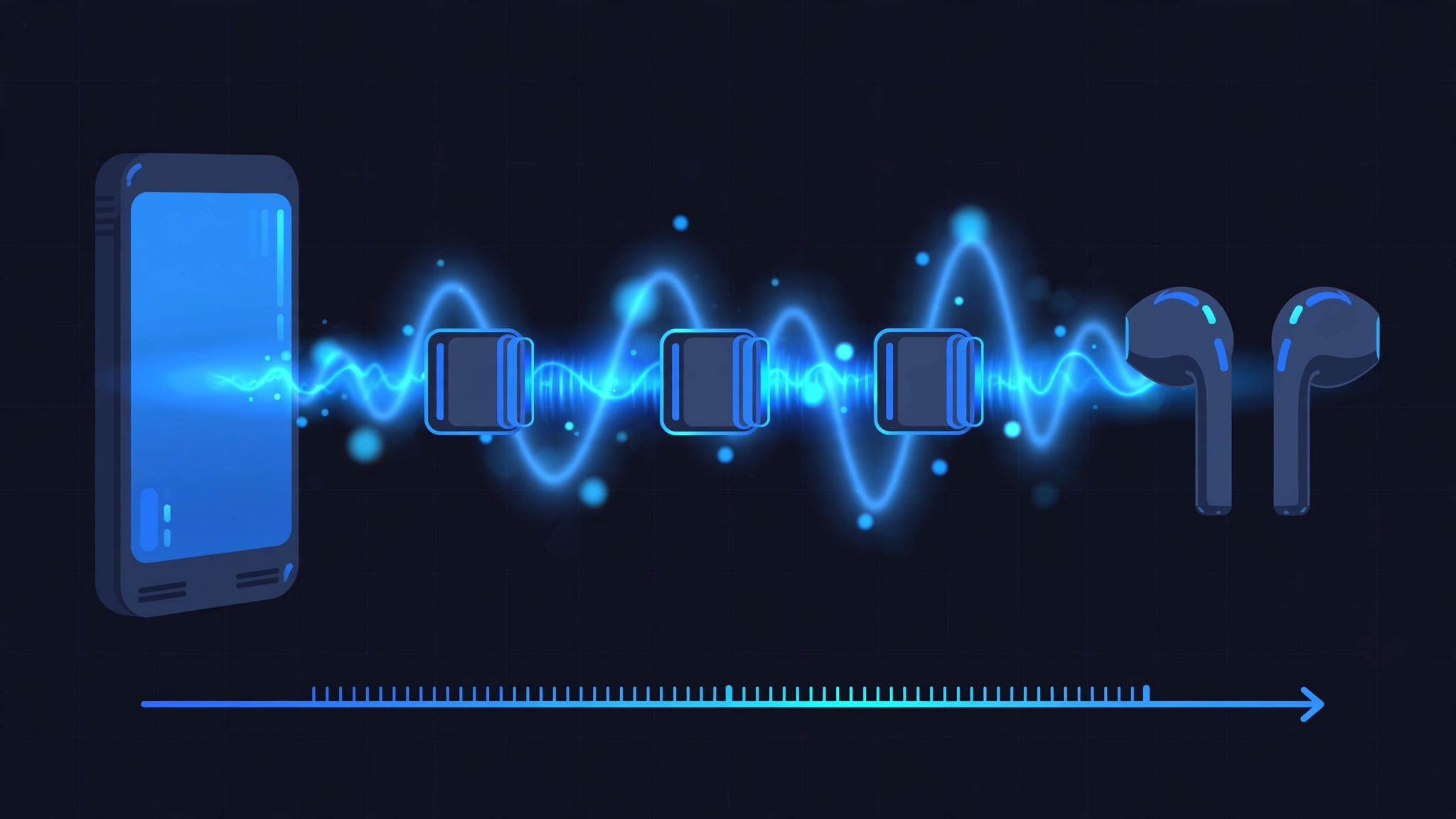
Think of a codec as a packer. Your phone squeezes the sound into small packets, sends them over the air, and your headphones unpack them. A slow packer uses big packets and long waits. A fast packer uses small packets and short waits, so the sound leaves sooner and lands sooner.
Latency is measured in milliseconds, written as ms. One second holds 1,000 ms. SoundGuys notes that most people cannot spot a delay under 20 ms, many struggle to spot 40 to 80 ms, and delays over 150 ms feel clear. That is why the fast codecs aim under 80 ms.
Which Bluetooth Codec Has the Lowest Latency?
LC3 and aptX Low Latency sit at the fast end, aptX Adaptive comes next, and SBC, AAC and LDAC are the slow group. Treat every number as a chain result, not a promise.
LC3 is the low latency codec built into Bluetooth LE Audio, and it uses short 7.5 or 10 millisecond frames. According to the Bluetooth SIG, LC3 takes only 20 milliseconds to code, transmit and decode. You still need LE Audio support in your phone and headphones before that speed reaches your ears.
| Codec | Typical latency | Bitrate | Best for |
|---|---|---|---|
| LC3 (LE Audio) | 20 ms to code, transmit and decode | 160–345 kbps | New phones and buds with LE Audio |
| aptX Low Latency | About 40 ms | 352 kbps | TV links, gaming transmitters |
| aptX Adaptive | About 50–80 ms system latency | 279–420 kbps | Phones, video and casual gaming |
| aptX (Classic) | Around 150 ms | 352 kbps | Everyday Android music |
| AAC | About 200 ms | About 256 kbps | iPhone and AirPods |
| SBC | About 200 ms or more | Up to 328 kbps | The fallback every device speaks |
| LDAC | Over 200 ms | 330 / 660 / 990 kbps | Hi-res music, not gaming |
I've seen conflicting data — some sources list SBC near 200 ms, while SoundGuys measured a 308 ms average on older Android phones. My read is both can be true: the codec is one step, and the phone around it can add more delay than the codec saves.
Bitrate is not speed. LDAC moves the most music data here, and it is one of the slowest choices for games. A high bitrate buys detail. It does not buy sync.
Why Does the Same Codec Feel Fast on One Phone and Slow on Another?
Because the codec is only one step. Your app, your phone software and your earbuds each add their own wait.
SoundGuys breaks the chain down in a way that surprises people. The codec step itself is tiny — aptX encoding takes under 2 ms. The phone system around it can add about 100 ms, and the Bluetooth transfer can add 100 ms or more. The codec gets the blame. The chain did most of the damage.
Here's the thing: that is why two phones with the same codec can feel different. One phone uses small buffers and a clean audio path. The other uses big buffers to stop stutters, and big buffers mean late sound. Your earbuds add a step too, and a game mode in the headphone app can shrink that step.
Small buffers. Fast sound. More risk of stutters.
Video hides much of this. Apps and TVs can delay the picture to match the sound, so a film can look in sync even on a slow codec. Games cannot do that trick, because the game does not know when you will tap. If your delay only shows in games, our Bluetooth audio delay fix guide works through the device settings.
aptX Low Latency vs aptX Adaptive: Which Should You Pick?
Pick aptX Low Latency for a fixed link you control, like a TV transmitter. Pick aptX Adaptive for a phone, where music and video share one codec.
aptX Low Latency vs aptX Adaptive: aptX Low Latency is better suited for fixed TV and gaming links because it targets about 40 milliseconds. aptX Adaptive works better for phones when you want music and video in one codec. The key difference is flexibility: Adaptive changes speed and bitrate as conditions change.
aptX Low Latency is the older, single-job codec. It holds a steady 352 kbps stream and aims for about 40 ms, the level Qualcomm describes as needed to keep sound and picture together. It shines in matched pairs: a transmitter on your TV and headphones that speak the same codec. Our Bluetooth transmitter guide covers that setup.
aptX Adaptive is the newer phone codec. It scales its bitrate between 279 and 420 kbps and can drop into a low-latency mode for video and games, with system latency around 50 to 80 ms. SoundGuys notes that Adaptive folds Low Latency technology into a shared antenna design, which is why phone makers moved to it.
One trap catches buyers. SoundGuys says that when aptX Adaptive connects to a Low Latency device, it falls back to aptX Classic — not to Low Latency. So an Adaptive phone plus a Low Latency transmitter does not give you the 40 ms mode. Both ends must name the same codec.
Or maybe I should say it this way: Low Latency is a fixed gear, and Adaptive is an automatic gearbox. The fixed gear wins a drag race. The automatic wins daily driving.
Is LC3 Faster Than aptX?
On paper, yes — LC3 uses shorter frames than the classic Bluetooth codecs. In your pocket, it depends on whether your phone and headphones support LE Audio at all.
LC3 is the codec inside Bluetooth LE Audio, the newer Bluetooth audio system. It uses frame lengths of 7.5 or 10 ms, and its own codec delay is about 12.5 ms at the 10 ms setting. Short frames mean the sound waits less before it moves. LC3 also sounds better than SBC at about half the bitrate, so it is not a speed-for-quality trade.
The catch is support. LE Audio needs Bluetooth 5.2 or newer hardware plus software support on both ends. Android 13 added LE Audio support, and newer Pixel and Galaxy phones carry it. iPhones do not support LC3. A spec sheet that says "Bluetooth 5.3" does not prove LE Audio works — check for "LE Audio" or "LC3" by name.
Look — if you're buying today and your phone lacks LE Audio, here's what actually works: buy for aptX Adaptive now, and treat LC3 as a bonus for your next phone. A codec your phone cannot send is a codec you cannot hear.
Does a Low Latency Codec Work on iPhone?
Not the aptX or LC3 kind. iPhones use AAC and SBC, and iOS gives you no codec picker.
Apple does not support aptX on iPhone, and AirPods use AAC. Android Authority calls AAC the best codec for iPhone owners, and for music and video it works well because video apps can shift the picture to match. For fast games, AAC still carries a delay you can feel, and there is no setting that swaps in a faster codec.
If you've got an iPhone and you're chasing game sync, your honest options are wired earbuds, a headset with its own 2.4 GHz dongle, or accepting the lag in slower games. Buying aptX headphones for an iPhone buys you nothing — the phone falls back to AAC or SBC. Our aptX headphones guide explains the matching rule in full.
Same headphones. Different phone. Different codec.
How Do I Check and Turn On a Low Latency Codec?
On Android, check the codec in Developer options and turn on game mode in the headphone app. On iPhone, there is no codec switch to flip.
To turn on a low latency codec, follow these steps: 1. Check your phone and headphones share aptX Adaptive, aptX Low Latency or LC3. 2. Connect the headphones. 3. Open Developer options and choose Bluetooth Audio Codec. 4. Pick the fastest shared codec. 5. Turn on game mode in the headphone app and reconnect.
- Check both spec sheets. Find the codec list for your phone and your headphones. You need one fast name on both lists — aptX Adaptive, aptX Low Latency or LC3.
- Connect the headphones first. The codec menu only shows real choices while the headphones are linked.
- Open Developer options on Android. Go to Settings, then About phone, and tap Build number seven times. Then open Developer options and find Bluetooth Audio Codec.
- Pick the fastest shared codec. Choose aptX Adaptive or LC3 if they appear. If only SBC and AAC appear, your pair shares no fast codec.
- Turn on game mode in the headphone app. Many earbuds hide a low-latency or game mode toggle in their app. Switch it on, then reconnect and test in a game, not a video.
Quick note: some phones reset the codec choice after a reconnect. If the lag comes back, check the menu again before you blame the headphones. And if the sound breaks up on the fast codec, step back one level — a stable 80 ms beats a stuttering 40 ms.
Is a Low Latency Codec Enough for Gaming?
For casual games and video, yes. For fast shooters and rhythm games, no Bluetooth codec beats a wire or a 2.4 GHz dongle.
Here is an opinion that might get pushback: chasing the last 20 ms of Bluetooth latency is money spent in the wrong place. A 2.4 GHz gaming headset or a cable removes the whole problem for less than a codec upgrade, and it works on every device you own. Spend on the connection first, the codec second.
Use this split. Story games, turn-based games and video calls feel fine on aptX Adaptive or LC3. Fast shooters, fighting games and rhythm games punish every millisecond, so use a dongle headset or a wire. Our Bluetooth gaming on PC guide covers the PC side, including the mic trap that drops sound quality when voice chat starts.
| Use | Good enough | What to pick |
|---|---|---|
| Video and films | Any codec, with app sync | AAC or aptX Adaptive |
| Casual mobile games | Under about 80 ms | aptX Adaptive or LC3 |
| TV with headphones | About 40 ms | aptX Low Latency pair |
| Fast shooters, rhythm games | Near zero | 2.4 GHz dongle or wired |
| Hi-res music | Delay does not matter | LDAC or aptX Lossless |
What Should You Skip?
Skip LDAC and aptX HD for gaming, skip "low latency" claims with no codec name, and skip Bluetooth version numbers as a speed promise.
- LDAC and aptX HD for games. Both chase music detail, and both sit in the slow group. Great for albums. Wrong tool for sync.
- "Low latency mode" with no codec named. A game mode toggle helps, but it cannot invent a fast codec your phone lacks. Ask which codec runs in that mode.
- Bluetooth 5.3 or 5.4 as a speed claim. The version number does not set latency. The codec match and the phone's audio path do. Our Bluetooth 5.3 earbuds guide separates the badge from the benefit.
- Mismatched pairs. aptX Adaptive headphones with an aptX Low Latency transmitter fall back to aptX Classic. Read both codec lists before you pay.
- aptX headphones for an iPhone. The phone cannot send aptX, so the fast mode never starts.
Codec name first. Version number last.
Frequently Asked Questions
What's the fastest Bluetooth codec?
LC3 and aptX Low Latency are the fastest on paper, at about 20 to 40 milliseconds. aptX Adaptive follows at about 50 to 80 milliseconds, and it is the one most phones can use.
How do I turn on low latency mode?
Connect your headphones, open Developer options on Android, and pick the fastest shared codec under Bluetooth Audio Codec. Then switch on game mode in the headphone app.
Should I use LDAC for gaming?
No. LDAC chases music detail and runs over 200 milliseconds late. Use aptX Adaptive or LC3 for games, and save LDAC for music.
Why do my aptX headphones still lag?
Your phone may not support the same aptX version, so the link falls back to SBC. Check the Bluetooth Audio Codec menu on Android while the headphones are connected.
Does iPhone support aptX Low Latency?
No. iPhones use AAC and SBC, with no codec picker in settings. For fast iPhone games, wired earbuds or a 2.4 GHz dongle headset work better.
When should I use wired instead?
Use wired or a 2.4 GHz dongle for fast shooters and rhythm games. Bluetooth codecs feel fine for video and casual games, but they cannot match a cable.
Is LC3 better than aptX Adaptive?
LC3 uses shorter frames and less power, so it can run faster. It only works where both devices support LE Audio, which aptX Adaptive does not need.