How to Track Lost Bluetooth Earbuds (2026 Guide)

One earbud is gone. You checked your pockets twice, looked under the car seat, and now you are staring at your phone wondering if there is any way to find it. If you've lost them, don't panic — you're not the only one who's done this.
Look — if you're standing in your living room right now patting your pockets, here's what actually works: open your phone's finder app first, before the battery dies. That app is the difference between finding the bud in five minutes and buying a new one.
How to track lost Bluetooth earbuds refers to using your phone's finder app — Find My, SmartThings Find or Find Hub — to see where your buds were last seen, ring them, or walk to them with arrows. It works best when the buds have charge and were set up before they went missing.
The short version: open Find My (AirPods), SmartThings Find (Galaxy Buds) or Find Hub (Pixel Buds), check the map, then tap Play Sound and listen. Dead buds can't ring — check the last known spot instead. The whole search takes five minutes if the buds still have charge.
Can You Track Lost Bluetooth Earbuds?
Yes — if they were set up in a finder app before they went missing. AirPods work with Find My, Galaxy Buds with SmartThings Find, and Pixel Buds with Find Hub. The app shows a map pin, plays a sound, and on some models walks you to the bud with on-screen arrows.
Lost Bluetooth earbuds can be tracked through your phone's finder app, as long as they were set up before they went missing. According to Apple Support, AirPods show their last known location in Find My when they are out of range or out of charge. Samsung and Google offer the same through SmartThings Find and Find Hub for their buds.
The odds of getting your earbuds back depend on two things: battery and setup. A bud with charge can ring and show a live dot on the map, while a dead bud can only show where it was last seen. That is why the first move is always the same — open the finder app fast, before the battery drains.
Here's the thing: not every pair of buds can be tracked. Sony, Bose, JBL and most budget buds have no finder app at all. If you own one of those, skip to the no-finder section — the Bluetooth scanner trick is your best shot.
How Do I Find My Lost Earbuds Right Now?
Open your finder app, check the map, and play a sound. Do it now — a lost bud keeps draining battery, and a dead bud stops ringing. The steps below work for AirPods, Galaxy Buds and Pixel Buds, with the app name swapped.
Finding lost earbuds fast comes down to using the right tool for your brand. According to Samsung Support, Galaxy Buds can be rung and located through SmartThings Find, with a Search nearby mode that guides you step by step. Pixel Buds Pro 2 owners get the same through Google's Find Hub, while other brands need a Bluetooth scanner app.
To track lost Bluetooth earbuds, follow these steps: 1. Open your finder app and tap the buds. 2. Check the map for the last known spot. 3. Tap Play Sound and listen close. 4. Walk toward the signal with Find Nearby. 5. Mark them lost if they stay missing.
- Open the finder app. Find My on iPhone, SmartThings Find on a Galaxy phone, or Find Hub on Android. Tap your buds in the device list.
- Read the map. A live dot means the buds are on and nearby. A grey pin with a time stamp is the last known location — start there.
- Play a sound. Tap Play Sound (or Ring) and listen in a quiet room. The chirp is soft, so close the windows and stop the music first.
- Walk to it. If your model supports it, use Find Nearby or Search nearby. The phone shows distance and an arrow as you move.
- Check the case. If the buds are in the case, the app may show the case instead. Open the case so each bud connects on its own.
- Mark them lost. If the sound finds nothing, turn on Lost Mode. You get a message when the network spots them again.
- Retrace your route. If the map shows nothing, walk back through the places you have been since you last used the buds.
One trap catches almost everyone: the app shows the case, not the bud. A bud sitting in a closed case is off and silent. Open the case, take the good bud out, and search for the lost one on its own.
How Do I Find Lost AirPods?
Open the Find My app, tap Devices, then tap your AirPods. You get a map, a Play Sound button, and — on the newest models — Precision Finding with on-screen arrows that point you to the bud.
AirPods are the easiest buds to track, because Apple's Find My network uses millions of nearby iPhones to report their spot. The catch is that the case matters as much as the buds. Only some cases can ring or be found on their own.
- Play Sound: works when the buds are on and in Bluetooth range. Each bud rings on its own, so you can find one at a time.
- Precision Finding: AirPods Pro 2 and Pro 3 (plus AirPods 4 with noise cancelling) show distance and arrows on iPhone 11 or newer. Walk slowly and follow the screen.
- Ring the case: the AirPods Pro 2 and Pro 3 cases have a speaker and a U1/U2 chip, so the case itself can chirp. Older AirPods cases can't do this — the case has no speaker.
- Lost Mode: mark the AirPods as lost and leave a phone number. If someone finds them, they see your message when they try to pair.
- Separation alerts: turn on Notify When Left Behind in Find My. Your iPhone warns you the moment you walk away from your AirPods.
Dead AirPods still show their last known location in Find My for up to a day after they were last connected, thanks to the Find My network. You can't ring them, but the map pin tells you where to look.
For the full pairing and connection fixes that often go with a lost bud, see our guide to pairing Bluetooth headphones and our fix for headphones that won't connect.
How Do I Find Lost Galaxy Buds?
Open SmartThings Find (now called Samsung Find) and tap your Galaxy Buds. The app shows them on a map, rings each bud, and has a Search nearby mode for the last few metres.
Samsung's system leans on the Galaxy Find network — other Galaxy phones nearby can report your buds' spot, even when your own phone is out of range. It works through the app or on the Samsung Find website with your Samsung account.
- Ring: each bud rings on its own, so you can hunt one at a time. The ring gets louder as you tap — use it in a quiet room.
- Search nearby: a radar-style screen shows how close you are. Move slowly; the signal jumps around if you walk fast.
- Lost mode: lock the buds and leave a message, the same idea as Apple's Lost Mode.
- Notify when left behind: your Galaxy phone buzzes when you walk off without your buds. Turn it on before you need it.
One quirk: the buds must be out of the case to ring. A closed case means silent buds. Pop the case open, or take the good bud out and search for the other one alone.
How Do I Find Lost Pixel Buds?
Open Google's Find Hub app and tap your Pixel Buds. What you can do depends on the model — Google only gives full finding to its newest buds.
Pixel Buds Pro 2 and Pixel Buds 2a support the full set: locate both buds and the case on a map, and ring each one. Older models are thinner. Pixel Buds Pro, Pixel Buds A-Series and the 2020 Pixel Buds can ring the buds, but the case can't ring. And if the buds are off or out of range, you only get the last known location.
Setup matters here more than with Apple or Samsung. The buds must be added to Find Hub through Fast Pair, location must be on, and the phone needs Android 9 or newer. Check that now, while the buds are in your hand — after they are lost is too late.
If you bought the buds second-hand, reset them first. A used pair stays tied to the old owner's account until it is reset, and Find Hub won't list buds you don't own.
What If My Earbuds Are Dead or Offline?
Dead buds can't ring and can't show a live dot. Your only map clue is the last known location — the spot where the phone last saw them. Work from that pin, not from hope.
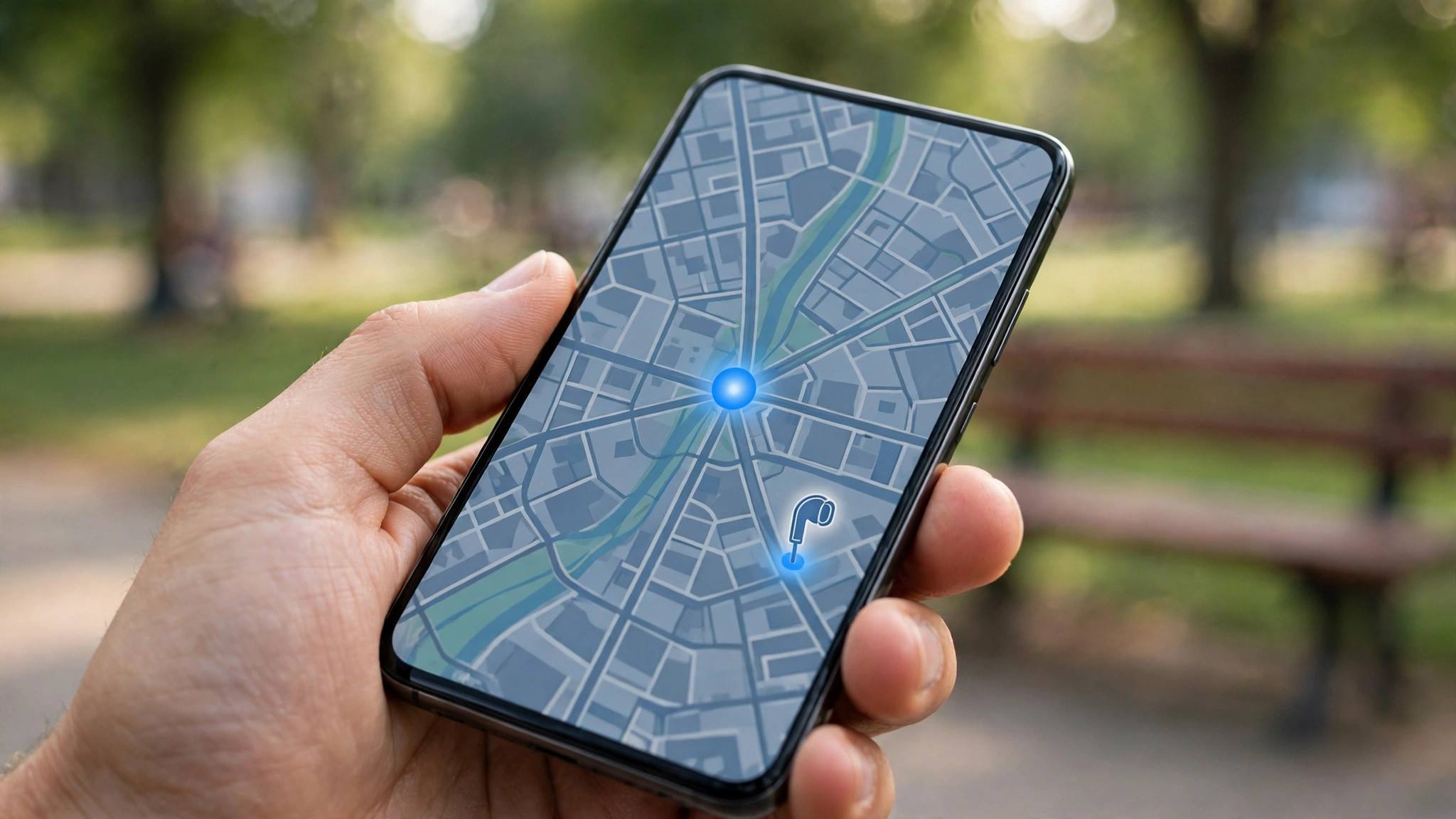
Start at the pin and think in a timeline. Where were you when the buds last connected? Check that room first, then the pockets and bags from that moment. Couch cushions, gym bags, coat pockets and car seats hide more buds than anywhere else.
Walk the route slowly with a Bluetooth scanner app open (more on those below). A dead bud gives no signal at all, but a bud with even a little charge left can pop up on a scan as you pass it. Move room by room and give the scan a few seconds in each spot.
Or maybe I should say it this way: the map finds the case, not the bud. If the pin points at your house but the sound finds nothing, the bud is probably in the house — in a pocket, a bag, or down the side of the sofa. Search the small spaces first.
If the buds are offline because they are in a closed case, the case is doing its job — it turned them off. Open the case near your phone so they wake up and reconnect, then play the sound.
How Do I Find Just One Lost Earbud?
Put the bud you still have in the case and close it. That stops it ringing and stops its signal hiding the lost one. Then search for the missing bud on its own.
Every finder app shows one bud at a time, but most people forget to silence the good bud first. With the good bud tucked away, the map and the ring belong to the lost one only.
Play the sound on the lost bud, then listen in short bursts. The chirp is quiet — about as loud as a watch alarm — so check inside shoes, under car seats, and between sofa cushions before you give up on a room.
If only the case is missing and both buds are inside it, track the case. AirPods Pro 2 and Pro 3 cases ring on their own, and Pixel Buds Pro 2 cases show on the map. Older cases can't ring, so retrace your steps instead.
Can I Track Earbuds With No Finder App?
There is no map, but a Bluetooth scanner app can still help. Sony, Bose, JBL, Jabra, Soundcore and most budget buds have no finder feature — Sony's app only shows when the buds last connected, and Bose's app has no location feature at all.
A scanner app like BLE Scanner or Wunderfind lists every Bluetooth device nearby with a signal-strength meter. Walk slowly and watch the number rise as you get closer. It only works within about 10 metres, and only while the bud has charge and is out of its case.
I've seen conflicting data — some guides say a Bluetooth scanner can spot buds 30 metres away, others say 10. My read is 10 metres is the honest number indoors, through walls and pockets.
Two more tricks cost nothing. First, play music at full volume through the buds from your phone — if they are in the room and connected, you will hear it. Second, check your phone's Bluetooth settings for the last connection time; it narrows down when they went missing.
If the buds are truly gone and the brand has no finder, a reset sometimes helps the next pair: our reset guide covers Sony, Bose, JBL, AirPods and Galaxy Buds button by button.
Should I Put an AirTag or Tile on the Case?
Yes — if you lose the case more than the buds. A tracker stuck to the case finds the case. It does not find a loose bud that fell out of it.
An AirTag in a case holder uses Apple's Find My network, so any nearby iPhone can report its spot. A Tile Mate works the same way on the Tile network. Both are cheap insurance for a case that rides in a pocket or a gym bag all day.
Find My vs SmartThings Find vs Find Hub: Find My is better suited for AirPods because Precision Finding gives on-screen arrows and the case can ring. SmartThings Find works better when you own a Galaxy phone and Galaxy Buds. The key difference is the network: Apple and Samsung lean on millions of nearby phones, while Google's finding support depends on the bud model.
Buy a holder, not a sticker. A silicone case with an AirTag slot or a Tile stuck to a keyring loop survives daily use; a tracker taped to the lid falls off in a week. If you want one, search Amazon for an Apple AirTag or a Tile Mate — both work fine for a case.
Keep it honest, though: a tracker on the case is a backup, not a fix. The finder app built into your buds is still the faster tool when a single bud goes missing.
What If My Earbuds Are Stolen?
Mark them lost in the finder app, then report them. That is the honest limit — AirPods have no Activation Lock, so a thief who resets them and pairs them to another account removes them from your Find My for good.
Lost Mode still helps: it locks the buds to your account until they are reset, and it shows your message to anyone who tries to pair them. Turn it on the moment you suspect theft, not days later.
Write down the serial number from the case or the original box, and give it to the police if you file a report. The number is also what Apple, Samsung or Google ask for if you claim a replacement under warranty or insurance.
Don't go after them yourself. If the map shows your buds at a stranger's address, hand the location to the police. A $200 pair of buds is not worth a confrontation.
How Much Does Replacing One Lost Earbud Cost?
Apple charges about $69 for one standard AirPod and about $89 for one AirPods Pro bud. A replacement case runs about $59 to $99 depending on the model. Prices change, so confirm on Apple's site before you order.
My take: if the buds cost under $50, twenty minutes of searching is enough — your time is worth more than the bud. For AirPods Pro or Galaxy Buds Pro, keep looking; a single replacement bud costs nearly half a new pair.
AppleCare+ does not cover a lost bud. The $29 incident fee covers damage only, so a lost bud costs the full replacement fee even with AppleCare+. That surprises a lot of people — check your cover before you assume you are protected.
Samsung and Google sell single buds too, but prices vary by model and change often. Check Samsung's parts store or Google Store support for your exact model, and compare the single-bud price with a new pair before you pay.
Before you spend anything, give the buds one last check: clean the mesh and the case contacts. A bud that went quiet is sometimes just dirty, not dead — our cleaning guide shows the five-minute fix.
How Do I Stop Losing My Earbuds?
Build one habit: the buds live in the case, and the case lives in one pocket. Most lost buds were never really lost — they were set down "for a second" on a gym bench, a café table, or a car roof.
Turn on the alerts before you need them. Apple's Notify When Left Behind and Samsung's Notify when left behind both buzz your phone the moment you walk away from your buds. Two minutes of setup saves a lost afternoon.
A few more habits that work:
- Same pocket, every time. Pick one pocket for the case and never use another.
- Case closed, buds in. A bud in an open case on a table slides out with one bump.
- Clip it on. A carabiner on the case loop keeps it on a bag, not at the bottom of it.
- Check before you leave. Pat the pocket when you stand up from a café, a train seat, or a gym bench.
- Name them clearly. A clear Bluetooth name ("Sam's AirPods") stops a stranger pairing them by accident.
Short version: the finder app is your rescue plan, but habits are the real fix. Set the alerts today, while the buds are in your hand.
Frequently Asked Questions
What's the fastest way to find lost Bluetooth earbuds?
Open your finder app — Find My, SmartThings Find or Find Hub — check the map, then tap Play Sound. It takes under five minutes when the buds still have charge.
Can I track my earbuds if the battery is dead?
Only partly. Dead buds can't ring or show a live dot, but the app still shows the last known location. Start searching there.
Why does Find My show only one AirPod?
Find My tracks each AirPod on its own. It shows the bud that is connected or last seen — put the found bud in the case so it shows the missing one.
Can someone else use my stolen AirPods?
Yes, once they reset them. AirPods have no Activation Lock, so a reset pair can join another Apple ID. Mark them lost first to slow that down.
How do I find my earbuds if they're not connected?
Check the last known location in your finder app, then walk the route with a Bluetooth scanner app like Wunderfind. A bud out of range shows nothing live.
Should I put an AirTag on my earbud case?
Yes, if you lose the case often. An AirTag or Tile finds the case through a phone network — but it can't find a loose bud that fell out.
When should I just buy a replacement bud instead of searching?
When the search passes 20 minutes on buds under $50, or the map shows nothing after a full retrace. A single Apple bud costs about $69 to $89.