Can Bluetooth Headphones Work Without a Phone? (2026)

Your phone is dead, left at home, or locked in a gym locker. Your earbuds are charged. You put them in, tap play — and get silence. It feels like they should just work. They don't.
Here's the thing: your headphones were never the music player. They're the speaker. Something else has to hold the songs and send them over Bluetooth, and that something does not have to be a phone.
The short version: Yes, Bluetooth headphones work without a phone — they just need another music source. A smartwatch with downloaded songs is the easiest swap for runs and the gym. A laptop, tablet, TV or MP3 player works too. A small group of earbuds stores music inside itself. With no source at all, normal headphones stay silent, though noise cancelling still runs.
Can Bluetooth Headphones Work Without a Phone?
Yes. Bluetooth headphones need a music source, not a phone. Pair them with a smartwatch, laptop, tablet, TV or MP3 player and they play as normal. Only headphones with built-in storage can play music with no second device at all.
Can Bluetooth headphones work without a phone? Yes — Bluetooth is a short-range radio link between two devices, and either end can be something other than a phone. According to the Bluetooth standard, headphones act as the receiving end, so any paired source that sends audio works. The phone is just the most common source.
Whether Bluetooth headphones work without a phone depends on where your music lives. According to Apple, Samsung and Garmin watch guidance, downloaded songs stored on the watch play through paired earbuds with no phone nearby. Streaming, by contrast, still needs a data link on the source device.
Bluetooth headphones without a phone still need power, pairing and range. According to typical Bluetooth range guidance, the link holds for about 10 metres in open air, less through walls and bodies. Our guide on how far Bluetooth headphones can work explains why your body blocks the signal on a run.
Bluetooth headphones work without a phone refers to using any non-phone source — or built-in storage — to send music to your headphones. The headphones only turn that signal into sound. No source means no music, no matter how good the headphones are.
Look — if you want music on a run and you're sick of carrying a phone, here's what actually works: download songs to a watch, pair once at home, and leave the phone behind. Or maybe I should say it this way: move the library, not the headphones.
One source is enough.
What Happens If You Turn Them On With No Phone Nearby?
Mostly silence. Normal earbuds and headphones hold no songs, so with nothing paired in range they wait quietly. You may still hear power beeps, a pairing prompt, and noise cancelling — but no music starts by itself.
Think of headphones as a speaker with a radio. The radio can only play what it receives. No paired device in range means nothing arrives, so nothing plays. It's not a fault. It's how the link works.
Some parts still run. Noise cancelling uses microphones and chips inside the headphones, so it works with no source at all — handy for quiet on a plane. Transparency mode, volume buttons and battery lights also work. Voice assistants and app controls do not, because those live on the phone.
Quick note: a few models play a short tone or voice prompt when they fail to find a device. That sound comes from the headphones themselves, not from a hidden music library. If yours stay silent and won't pair later, our guide on why Bluetooth headphones won't connect walks through the fixes in order.
Silence is normal here.
What Can Play Music to Them Instead of a Phone?
Plenty of devices. Smartwatches, laptops, tablets, smart TVs, MP3 players and games consoles can all send Bluetooth audio. If a device has no Bluetooth, a small transmitter plugged into its headphone jack adds it.
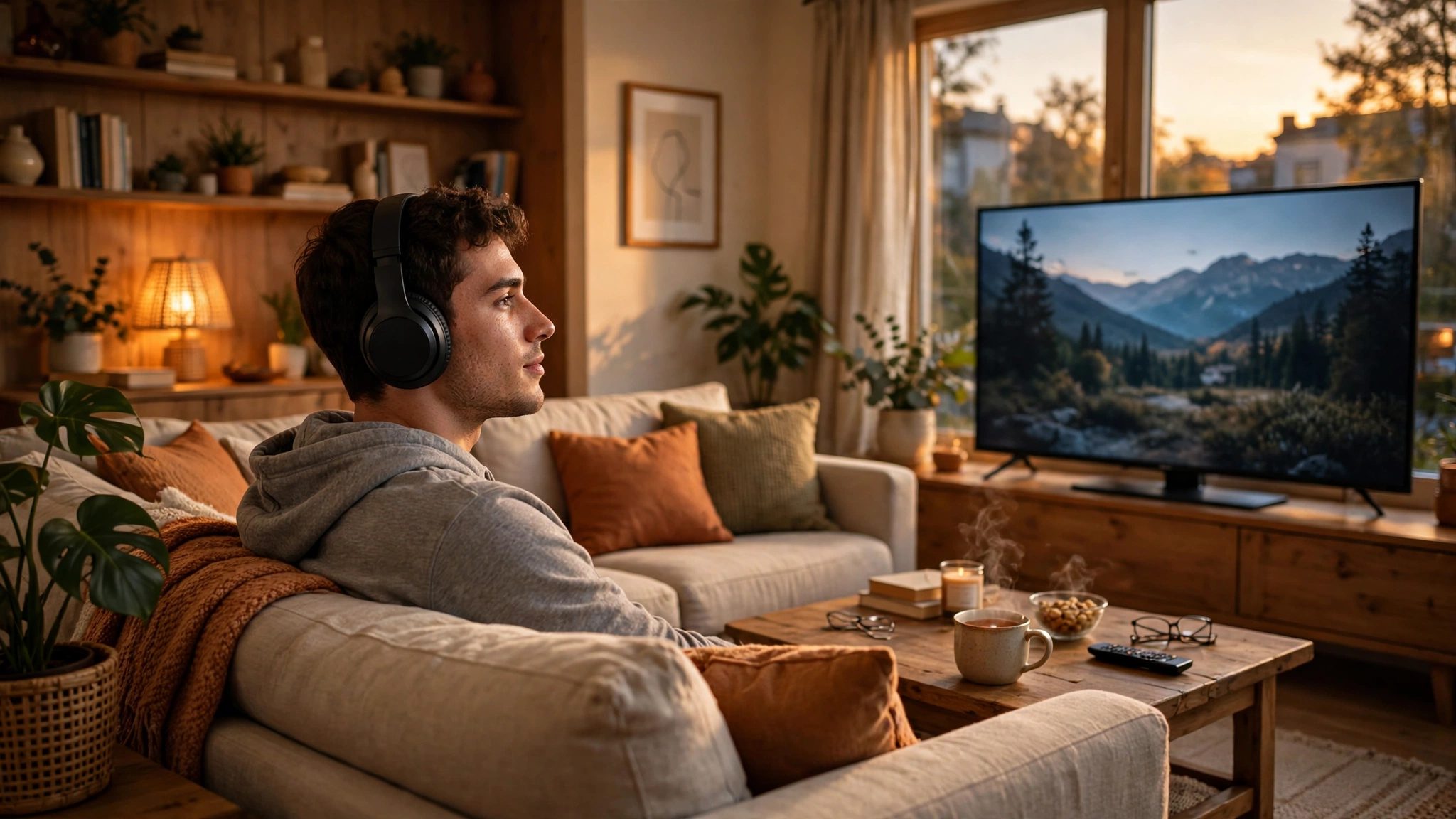
Pick by where you listen. At a desk, a laptop is already there. In the living room, the TV does the job. Outdoors, a watch or a small MP3 player keeps the load light. Each source pairs the same way: pairing mode on the headphones, then pick them in the source's Bluetooth list. Our pairing guide covers the button presses model by model.
| Music source | Best for | What to know |
|---|---|---|
| Smartwatch | Runs, gym, walks | Download songs first; streaming needs Wi-Fi or a cellular plan |
| Laptop or desktop | Desk work, calls | Works offline with stored files; fine for video calls too |
| Tablet | Travel, home | Big screen for picking songs; easy offline downloads |
| Smart TV | Late-night viewing | Check lip-sync delay; some TVs add a small lag |
| MP3 player | Phone-free training | Cheap, tiny, long battery; you manage files yourself |
| Bluetooth transmitter | Old TV, plane seat, console | Plugs into a headphone jack and sends Bluetooth audio |
| Headphones with storage | Swimming, minimal kit | Music lives in the earbuds; smaller choice of models |
Two traps catch people. First, some consoles and TVs limit Bluetooth audio or add delay, so check before a big film night — our guide on using Bluetooth headphones with a TV covers the settings that matter. Second, a transmitter fixes old gear fast: see our Bluetooth transmitter picks and wireless audio adapter guide if your TV or player has no Bluetooth of its own.
Old gear can join in.
Can a Smartwatch Replace Your Phone?
For music, yes. Download playlists to the watch, pair your earbuds to the watch, and play with the phone left at home. Apple Watch, Galaxy Watch, Pixel Watch and music-ready Garmin models all support this.
The watch becomes the music player; the earbuds stay the speaker. Downloads sync over Wi-Fi while the watch charges, and most streaming apps need a paid plan for offline songs. Your own MP3 files work too on many models, with no subscription at all.
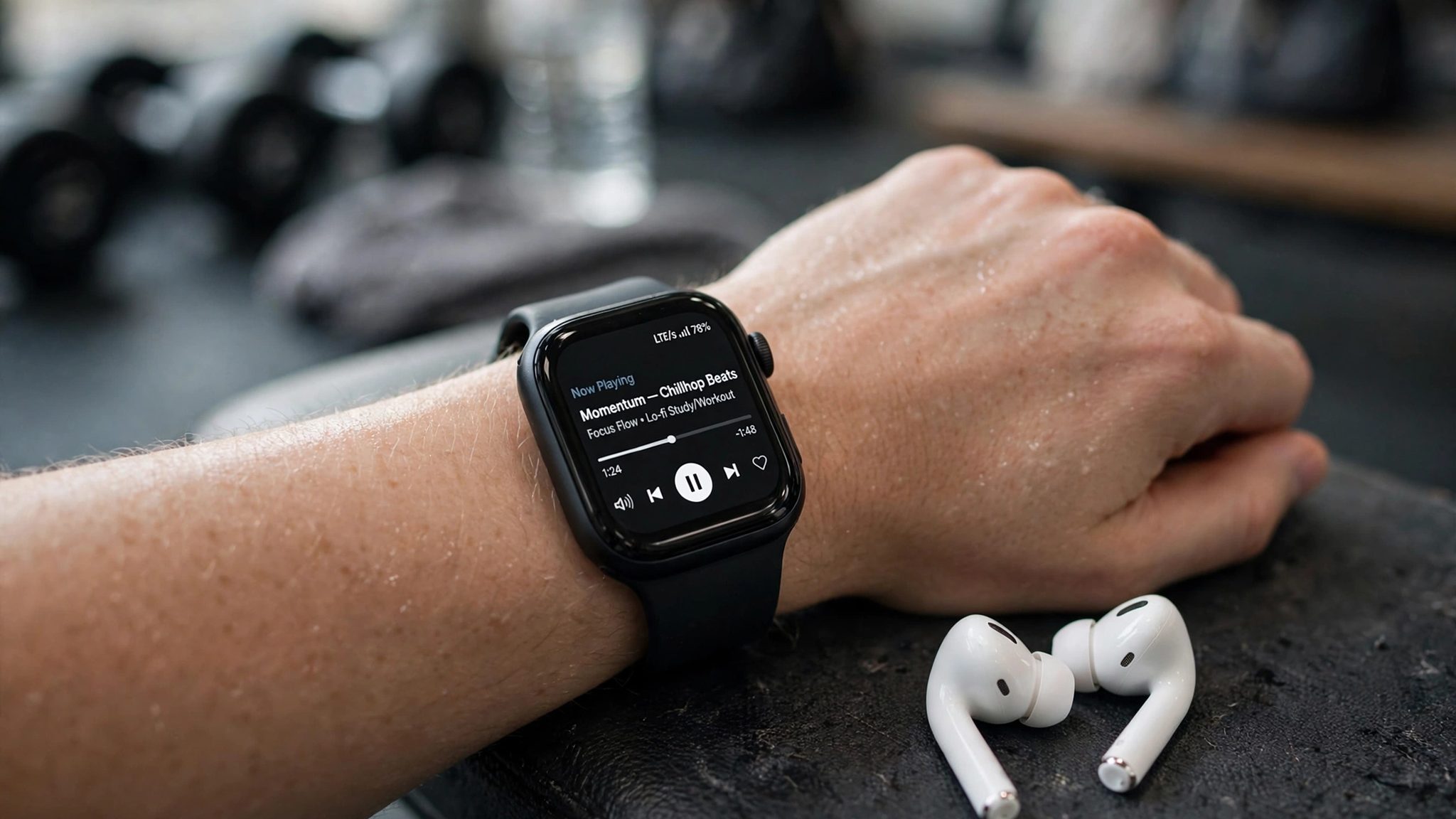
I've seen conflicting data on watch battery life with music playing — some sources promise a full day, others warn of a fast drain. Both can be true. GPS tracking plus Bluetooth music pulls hard on a small battery, so a long run with both running eats far more than music alone. My read is simple: charge the watch before a long session and treat maker claims as best-case.
Range matters more outdoors. A watch on your left wrist and an earbud in your right ear put your body between them, which can cause dropouts. Many runners fix this by wearing the watch on the same side as the main earbud. Our sport earbuds guide ranks pairs that hold a signal well on the move, and our battery life guide explains why playback hours shrink with noise cancelling on.
Watch plus buds. Done.
Can Headphones Play Music by Themselves?
A few can. Earbuds and headphones with built-in storage hold songs inside the device, so they play with no phone, watch or player nearby. Most mainstream models lack this — storage is a niche feature, common in swim and training earbuds.
These models work like a tiny MP3 player wearing earbuds. You copy songs over by cable or sync, then press play on the earbud itself. Storage usually runs from a few hundred songs to around a thousand, which covers weeks of workouts. File support and controls vary, so read the fine print before buying.
Smartwatch vs built-in storage: a smartwatch is better suited for most people because it adds GPS, apps and easy playlist syncing. Built-in storage works better when you want one device only, such as in the pool. The key difference is features versus simplicity.
Here's my honest take: most people should skip storage earbuds. A watch you already own does the same job with a screen, better apps and no file copying. Storage earbuds earn their keep in one place — swimming, where Bluetooth cannot reach through water and only onboard music plays. Everywhere else, they're a solution looking for a problem.
One device. Fewer features.
What Still Needs Your Phone?
Setup and smart features. First-time setup, firmware updates, custom equaliser settings and voice assistants usually need the phone app. Calls need a calling device — a cellular watch or laptop can stand in, but headphones alone cannot dial.
Day-to-day playback needs no phone once pairing is done. The phone matters at the edges: updating software, changing button controls, checking battery levels in an app, or finding lost earbuds. Plan for a phone session now and then, even in a phone-free routine.
Calls split the same way. Headphones carry the microphone and speaker, but another device must hold the call. A cellular watch or a laptop running a calling app fills that role. A Bluetooth-only watch with no phone nearby cannot call anyone.
Multipoint helps when you switch sources often. It keeps headphones linked to two devices at once, so a laptop and watch can share one pair. Our explainer on Bluetooth multipoint shows which models support it and how switching behaves. If gaming is your main use, our guide on Bluetooth headphones for PC gaming covers the delay trade-offs.
Setup needs a phone. Playback doesn't.
How Do I Set Up Phone-Free Listening?
Five steps cover it: pick a source, load music for offline play, pair once, test away from the phone, and charge both devices. Do the setup at home, not at the start line.
To use Bluetooth headphones without a phone, follow these steps: 1. Pick a watch, laptop, TV or player. 2. Download songs for offline play. 3. Pair the headphones to that source. 4. Test with the phone far away. 5. Charge both devices fully.
- Pick your source. A smartwatch suits runs and the gym; a laptop or TV suits home. Choose the device you'll actually carry or sit near.
- Load music offline. Download playlists while the watch or player charges on Wi-Fi. Streaming away from home needs a data link, so downloads are the safe bet.
- Pair once. Put the headphones in pairing mode and select them in the source's Bluetooth settings. They reconnect on their own after that.
- Test before you leave. Play a song, walk to another room away from the phone, and confirm the music keeps going. Fix dropouts now, not mid-run.
- Charge both. Bluetooth playback drains the source as well as the headphones. Start full, especially with GPS tracking running.
Still choosing headphones for this job? Our guide on how to choose Bluetooth headphones covers fit, battery and controls in plain terms, and our true wireless earbuds guide ranks the mainstream picks worth pairing.
Set it up once.
Frequently Asked Questions
Can Bluetooth headphones work without a phone?
Yes. They need a music source, not a phone. A smartwatch, laptop, tablet, TV or MP3 player works, and a few models store music themselves.
Why is there no sound when I turn my earbuds on?
Normal earbuds hold no music. With no paired device in range they wait in silence, apart from beeps and noise cancelling. Pair a source first.
Can I listen to music on a run without my phone?
Yes. Download songs to a smartwatch or use earbuds with built-in storage, pair them once at home, then leave the phone behind.
Do Bluetooth headphones need Wi-Fi or internet?
No. Bluetooth sends sound device to device. Internet only matters for streaming apps and voice assistants, not for the headphone link itself.
Can I make calls without a phone?
Only through another calling device. A cellular smartwatch or a laptop app can carry the call; headphones alone cannot dial anyone.
Should I buy earbuds with built-in storage?
Only if you run or swim phone-free often. Most people get the same freedom from a smartwatch they already own, with better apps.
How do I pair headphones to a TV or laptop?
Put the headphones in pairing mode, open Bluetooth settings on the TV or laptop, pick the headphones, and press play. Pair once; they reconnect later.