How to Update Bluetooth Headphone Firmware (2026)

Your headphones keep cutting out. Or one earbud sounds quiet. You tried turning them off and on again, and you paired them again too.
One fix is still left. The software inside the headphones may be old.
The short version: Open the maker's app, connect your headphones, and tap the update prompt. Charge first. Keep the phone close. Do not close the app until it says done. AirPods update on their own while charging near an iPhone, iPad or Mac.
How Do I Update Bluetooth Headphone Firmware?
Use the maker's own app. Connect the headphones, open the device page, and install any update it offers. Charge the headphones and case first, and keep the phone close until the app confirms the new version.
Updating Bluetooth headphone firmware means installing the maker's latest software inside the headphones. According to Sony, you install the latest headset software using the Sony Sound Connect app to gain new functions or fix issues. The app downloads the software, sends it over Bluetooth, and installs it on the headphones.
How to update Bluetooth headphone firmware is defined as installing the maker's new software through its official app. The app checks your model, downloads the right file, and installs it.
Bluetooth headphone firmware updates fix bugs, improve connections, and sometimes add features. According to Apple, AirPods firmware updates are delivered automatically while AirPods charge in Bluetooth range of an iPhone, iPad or Mac on Wi-Fi. Other brands ask you to tap install in their app.
Look — if your headphones cut out, won't pair right, or one bud sounds wrong, don't buy new ones yet, because a free update fixes a lot of these faults.
Start with the app.
One catch matters. The update must match your exact model. A file for a near twin model can fail or cause harm. The official app handles this check for you, which is why it beats random download sites.
How Do I Check My Current Firmware Version?
Open the maker's app and look on the device or About page. On AirPods, check Settings, then Bluetooth, then the info button. Write the number down before you update, so you can prove it changed.
Checking your headphone firmware version takes under a minute in the app. According to Bose, you open the product in the Bose app, tap the gear icon, then open Technical Info to see the firmware version. Sony, Samsung and most other apps put the version on a similar About page.
| Brand | App or place | Where the version sits |
|---|---|---|
| Apple AirPods | iPhone Settings | Bluetooth, info button, About section |
| Sony | Sony Sound Connect | Device page, software version |
| Bose | Bose app | Gear icon, Technical Info |
| Samsung Galaxy Buds | Galaxy Wearable | Earbuds settings, About earbuds |
| Most other brands | Maker's app | Device, About or Firmware page |
No update prompt does not always mean you are current. Some apps hide the check under settings. Others roll updates out slowly by region. Check the version, then check again in a few days.
Write the number down.
How Do I Update Them Step by Step?
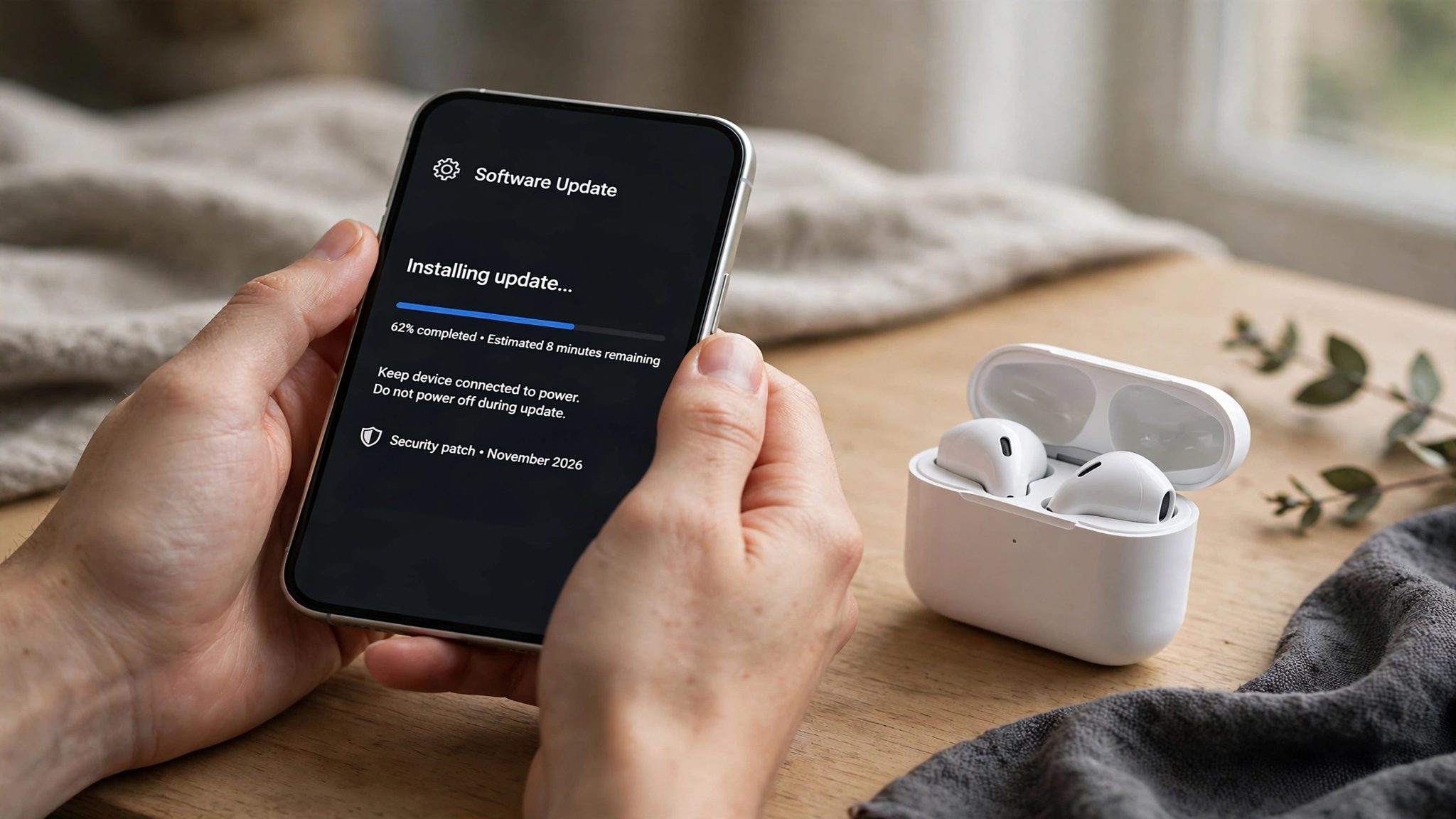
Charge first, update the app, connect, then install and wait. Keep the phone close and the app open. When it finishes, check the version again and test sound, calls and pairing.
To update Bluetooth headphone firmware, follow these steps: 1. Charge headphones and case. 2. Update the maker's app. 3. Connect over Bluetooth. 4. Tap install update. 5. Wait, then verify version.
- Charge first. Fill the headphones and the case. Sony asks for more than 20% battery for auto updates. A full charge is safer. Our headphone battery life guide explains charge levels.
- Update the app. Get the latest maker app from your app store. Old apps miss new updates. Skip third-party update apps.
- Connect and stay close. Pair the headphones to that phone. Keep them side by side. Turn off power saving on the phone.
- Install and wait. Tap update. Keep the app open. Do not turn Bluetooth off. Do not take calls through the headphones.
- Verify. Reopen the About page. The version should have changed. Test music, a call, and pairing. If pairing broke, see why Bluetooth headphones won't connect.
I've seen conflicting data on update time — some guides say five minutes, others say close to an hour. My read is both can be right. Bose says the transfer alone can take up to 40 minutes, while small fixes finish fast. Plan for slow.
Here's the thing: never start an update the night before a flight. My view is simple. If the headphones work fine today, update after the trip. A failed update with no time to fix it is worse than old software.
Wait for the done message.
How Do I Update AirPods, Sony, Bose and Galaxy Buds?
AirPods update on their own while charging near an Apple device on Wi-Fi. Sony, Bose and Samsung use their apps. Bose also offers a computer updater for some models. The brand table below gives each route.
| Brand | Update route | Key detail |
|---|---|---|
| Apple AirPods | Automatic, no button | Case plugged in, lid closed, near iPhone on Wi-Fi, wait 30 minutes |
| Sony | Sony Sound Connect app | Follow on-screen steps; auto update can run at night when off |
| Bose | Bose app or computer updater | App downloads first, then you tap Install Update |
| Samsung Galaxy Buds | Galaxy Wearable app | Earbuds software update, then Download and install |
| JBL, Jabra, Soundcore, Sennheiser | Maker's app | Look for Firmware update on the device page |
App update vs automatic update: an app update is better suited for most brands because you control when it runs. Automatic updates work better when you forget, as with AirPods. The key difference is control versus convenience.
AirPods have no update button. That trips people up. Plug the case in, close the lid, keep your iPhone close on Wi-Fi, and wait at least 30 minutes. Then check the version again.
Sony owners need a phone. Sony Sound Connect runs on iPhone and Android, not as a Mac or PC app. Borrow a phone if you only use a computer. Your computer pairing stays saved on most models.
Or maybe I should say it this way: the brand decides the route, not you.
Why Won't My Headphones Update?
Low battery, a weak Bluetooth link, an old app, or power saving mode stops most updates. Charge fully, update the app, move the phone close, turn off power saving, and try again in a quiet spot.
Work through the list in order. Charge the headphones, case and phone. Update the app. Close other apps. Disconnect other Bluetooth gear, like a watch. Sony warns that other Bluetooth Low Energy devices can block updates.
Still stuck? Forget the headphones in Bluetooth settings, pair them fresh, and retry. Our pairing guide shows the clean way. A reset can help too, and our reset guide covers the safe order.
Do not interrupt a stuck install by force if you can avoid it. Wait. Many apps resume after a restart. If the headphones stop responding, charge them, then follow the maker's recovery steps for your exact model.
Quick note: a missing update is not always a fault. Your model may already run the latest software. Old models may get no new updates at all.
Retry calmly, once.
What If My Headphones Have No App?
Many cheap headphones have no app and no updates. That is normal. Check the maker's support page for your exact model. If it lists no update, there is nothing to install — a reset is your main fix.
Budget brands often ship fixed software. No app means no update route. No-name download sites that promise firmware files are a risk. Wrong files can break working headphones.
Use the fixes you do have. Reset the headphones. Pair them fresh. Clean the charging contacts. If one side stays silent, our guide on one side not working works through the causes.
Buying next time? App support is worth checking before you pay. Our guide on how to choose Bluetooth headphones lists what to check, and updates belong on that list.
No app, no update.
Frequently Asked Questions
How do I update my Bluetooth headphones?
Open the maker's app, connect your headphones, and tap the update prompt. Charge first, keep the phone close, and wait for the done message.
How do I check my headphone firmware version?
Open the maker's app and check the device or About page. On AirPods, go to Settings, Bluetooth, then the info button and About section.
Why won't my headphones update?
Low battery, an old app, power saving mode or a weak Bluetooth link stops most updates. Charge fully, update the app, and keep the phone close.
How long does a firmware update take?
It varies. Small fixes take minutes. Bose says transfers can take up to 40 minutes. AirPods need at least 30 minutes plugged in near your iPhone.
Can I update headphones without the app?
Some Bose models update by computer. AirPods update on their own near an Apple device. Most other brands need the maker's app — there is no safe shortcut.
Should I update if my headphones work fine?
Usually yes, updates fix bugs and security flaws. But skip it right before a trip. Update when you have time to fix a failed install.
What happens if I turn my headphones off mid-update?
The update may fail or leave the headphones stuck. Recharge them, reopen the app, and retry. If they stay unresponsive, follow the maker's recovery steps.