How to Charge Bluetooth Headphones Without Charger (2026)

Your headphones just died. The charger is at home, or in a hotel room two cities away. A flight, a call or a long drive starts soon.
Good news: you probably own everything you need already. A phone cable and any USB port will do it.
The short version: Match the cable to the port, then plug into any 5V USB source — phone charger, laptop, power bank or car port. The headphones control the power they take, so a normal phone charger is safe. The one hard case is earbuds with no case: buds have no port, so they need their case.
How Do I Charge Bluetooth Headphones Without a Charger?
Use any cable that fits the port, plus any standard USB power source. Phone chargers, laptop ports, power banks and car USB ports all charge Bluetooth headphones. The original charger is not special.
Charging Bluetooth headphones without their original charger works with any standard USB power source. According to the USB Battery Charging specification, USB charging starts at 5 volts, which is what most headphones expect. A phone charger, laptop port, power bank or car USB port can all fill the battery safely with a matching cable.
Charging Bluetooth headphones without a charger means powering them from any standard USB source instead of the parts in the box. A matching cable plus a 5V source does the same job.
Using a phone charger for Bluetooth headphones is safe because the headphones control how much power they draw. A charger's amp rating is the most it can give, not a dose it forces in. Modern chargers and headphones agree on safe power levels before charging starts, so a standard phone charger will not overfill a headphone battery.
First, work out what you actually lost. Lost the wall plug? Easy — any USB source replaces it. Lost the cable? You need one with the same plug shape. Lost the earbud case? That one is harder, and we cover it below.
Look — if your flight boards in an hour, don't waste time hunting for the exact charger you left behind, because you don't need it and any cable that fits will start charging right now.
Any USB source works.
What Power Sources Work Best?
A phone wall charger is fastest. A laptop port is slowest but always there. A power bank works well once you switch on its low-power mode. Car and TV USB ports work too, with small catches.
Power banks sometimes stop charging earbuds because earbuds draw so little power. According to Anker's support guidance, trickle charging mode keeps a low, steady output for earbuds and stops the bank switching itself off. On many Anker models you turn it on with a double-press of the power button, and a small light confirms it.
| Power source | Speed | Watch out for |
|---|---|---|
| Phone wall charger | Fastest, full speed | Use a known brand, not a no-name one |
| Power bank | Fast, if it stays on | May switch off — turn on trickle mode |
| Laptop or computer USB | Slow, older ports slowest | Some ports stop when the laptop sleeps |
| Car USB port or adapter | Medium to fast | Many cars cut power when parked |
| TV or games console USB | Slow | Power often stops in standby mode |
| Phone, cable to cable | Slow | Drains your phone battery fast |
Laptop port vs power bank: a laptop port is better suited for a desk top-up because it never switches itself off. A power bank works better when you are away from plugs. The key difference is patience versus portability.
Here's the thing: most guides push the power bank first. My read is the opposite. At a desk, the laptop port wins — it just works, with no mode to switch on. Save the power bank for planes and trains. Our headphone battery life guide explains what the charge-time numbers on the box really mean.
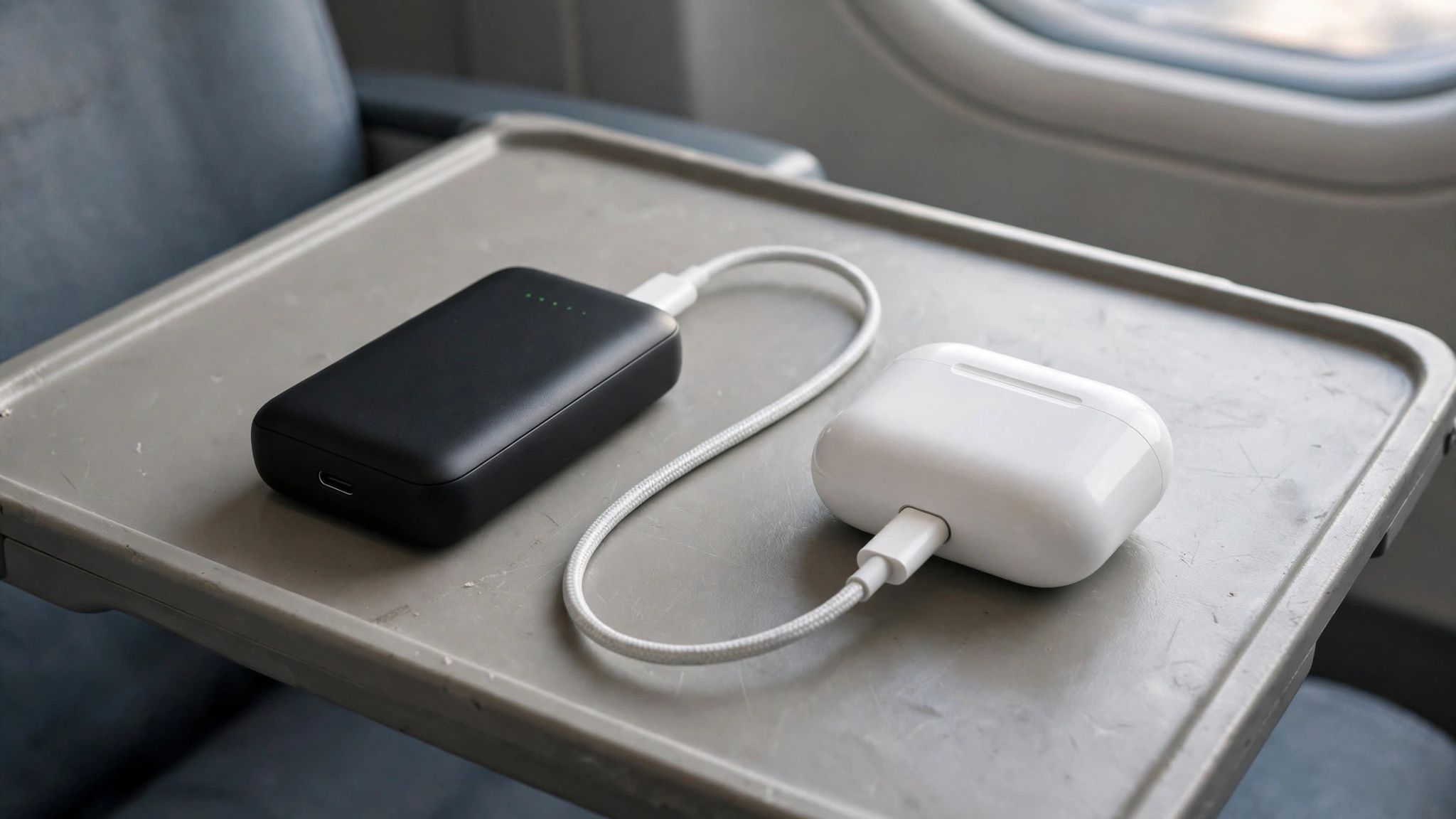
Speed matters less than you think. Lithium batteries do not need a full charge. A short top-up while you pack can buy hours of listening on many models. Partial charging does not harm the battery.
Slow still counts.
Is It Safe to Charge Headphones With a Phone Charger?
Yes. Almost all Bluetooth headphones charge at 5 volts, and the headphones decide how much current to take. A standard phone charger from a known brand is safe. The real risk is a cheap, no-name charger.
I've seen conflicting data on this — some guides say a strong phone charger will fry your headphones, others say any charger is fine. My read sits with the second group, with one catch. The amp number on a charger is a ceiling. Your headphones sip what they need. They cannot be force-fed.
Fast-charge phone chargers are fine too. They start at 5 volts and only raise the power if the device asks for it. Headphones never ask. So they charge at the normal, gentle rate.
The catch is quality. A no-name charger with fake safety parts can send dirty, unstable power. That can heat a battery and shorten its life. Stick to chargers from brands you know. Or maybe I should say it this way: the brand matters more than the numbers.
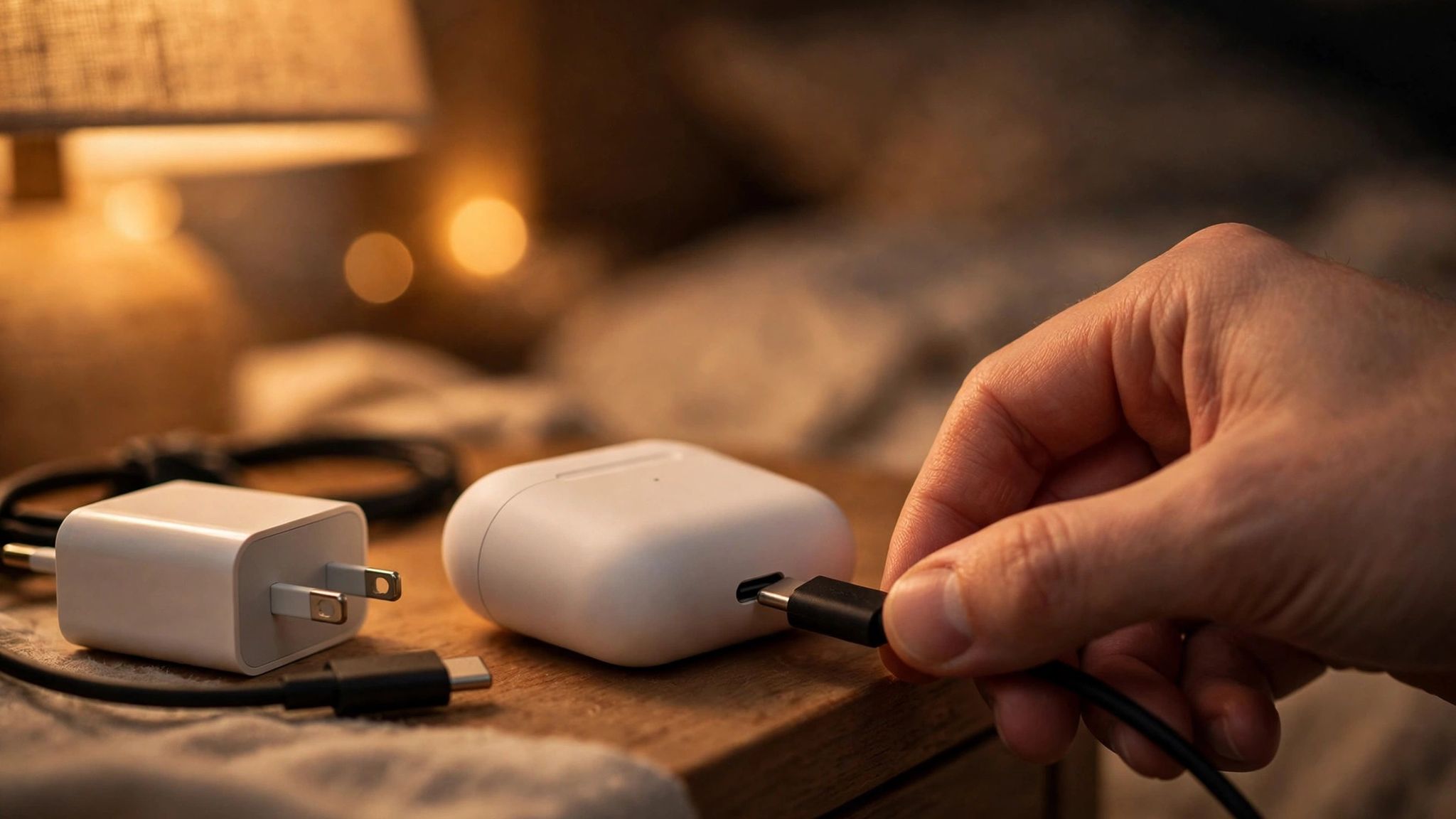
Heat is your warning sign. Warm is normal. Hot is not. If the headphones or case feel hot, unplug them and let them cool. A swollen case or a battery that bulges means stop for good and contact the maker.
Brand beats wattage.
How Do I Charge Them Step by Step?
Check the port, grab a matching cable, plug into any 5V USB source, and confirm the charging light. Switch the headphones off while they charge. That is the whole job.
To charge Bluetooth headphones without the original charger, follow these steps: 1. Check the charging port shape. 2. Find a cable that fits. 3. Plug into a 5V USB source. 4. Confirm the charging light. 5. Charge with headphones off.
- Check the port. Look at the headphones or the earbud case. Most new models use USB-C, the small oval plug. Older ones use micro-USB, the wider flat plug.
- Find a matching cable. Your phone cable often fits. The plug should slide in with light pressure. Never force it.
- Plug into a 5V source. A phone charger, laptop port, power bank or car port all work. Use a short, sound cable — a frayed one charges slowly or not at all.
- Confirm it is charging. Look for the light or battery icon. If a power bank switches off after a minute, turn on its trickle or low-current mode and try again.
- Charge switched off. Off means faster and cooler. If your pair will not pair after charging, our guide on why Bluetooth headphones won't connect works through the fixes.
Still dead after an hour on a known-good source? The battery itself may be worn out. Our guide on how long Bluetooth headphones last shows the signs of a dying battery.
Light on means charging.
What If I Lost the Cable or the Earbud Case?
A lost cable is cheap to replace — match the port shape. A lost earbud case is the hard one. Earbuds have no charging port, so they can only charge inside a case made for that exact model.
| Port | Found on | Replacement cable |
|---|---|---|
| USB-C | Most headphones and cases sold now | Any USB-C cable, phone cables included |
| Micro-USB | Older and budget models | Any micro-USB cable |
| Lightning | Older AirPods cases | An Apple Lightning cable |
| Magnetic pins | Some neckbands and older models | Only the maker's own cable |
Over-ear and neckband headphones charge through a port on the headphones themselves. A matching cable fixes them. Earbuds are different. The buds carry tiny metal contacts, and the case holds the pins, the battery and the charge control. No case means no charge.
Three honest options exist. Borrow a case for the same model — the buds charge in it. Buy a replacement case for your exact model from the maker. Or, if your case supports wireless charging and you still have the case, rest it on a Qi charging pad with no cable at all. Our earbud charging case guide covers what to check before buying one.
Quick note: a case from a different model will not work, even from the same brand. The pins and fit differ. Match the model name exactly.
No case, no charge.
What Should I Never Do?
Never wire batteries or bare wires to your headphones. Never force a plug that does not fit. Never charge a wet pair, a swollen battery, or anything that smells burnt. These tricks kill headphones — and can start fires.
Some guides online suggest charging earbuds with a 9V battery and loose wires. Do not. That skips every safety circuit the case provides. The battery inside an earbud is tiny and easy to overfill. Overfilled lithium batteries swell, vent hot gas, or catch fire.
The same goes for home-made pin rigs and cut-up cables. If the proper route needs a case or a maker cable, buy that part. It costs less than new headphones. It is also far cheaper than a fire.
Wet headphones need drying first, not power. Our guide on whether Bluetooth headphones can get wet gives the safe drying steps. Charge last, after a full day dry.
Safe beats clever.
Frequently Asked Questions
How do I charge my Bluetooth headphones without the charger?
Use any matching USB cable and a 5V power source. A phone charger, laptop port, power bank or car USB port all work. Check the charging light comes on.
Can I charge my headphones with a phone charger?
Yes. Most headphones charge at 5V, and the headphones control how much power they take. A bigger charger rating is a ceiling, not a forced dose.
Can I charge earbuds without the case?
Almost never. Earbuds have no charging port — the case holds the pins and charge control. Borrow the same case or buy a replacement case for your exact model.
Why does my power bank turn off while charging earbuds?
Earbuds draw very little power, so the bank thinks nothing is plugged in. Turn on its trickle or low-current mode, often a double-press of the power button.
How long does a laptop USB port take to charge headphones?
Longer than a wall charger. Older USB ports give less power, so expect a slow charge. A short top-up still buys useful listening time.
What cable do I need if I lost mine?
Match the port on your headphones: USB-C on most new models, micro-USB on older ones. A few older pairs use special magnetic cables only the maker sells.
Is it safe to charge headphones while using them?
Usually yes, if your model allows it, but charging is slower and warmer. For the fastest, coolest charge, switch the headphones off while they charge.