Why Is My PS5 Overheating? (2026 Guide)

A PS5 that shuts down mid-game, throws a "too hot" warning, or sounds like a jet engine is not necessarily broken. In most cases the cause is one of three things, in this order: the console cannot breathe where it sits, dust has choked its vents and fan, or — on older launch-era consoles — the liquid-metal cooling layer has shifted. This guide diagnoses which one you have from the symptom, then fixes them in the order a repair technician would, cheapest and safest first.
The short version: if it only happens in a closed cabinet or on carpet, move it. If the fan is loud everywhere and the console is a few years old, clean it. If it still shuts down within minutes after a proper clean, stop opening it and get it repaired — that last step is a liquid-metal or fan job, not a settings fix.
Is My PS5 Actually Overheating, or Just Working Hard?
A warm console with a fan you can hear during a demanding game is normal; a warning message, a shutdown, or a fan screaming at the home screen is not. The PS5 pushes a lot of heat through one chip, so hot air from the rear vents and a fan that ramps up under load are signs the cooling system is doing its job. Match your symptom to the row below before changing anything — each one points at a different cause.
| What you see | What it usually means | Do this first |
|---|---|---|
| Warm air from the rear vents, fan audible in demanding games | Normal cooling under load | Nothing — unless it is new behaviour |
| Fan loud all the time, even at the home screen | Blocked airflow or dust buildup | Placement check, then vent clean |
| "Your PS5 is too hot" warning on screen | Thermal limit reached; shutdown is next | Power off, cool down, then the fix order below |
| Console shuts off mid-game, restarts only after cooling | Thermal protection tripped | Cool fully, then diagnose — do not keep restarting it |
| Grinding, clicking, or rattling from the fan | Failing fan bearing, not dust | Repair — cleaning will not fix a bearing |
| Freezing, stuttering, or graphical glitches plus heat | Heat-related throttling or a deeper fault | Clean and re-test; if glitches persist, repair |
| Only one game overheats it | That game pushes sustained maximum clocks | Check that game's performance mode and the placement section |
One test separates "my room is hot" from "my console is sick": move the PS5 to open air on a hard surface, give it clearance on all sides, and play the same game for 30 minutes. If the noise and heat drop sharply, placement was the problem all along. If nothing changes, work through the cleaning section — the fault is inside the console, not around it.
Why Does My PS5 Keep Turning Off by Itself?
Because the console is protecting itself: when its internal temperature passes a safe limit, it shuts down rather than cook its own chip. A thermal shutdown is a safety feature, not proof the console is dead — but it is proof something is wrong, and repeatedly powering straight back on is the one thing you should not do.
When it shuts down, do this: power it fully off, unplug it, and let it cool for at least 30 minutes in open air. Do not restart it into the same game in the same closed cabinet — that just repeats the shutdown and adds heat stress each time. Once it is cool, check the two things that cause most shutdowns: is it sitting in an enclosed cabinet, on carpet, or pressed against a wall, and are its vents visibly dusty? If either answer is yes, fix that first (next sections) and re-test with the same game that shut it down.
If shutdowns happen within a few minutes of starting any demanding game even after a move and a clean, the cause is almost certainly internal: a dust-clogged heatsink the surface clean could not reach, a fan that is not spinning properly, or liquid metal that has migrated off the chip on an older console. That is the repair section at the end of this guide, not another settings change — no firmware update or rebuild fixes a dry patch on the chip.
Also rule out the non-heat lookalike: a console that loses power randomly, including at the home screen and without any heat or warning, may have a power-supply fault rather than a cooling fault. Heat shutdowns follow a pattern — demanding games, rising fan noise, then a warning or a cut-out. Random cut-outs with no pattern deserve a repair diagnosis on their own terms.
Why Is My PS5 Fan So Loud?
Because the fan is compensating: when airflow is restricted or heat transfer is poor, the only lever the console has left is spinning faster. A fan that gets louder as a game gets more demanding is normal. A fan that stays loud at the menu, or that has recently become much louder than it used to be on the same games, is telling you something changed — usually dust, placement, or both.
- New loudness on old games is the key signal. If the same game in the same room used to be quiet and now is not, the console's cooling has degraded — dust buildup is the usual reason, and it builds gradually, so the change creeps up on you.
- Constant loudness, even idle, points at blocked intake. Check the cabinet first: a console in a closed TV unit recirculates its own hot exhaust, so the fan can never win. The same applies to a console on thick carpet, where the bottom intake is choked, and to one with objects stacked on top of it or pressed against its vents.
- Grinding, clicking, or rattling is a different fault. That is a worn fan bearing, and no amount of cleaning fixes it. If the noise has a mechanical character — a rattle, a scrape, a rhythmic tick — rather than just air noise, book a fan replacement instead of another clean.
- A fan that never spins at all is also a fault. Silence plus shutdowns means the fan motor or its connector has failed. Do not keep playing through that: without airflow, the console will hit its thermal limit fast.
Do not judge fan noise against another person's console. Different PS5 revisions, different games, and different rooms produce very different noise levels. Judge yours against its own history: louder than it was, on the same games, in the same spot, means something needs attention.
How Do I Fix PS5 Overheating, in Order?
Work cheapest and safest first, and re-test after each step — most consoles never need step 4. Do not start by opening the console: start by giving it air.
Step 1 — Placement. Put the PS5 on a hard, flat surface in open air, with at least 10 cm (about 4 inches) of clearance on all sides and behind it, away from direct sunlight, radiators, and other heat-producing kit. Use the stand in whichever orientation you choose — a horizontal console without its feet can sit with vents against the surface, and a vertical console without its stand can tip and block its own base intake. Never put it on carpet, bedding, or inside a closed cabinet door. Then re-test with the game that caused the problem.
Step 2 — Surface clean. Power off fully and unplug. Brush or vacuum loose dust from the intake and exhaust vents with a soft brush attachment, and use short bursts of compressed air from a distance — never a long blast, and never spin the fan up with the air: hold the fan still if you can reach it, because spinning it with compressed air can generate voltage back into the board. Wipe the exterior with a dry microfibre cloth. Then re-test.
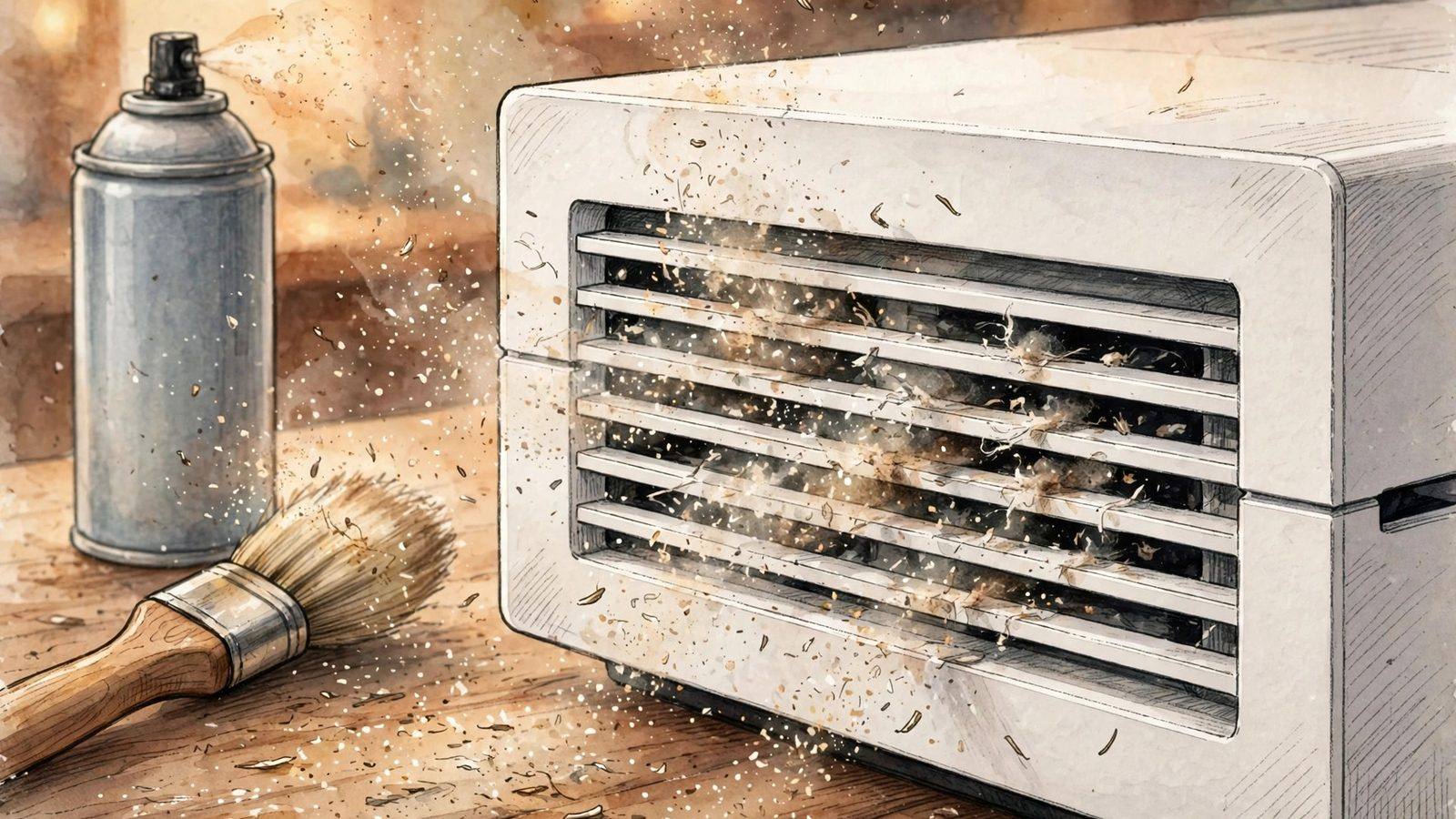
Step 3 — Dust-catcher clean under the plates. The PS5's white side plates clip off by design, and underneath them sit dust-catcher holes that Sony intends owners to clean. With the console off and unplugged, remove the plates, vacuum the dust catchers and the visible fan area gently with a brush attachment, and refit the plates. This is the step most guides skip, and it is the one that actually reaches the dust a surface clean cannot. Do not go deeper than the plates and fan area unless you know exactly what you are doing — the liquid-metal layer sits further in, and it is conductive.
Step 4 — Software checks. Make sure system software is up to date, since firmware updates can adjust fan behaviour, and do a full power cycle (shut down, unplug for a minute, restart) rather than a rest-mode wake. As an optional extra, rebuilding the database from Safe Mode can clear software-related performance spikes — but be honest about what it is: it fixes software oddities, not heat, so only try it if the console also stutters or behaves strangely outside of heat symptoms.
Step 5 — The internal job (repair, not DIY for most people). If placement and a proper clean have not fixed shutdowns, the remaining causes are a clogged heatsink deep inside, a failing fan, or shifted liquid metal. A professional deep clean and liquid-metal service addresses all three at once. Attempting the liquid-metal layer yourself risks shorting the board if any of it escapes — the material is electrically conductive, unlike ordinary thermal paste, so this is the step where the saving is not worth the risk.
Does Standing My PS5 Vertically Cause Overheating?
No — not by itself. Sony designed the PS5 to run in either orientation, and ventilation matters far more than which way up it sits. A vertical console on a hard surface with clear airflow will run cooler and quieter than a horizontal one buried on thick carpet. The orientation debate exists for a subtler reason, and it is worth stating plainly rather than picking a side.
The PS5 cools its main chip with liquid metal instead of ordinary thermal paste. On some early launch-era consoles, that liquid metal has been found to migrate over years of heat cycling — seeping toward the edges and leaving dry patches on the chip that transfer heat badly. Vertical storage is suspected of making migration slightly more likely over a long period, and later revisions (including the Slim and Pro) use deeper containment grooves to hold it in place better. That is a real, documented phenomenon on older units — and it is also not a reason to panic about a vertical console that runs fine.
- If your console runs fine vertically, leave it. Orientation alone does not overheat a healthy PS5, and moving a working console to chase a theory gains nothing.
- If an older, long-vertical console has started shutting down after cleaning, try horizontal. Laying it flat removes gravity from the liquid-metal question and is a free diagnostic: if shutdowns stop, the cooling layer is the likely culprit and a professional service is the fix, not a permanent orientation change.
- What actually matters more than orientation: clearance, a hard surface, the stand fitted, and vents kept clean. A horizontal console on carpet with its bottom intake blocked is worse than a vertical one in open air, every time.
Do PS5 Cooling Fans and Cooling Stands Actually Help?
Most clip-on external fans do not help, and some make things worse. The PS5's internal fan and heatsink are engineered as one airflow path: air in through the sides, out through the back. A cheap fan strapped to the exhaust can fight that path, add noise, and in some cases push hot air back toward the intake. Our verdict is simple: do not buy a clip-on cooler to fix an overheating console — fix the placement and the dust first, because no add-on fan compensates for a blocked vent.
What can help is a stand that improves the console's situation rather than blowing at it: a stand that lifts the console off a surface, keeps its vents clear, and holds it stable does the same job as good placement, which is the actual fix. The same logic applies to the console's surroundings: an open shelf, a small room fan improving air circulation in the room, and keeping the TV unit door open during long sessions all beat a clip-on cooler. If a cooling stand's main selling point is extra fans, skip it; if it gives the console clearance and stability, it is just good furniture.
What About the PS5 Slim and PS5 Pro?
The same diagnostic order applies, but the hardware context is different — and generally better. The Slim is a smaller chassis with a revised cooling layout, and the Pro is built to sustain higher performance modes, so both run demanding games harder and can sound busier under load than a base PS5 on the same title. That alone is not a fault: compare a Slim or Pro against its own history, not against a launch console.
Two things that do differ: later revisions carry the improved liquid-metal containment mentioned above, so the migration problem is less of a suspect on a Slim or Pro than on a launch-era console; and the Slim's smaller body leaves less margin for bad placement, so a Slim in a closed cabinet will show symptoms sooner. If your Slim or Pro is shutting down, the placement and cleaning steps still come first — a newer console with blocked vents overheats for the same reasons an old one does.
When Should I Stop and Get It Repaired?
Stop DIY work and book a repair if any of these are true: shutdowns continue after a proper placement fix and dust-catcher clean; the fan grinds, rattles, or does not spin; the console shuts down within minutes of starting a game even from cold; or you smell burning or see smoke. Burning smell or smoke means unplug immediately and do not restart it — that is no longer a cooling question.
Before booking, check your warranty position: removing the side plates to clean the dust catchers is designed to be user-done, but deeper disassembly can affect warranty coverage, so if the console is still under warranty, contact PlayStation Support first and let them direct the repair. Out of warranty, a reputable repair shop's deep clean and liquid-metal service is the standard fix for this exact fault, and it is a same-day job at most shops. Tell the shop the symptom pattern — which games, how fast it shuts down, whether cleaning helped at all — because that pattern is what separates a dust job from a liquid-metal job.
One honest note on cost: a surface clean costs nothing and a professional deep clean is a modest repair bill, while ignoring repeated thermal shutdowns risks permanent damage to the chip. The expensive outcome is not the repair — it is months of shutdowns you played through.
How Do I Keep My PS5 From Overheating Again?
Keep it simple and regular: a maintenance routine that takes five minutes a few times a year beats a crisis clean every time.
- Every few months: brush or vacuum the vents, and check nothing has crept up against them — a new book, a controller dock, a curtain.
- Every 6–12 months (sooner in dusty or pet-heavy homes): clean the dust catchers under the side plates.
- Every session, honestly: leave the cabinet door open during long sessions, and give the console a cooldown break on marathon days rather than running it for eight hours in a hot room.
- Once, and then never again: set the console up properly — hard surface, clearance, stand fitted — and stop rearranging it into worse spots for tidiness.
For the wider picture on keeping a console responsive rather than just cool, our PS5 input-lag guide and PS5 stick-drift guide cover the other two faults PS5 owners actually hit, and our gaming-router guide covers the network side of lag that heat and hardware cannot explain.
Frequently Asked Questions
Can I vacuum my PS5 to clean it?
Yes, for the outside: a vacuum with a soft brush attachment on the vents and dust catchers is safe and effective. Do not push nozzles into the vents, do not vacuum with the console powered on, and never let compressed air spin the fan freely — hold the fan still while you blow dust out, because a spinning fan can generate voltage back into the board.
Can my PS5 overheat in rest mode?
It can run warm in rest mode while downloading updates or charging controllers, and in a closed cabinet that warmth has nowhere to go. If your console is hot in rest mode, move it to open air and consider turning off "Stay Connected to the Internet" in rest-mode settings so it is not downloading all night in a warm spot.
Will overheating damage my PS5?
Occasional thermal shutdowns are the console protecting itself, and a single shutdown is unlikely to cause lasting damage. Repeated shutdowns over months are a different story: sustained heat stress can degrade components, which is why a console that shuts down regularly should be cleaned or repaired rather than played through.
Is it safe to keep playing while the fan is loud?
If the fan is loud but there is no warning message and no shutdown, it is safe to finish your session — the console is managing its temperature. If the fan has recently become much louder on the same games, treat that as an early warning and clean the vents before it becomes a shutdown problem.
Does the PS5 Slim overheat less than the original PS5?
Not automatically: the Slim has a revised cooling layout and better liquid-metal containment, but a smaller chassis leaves less margin for bad placement, so a Slim in a closed cabinet can show symptoms sooner. Judge any model by its own behaviour and the placement and cleaning steps in this guide, not by its revision.
Should I replace the thermal paste in my PS5 myself?
No — the PS5 does not use ordinary thermal paste, it uses liquid metal, which is electrically conductive and can short the board if it escapes. Replacing it is a professional job, not a paste-swap: if cleaning has not fixed your shutdowns, book a deep clean and liquid-metal service rather than opening the cooling assembly yourself.
Why does only one game make my PS5 overheat?
Because some games push sustained maximum clocks that others never reach — a demanding open-world or ray-traced title heats the chip far more than a menu-heavy or older game. If only one game triggers shutdowns, check that game's performance mode (a 60fps or performance option runs cooler than a fidelity or ray-tracing mode) and re-test after the placement and cleaning steps; if it still shuts down, the cooling margin is the problem, not the game.