Best USB C Extension Cable for Laptop (2026): 6 Picks

The charger cable stops six inches short. Again.
You drag the laptop closer to the wall, the screen ends up at a bad angle, and the whole desk setup you built falls apart over one short cable. An extension cable fixes the reach — if it does not quietly slow your charging or drop your monitor.
A USB C extension cable for a laptop is a male-to-female USB-C cable that adds length between your laptop and its charger, hub or dock. It keeps the same plug shape at both ends. It does not add ports, power or speed.
This guide ranks six true male-to-female extenders by data rate, wattage and length. Our USB-C hub for laptop guide covers adding ports; this one is only about adding reach without breaking the link.
No prices are printed in this guide — cable prices move often and listings disagree on the same model. Check the live price before buying. All specs are the makers' own figures — never a guess.
What's the Best USB C Extension Cable for a Laptop?
The UGREEN 30205. It adds 3.3 feet at 10Gbps with 100W charging and 4K at 60Hz video, in a braided cable with aluminium ends. It does not work with Thunderbolt docks.
The best USB C extension cable for a laptop is the UGREEN 30205 for most buyers. According to UGREEN, it carries 10Gbps data, up to 100W of charging and video up to 4K at 60Hz over 3.3 feet. The cable is braided, the ends are aluminium, and the maker states plainly that Thunderbolt 3 and 4 docks are not supported.
That honesty is the point. Most extender failures come from a mismatch, not a bad cable: the wrong speed class, too much total length, or a dock that never agreed to be extended. The picks below state their limits up front.
You don't need the fastest cable here, you don't need 240W, and you don't need six feet of it. You need the speed class your devices use, enough wattage for your laptop, and the shortest length that reaches.
Look — if you're in the spot where the laptop charges slowly only when the extender is plugged in, here's what actually works: match the wattage first, then shorten the run.
Can You Extend a USB-C Cable Without Losing Speed?
Yes, if the total run stays inside the length limit for your speed. An extender adds length and one more plug pair, so your old cable plus the extender must both fit the budget.
A USB-C cable can be extended without losing speed when the combined length stays under the limit for that data rate. According to Cable Matters, citing the USB Type-C specification, 5Gbps cables run to 2 metres and 10Gbps cables to 1 metre. Your existing cable counts toward that total, so a 1-metre cable plus a 1-metre extender is already a 2-metre run.
Charging is more forgiving than data. According to Cable Matters, most USB-C cables carry 60W over longer runs, while 100W needs an electronically marked cable rated for 5A. Video sits between the two: it needs the right speed class and a short, clean run, or the screen drops to a lower rate or flickers.
UGREEN 30205 vs Cable Matters 201404: the UGREEN is better suited for chargers, hubs and 4K monitors because it adds a full 3.3 feet at 10Gbps. The Cable Matters works better when you must stretch a USB4 link. The key difference is speed class versus reach.
Quick note: the USB-C standard itself defines no extension cable. Every extender here is a maker-built workaround, which is why the honest ones print their limits.
Will an Extension Cable Work With a Thunderbolt Dock?
Usually no. Most 10Gbps extenders state in writing that they do not work with Thunderbolt 3 or 4 docks. A short USB4 40Gbps extender is the safer bet, and even that is not guaranteed with every dock.
Thunderbolt docks are the hard case. The dock expects a short, certified cable, and an extender breaks that deal. UGREEN prints the warning on the 30205: not compatible with Thunderbolt 3 or 4 hubs and docks. The 20Gbps picks below carry the same warning.
If the dock must move, move it with the shortest USB4 extender you can find, then test every screen and port. Our Thunderbolt docking station guide covers docks that sit closer to the laptop by design. And if the dock stays put, a longer certified USB4 cable beats any extender.
Or maybe I should say it this way: extend a charger cable freely, extend a dock cable reluctantly.
How Long Can a USB-C Extension Cable Be?
For charging only, several metres can work. For 10Gbps data, keep the whole run near 1 metre. For USB4 at 40Gbps, shorter still. Length is a budget you spend, not a feature you collect.
The JSAUX pick below runs 6.6 feet, and for charging a laptop from a far outlet that reach is the whole point. Power survives long runs far better than fast data does. Push that same long extender into a fast drive or a 4K screen chain and the link may drop a speed class.
I've seen conflicting data — one AINOPE listing claims 20Gbps for its short extender, while the connector in its own photo is marked SS 10, the 10Gbps mark. My read is simple: trust the marking on the metal and plan around 10Gbps.
Shorter wins. Every time.
Quick Comparison
| Product | Length | Data / Power | Best for | ||
|---|---|---|---|---|---|
| #1 | UGREEN 30205Best Overall | 3.3 ft | 10Gbps / 100W | Most laptop desks | Check Price |
| #2 | Cable Matters 201404Best for USB4 Links | 1.6 ft | 40Gbps / 240W | USB4 and Thunderbolt reach | Check Price |
| #3 | Plugable USBC-METER3-1MFBest With Power Meter | 3.3 ft | 10Gbps / 240W | Checking real watts | Check Price |
| #4 | JSAUX 6.6ftBest Long Reach | 6.6 ft | 10Gbps / 100W | Far wall outlets | Check Price |
| #5 | Faracent 20GbpsBest 20Gbps Value | 3.3 ft | 20Gbps / 240W | Fast drives and hubs | Check Price |
| #6 | AINOPE 1.5ftBest Short Extender | 1.5 ft | 20Gbps listed / 240W | Small desk gaps | Check Price |
The length column is the honest summary: the fastest cable here is also the shortest. That is not a flaw in the list. That is how USB-C works.
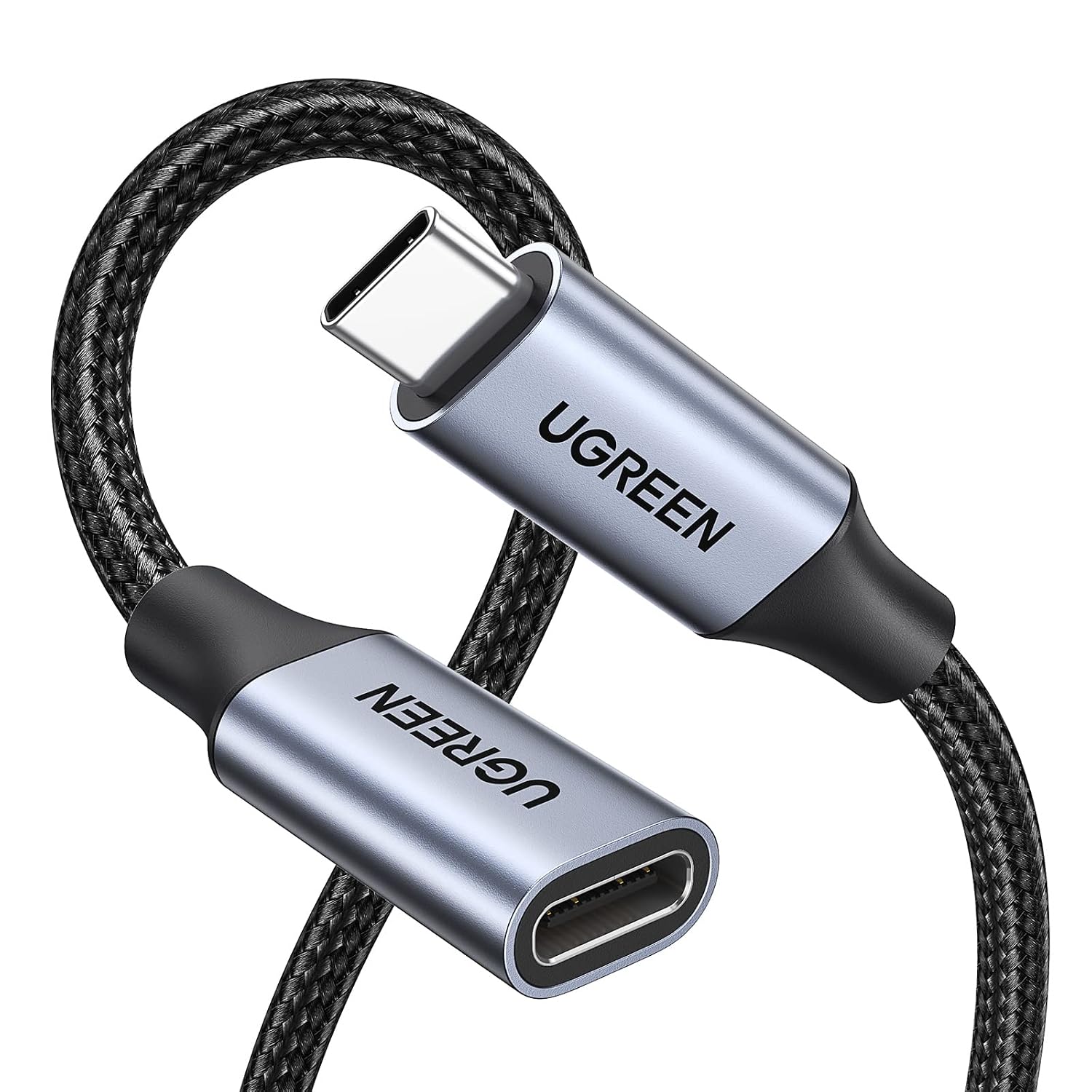
UGREEN 30205 USB-C Extension Cable
Best OverallBuy if: you want one extender for charging, data and a 4K screen
Don't buy if: you plan to extend a Thunderbolt dock
The 30205 is the safest buy here. UGREEN lists 10Gbps data, up to 100W of charging at 20V and 5A, and video up to 4K at 60Hz when the laptop and screen both support video over USB-C. The cable is 3.3 feet, braided, with aluminium ends.
Two limits matter. UGREEN states it does not work with Thunderbolt 3 or 4 hubs and docks, so dock owners should read pick two instead. And 100W is the ceiling, which covers most laptops but not the hungriest 16-inch machines at full speed. For a charger, a hub or a portable monitor, neither limit bites.
Pros
- 10Gbps data and 100W charging
- 4K at 60Hz video support
- Braided cable, aluminium ends
- Limits stated plainly
Cons
- No Thunderbolt dock support
- 100W charging ceiling
- Only one length
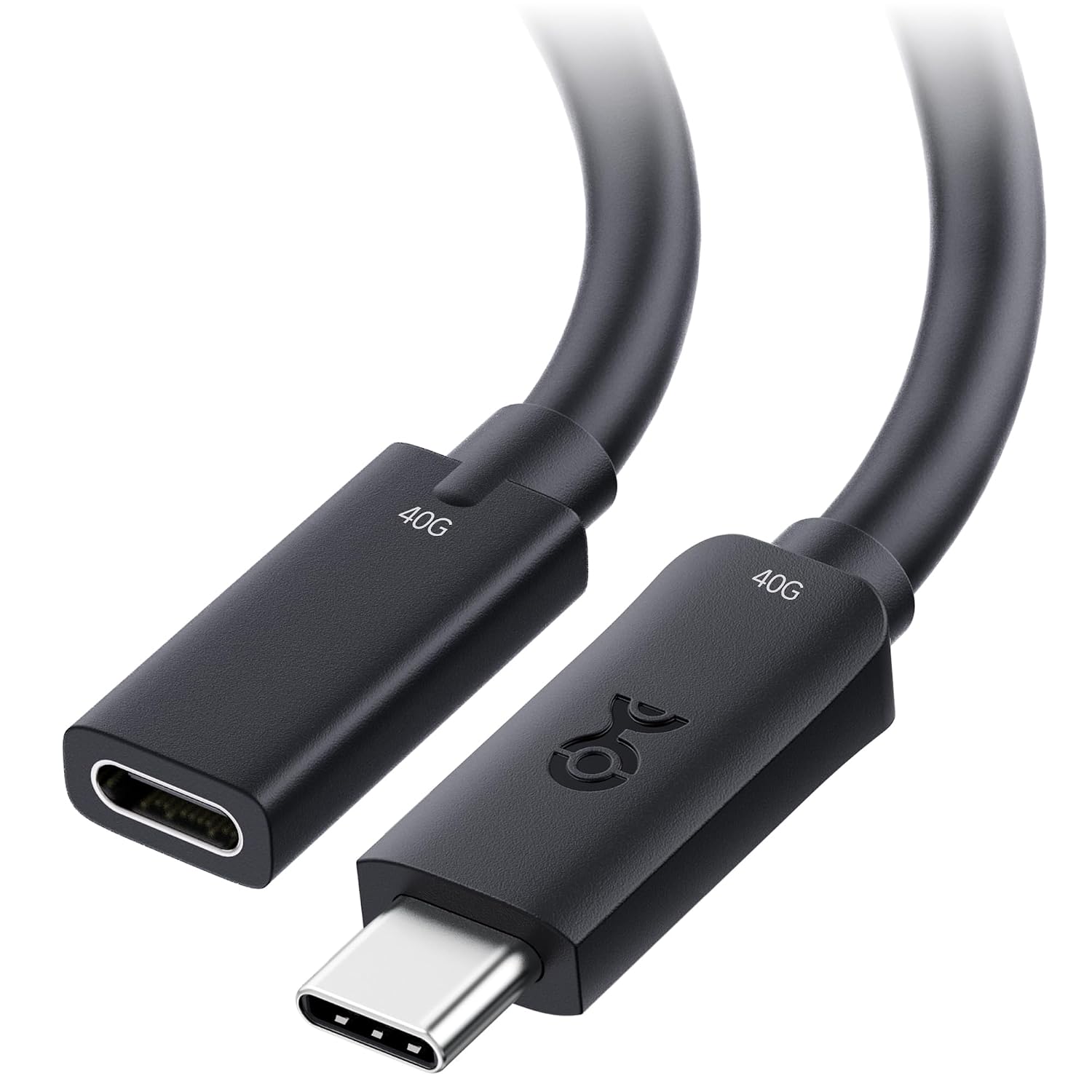
Cable Matters 201404 USB4 Extension Cable
Best for USB4 LinksBuy if: you must stretch a USB4 or Thunderbolt link a short way
Don't buy if: you need more than 1.6 feet of reach
This is the speed pick. Cable Matters lists 40Gbps USB4 data, up to 240W of charging, and video up to 8K at 60Hz or 4K at 240Hz, in a cable just 1.6 feet long. The short length is the feature: it keeps a fast link inside its tight length budget.
Read the deal honestly. Even a USB4 extender is a workaround, and a dock can still refuse it. Buy it to move a dock or drive a short distance, test everything the day it arrives, and keep the return window in mind. Our USB-C to HDMI adapter guide covers the screen end of the same chain.
Pros
- 40Gbps USB4 data rate
- 240W charging ceiling
- 8K at 60Hz video support
- Short length protects the link
Cons
- Only 1.6 feet long
- Docks can still refuse it
- Overkill for charging only
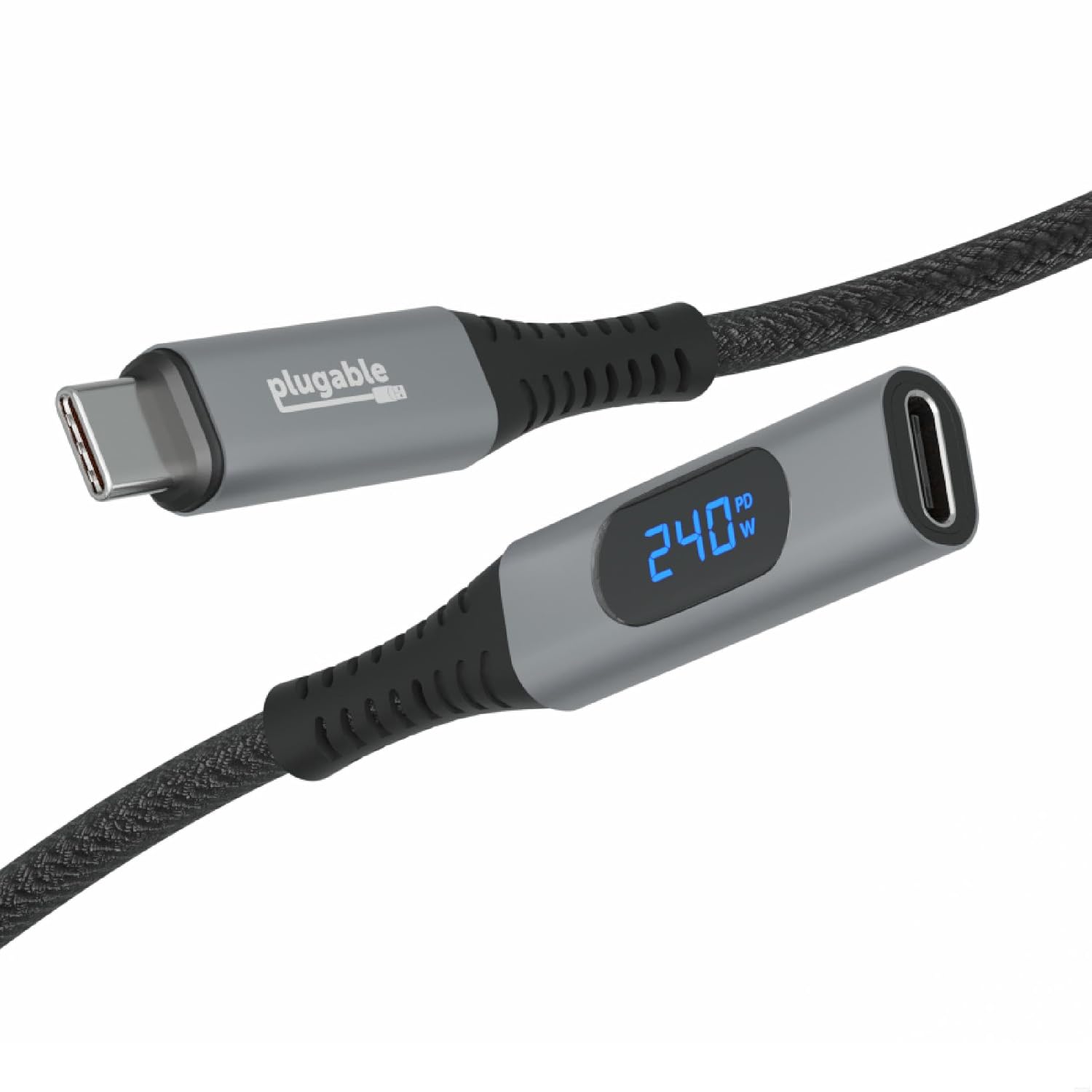
Plugable USBC-METER3-1MF USB-C Extension Cable With Power Meter
Best With Power MeterBuy if: you want to see the watts your laptop really gets
Don't buy if: you need data faster than 10Gbps
The Plugable answers the question every extender raises: is it still charging at full speed? A built-in digital meter shows the power flow in real time, so you can compare ports, chargers and cables with numbers instead of guesses. The cable itself runs 10Gbps data, up to 240W of charging and video up to 4K at 60Hz over 3.3 feet.
It is the tool pick, not the speed pick. Data tops out at 10Gbps, and the meter adds bulk at one end. Plugable backs it with a 2-year warranty and lifetime support, which suits a cable you will plug and unplug often. Our 100W USB-C laptop charger guide pairs well with the meter.
Pros
- Built-in power meter display
- 240W charging ceiling
- 10Gbps data, 4K at 60Hz video
- 2-year warranty, lifetime support
Cons
- Data capped at 10Gbps
- Meter end is bulky
- Costs more than plain cables
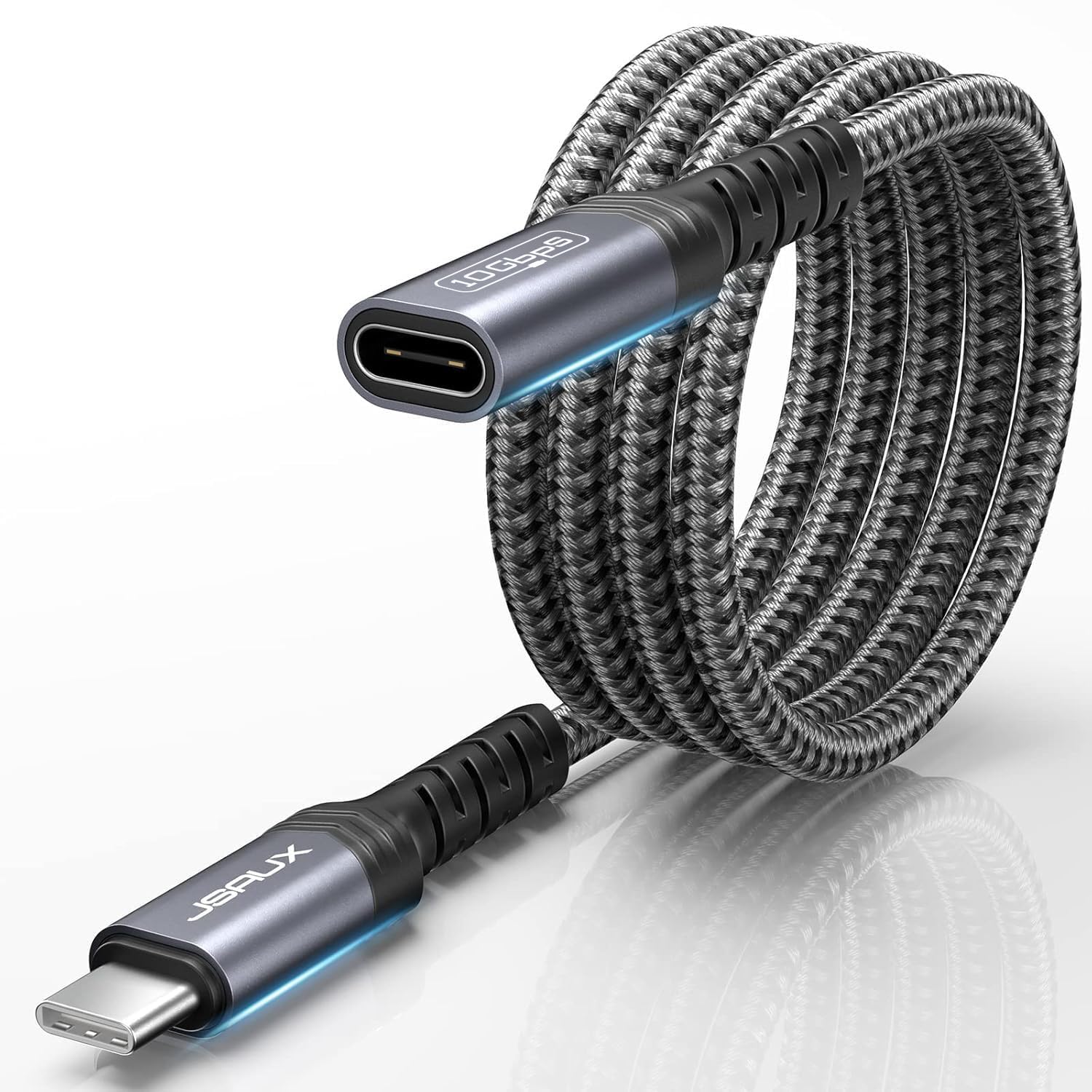
JSAUX USB-C Extension Cable 6.6ft
Best Long ReachBuy if: the outlet sits far from the desk and charging is the job
Don't buy if: you run fast drives or screens through it
The JSAUX is the reach pick. It runs 6.6 feet with 10Gbps data, up to 100W of charging and video up to 4K at 60Hz, in a braided cable with aluminium ends and a 15,000-bend rating. For a laptop charged from a far wall outlet, that length ends the daily cable stretch.
Use it for power first. A 6.6-foot extender plus your existing cable makes a long run, and long runs are where fast data and video links give up. Charge through it all day; think twice before hanging a fast drive off the far end.
Pros
- 6.6 feet of reach
- 100W charging, 10Gbps data
- Braided, 15,000-bend rating
- 4K at 60Hz video support
Cons
- Long run risks fast links
- 100W charging ceiling
- Too much cable for small desks
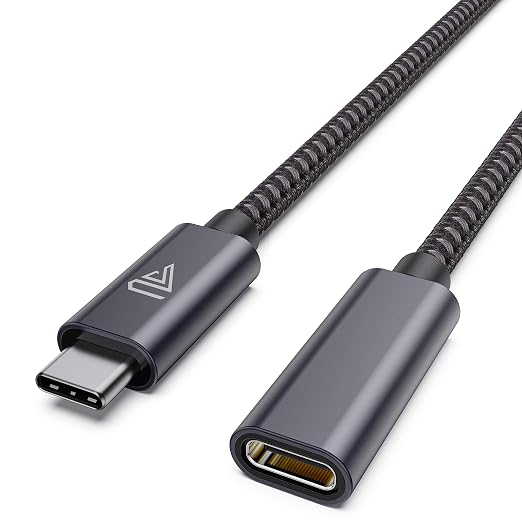
Faracent USB-C Extension Cable 20Gbps
Best 20Gbps ValueBuy if: your drives or hub run at 20Gbps and 10Gbps feels slow
Don't buy if: you plan to extend a Thunderbolt dock
The Faracent doubles the data rate of the 10Gbps picks. It lists 20Gbps transfer, up to 240W of charging and 4K at 60Hz video over 3.3 feet, in a braided cable with aluminium ends. That suits fast USB-C drives and hubs that a 10Gbps extender would hold back.
The limits match the class. It does not work with Thunderbolt 3 docks, and 20Gbps over an extended run still depends on the cable you attach and the ports at both ends. Match it to gear that already runs at 20Gbps, or the extra speed stays on the box.
Pros
- 20Gbps data rate
- 240W charging ceiling
- 4K at 60Hz video support
- Braided cable, aluminium ends
Cons
- No Thunderbolt dock support
- Speed needs matching gear
- Brand support is thinner
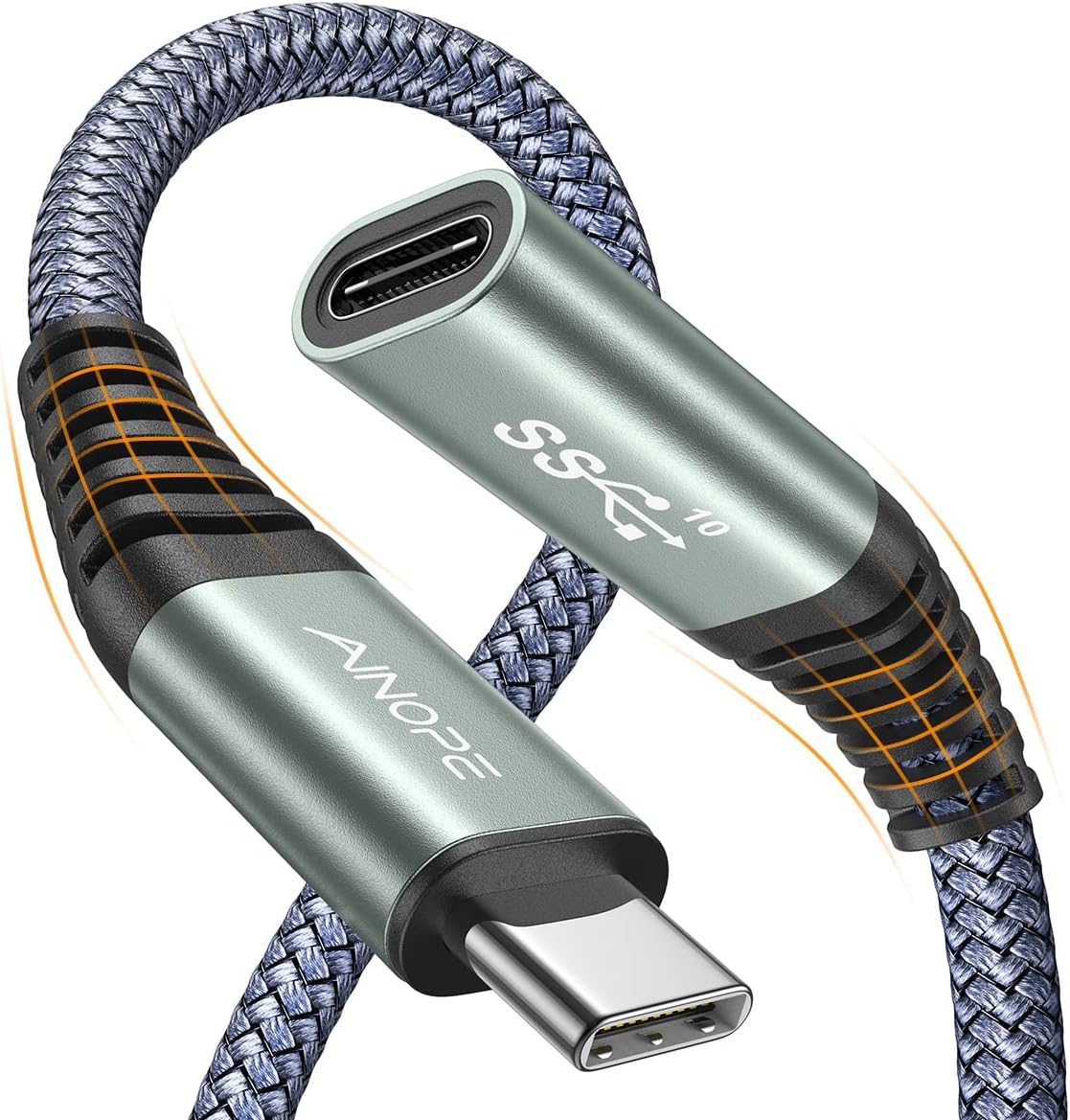
AINOPE USB-C Extension Cable 1.5ft
Best Short ExtenderBuy if: you need just a little reach and nothing more
Don't buy if: you need the full 20Gbps the listing claims
The AINOPE covers the small-gap job. At 1.5 feet it adds just enough reach to move a hub off a laptop edge or ease a tight charger cable, with up to 240W of charging in a braided cable with aluminium ends. Short also means safer: less added length, less risk to the link.
Buy it with eyes open. The listing claims 20Gbps, while the connector photo shows an SS 10 mark, which means 10Gbps. Plan around 10Gbps and treat anything faster as a bonus. For charging and everyday data, that trade is fair.
Pros
- Short 1.5ft length protects links
- 240W charging ceiling
- Braided cable, aluminium ends
- Small-gap desk fixes
Cons
- Speed marking conflicts with listing
- Too short for far outlets
- No Thunderbolt dock support
How to Extend a Laptop USB-C Cable in 5 Steps
Match the speed class, count the total length, then test charging and video. Five steps, and the short-cable problem is gone.
To extend a laptop USB-C cable, follow these steps: 1. Check the data rate your devices use. 2. Pick an extender in that speed class. 3. Add both cable lengths together. 4. Plug the extender between laptop and cable. 5. Test charging, data and video.
- Check the data rate your devices use. Note the fastest link: 10Gbps, 20Gbps or USB4 40Gbps.
- Pick an extender in that speed class. Match the wattage to your laptop charger too.
- Add both cable lengths together. Keep the total inside the limit for your speed.
- Plug the extender between laptop and cable. Push both plugs fully home.
- Test charging, data and video. Confirm full-speed charging and a stable screen before you tidy the desk.
Quick note: test on day one, while the return window is open. An extender that fails your dock fails it right away.
Buying Guide: What Actually Matters
Four things matter most: speed class, wattage, total length and dock limits — in that order.
Speed class comes first because it gates the rest. A 10Gbps extender caps a 20Gbps drive, and no wattage rating fixes that. Our powered USB hub guide covers the hub end of the same chain.
Wattage comes next. Match or beat your laptop charger: 100W covers most laptops, and 240W covers the rest. Our laptop charger for travel guide helps pick the charger the extender must keep up with.
Total length is the silent failure. Add the extender to your existing cable before you judge either one. A short extender on a short cable beats a long extender on a long cable, every time.
Dock limits come last, and they are final. If the maker prints "not for Thunderbolt docks", believe it. Our Thunderbolt docking station guide covers the fixed-desk step up.
Speed class first. Length second.
Extension Cables to Skip in 2026
Extenders that hide their speed class. If the maker will not state 10Gbps, 20Gbps or 40Gbps in writing, skip it. The missing number is the product.
Long extenders for fast links. A 6-foot extender on a fast drive or screen chain invites dropouts. Long runs are for charging.
Any extender for a Thunderbolt dock that says no. The warning on the listing is the answer. Move the dock or buy a longer certified cable instead.
An extender when a longer cable fits. My honest take: most charging-only problems end better with one long cable than with two cables and a joint. The Anker 333 6ft 2-pack gives 100W charging with 480Mbps data and no video, and the Belkin 240W braided cable suits high-power laptops. Neither is an extender — that is the point. One cable, one link, nothing to drop.
Frequently Asked Questions
What's the best USB C extension cable for a laptop?
The UGREEN 30205 for most buyers. It adds 3.3 feet at 10Gbps with 100W charging and 4K video support.
Does a USB-C extension cable slow down charging?
It can. Match the extender wattage to your charger, and keep the total run short. A 100W extender on a 65W charger loses nothing.
Will an extension cable work with my Thunderbolt dock?
Usually no. Most extenders state they do not support Thunderbolt docks. A short USB4 extender is the safer bet, with no guarantee.
How long can a USB-C extension cable be?
Charging tolerates long runs. Fast data does not: keep a 10Gbps run near 1 metre total, counting your existing cable.
Should I buy an extender or a longer cable?
For charging only, a longer single cable is cleaner. Buy an extender when the cable you own must stay, like a dock or hub lead.
Can I extend a USB-C cable for a 4K monitor?
Yes, with a 10Gbps or faster extender and a short total run. The laptop port must support video over USB-C first.
Why does my monitor flicker through an extender?
The run is likely too long for the speed class. Shorten the total length or move to a faster-rated extender.