Best Thermal Paste for Gaming PC in 2026: 6 Picks That Last

Your CPU hits the 90s in games. The fans get loud. You cleaned the dust, checked the fans, and the numbers still creep up. Now the cooler has to come off, and one small tube decides whether the fix lasts for years or fails again in months.
Best thermal paste for a gaming PC refers to a heat-transfer compound that fills tiny gaps between a CPU or GPU and its cooler. A good paste is safe, spreads under mounting pressure, and stays in place through years of heating and cooling.
Below: the 6 best thermal pastes for a gaming PC in 2026. Specs come from each maker's own product page or data sheet, and test claims are named with their source. No prices are printed here, because small-tube prices swing too often to trust a stale figure.
Which Thermal Paste Should You Buy First?
Buy by job, not by box number. Most gaming PCs need a safe, thick, non-conductive paste. Hot high-end chips can justify a premium tube.
The best thermal paste for a gaming PC is a non-conductive paste that stays in place for years, not the tube with the biggest box number. According to ARCTIC, MX-6 is neither electrically conductive nor capacitive and needs no burn-in. That makes it a safe default for most desktop builds.
How long thermal paste lasts depends on heat cycles, mounting pressure and the paste itself, not a fixed yearly schedule. According to Noctua, NT-H2 can be used on the CPU for 5 years or more. Replace paste when the cooler comes off or temperatures creep up after cleaning.
Look — if you're staring at a hot CPU with the cooler already off, here's what actually works: pick MX-6, clean both surfaces well, use one pea-sized dot, and mount the cooler straight down. The mount matters more than chasing a one-degree gap between good pastes.
| Your Situation | Buy First | Why |
|---|---|---|
| Normal gaming PC, air cooler or AIO | ARCTIC MX-6 | Safe, thick, no burn-in, strong value |
| Hot high-end CPU, long service life | Thermal Grizzly Duronaut | Premium stability focus, top test ranking |
| First build, want the easiest job | Noctua NT-H2 or Corsair XTM70 | Wipes included; XTM70 adds a stencil kit |
| GPU repaste or hot-running card | MX-6 or Duronaut | Thick mixes resist pump-out on bare dies |
| Tight budget, spare tube for the drawer | ARCTIC MX-4 | Proven, easy to spread, widely sold |
MX-6 vs Duronaut: MX-6 is better suited for most gaming PCs because it is safe, simple and strong value. Duronaut works better when a high-end CPU and long service life matter most. The key difference is premium stability, not a huge temperature gap.
One warning before the picks. A tube that looks perfect on day one can still fail later if it is too thin for a GPU or laptop die. Heat cycles slowly push soft paste away from the hot centre. That pump-out problem is why thickness and stability matter here.
Why Does the W/mK Number Mislead You?
Because makers do not all measure it the same way. A bigger W/mK figure on the box does not prove lower temperatures in your PC.
Thermal paste conductivity numbers are hard to compare because makers do not all test the same way. Thermal Grizzly has not published general W/mK ratings since the end of 2020 for this reason. Judge a paste by independent temperature tests, safety and long-term stability instead.
I've seen conflicting data on Kryonaut — some roundups print 12.5 W/mK, while lab-style measurements put effective values near 3.2 W/mK. My read is simple: both numbers can exist under different test methods, so neither one ranks pastes on its own. Mounting pressure and layer thickness change the result too.
Here's the thing: the gap between good pastes is often one to three degrees. A poor mount can cost far more than that. So can a plastic film left on the cooler base. Spend your care on cleaning and mounting first.
That is also why this guide names what each maker actually states. Where a maker gives no W/mK figure, we print no figure. Where testers disagree, we say so. A honest range beats a fake ranking.
Quick Comparison
| Product | Key Specs | ||
|---|---|---|---|
| #1 | ARCTIC MX-6Best Overall | 4g · non-conductive · 45,000 poise · no burn-in | Check Price |
| #2 | Thermal Grizzly DuronautBest Premium | 2g · non-conductive · spatulas included · long-life focus | Check Price |
| #3 | Noctua NT-H2Easiest Set-and-Forget | 3.5g · up to 5 years on CPU · 3 wipes included | Check Price |
| #4 | Corsair XTM70Best Stencil Kit | 3g · non-conductive · stencil + card + 3 wipes | Check Price |
| #5 | Thermal Grizzly KryonautOverclocking Classic | 1g · non-conductive · copper/nickel focus · no curing | Check Price |
| #6 | ARCTIC MX-4Best Budget | 4g · non-conductive · 31,600 poise · easy spread | Check Price |
Best Thermal Paste by Use
All six picks are normal non-conductive pastes, safe for copper, nickel and aluminium cooler bases. Match the tube to the job:
- Best overall: ARCTIC MX-6 — the safe default for CPU and GPU work.
- Best premium: Thermal Grizzly Duronaut — for hot chips you will not open again soon.
- Easiest set-and-forget: Noctua NT-H2 — clear guidance, wipes in the box, long rated life.
- Best stencil kit: Corsair XTM70 — templates take the guesswork out of a first build.
- Overclocking classic: Thermal Grizzly Kryonaut — still strong, now second to Duronaut.
- Best budget: ARCTIC MX-4 — proven and easy to spread for less.
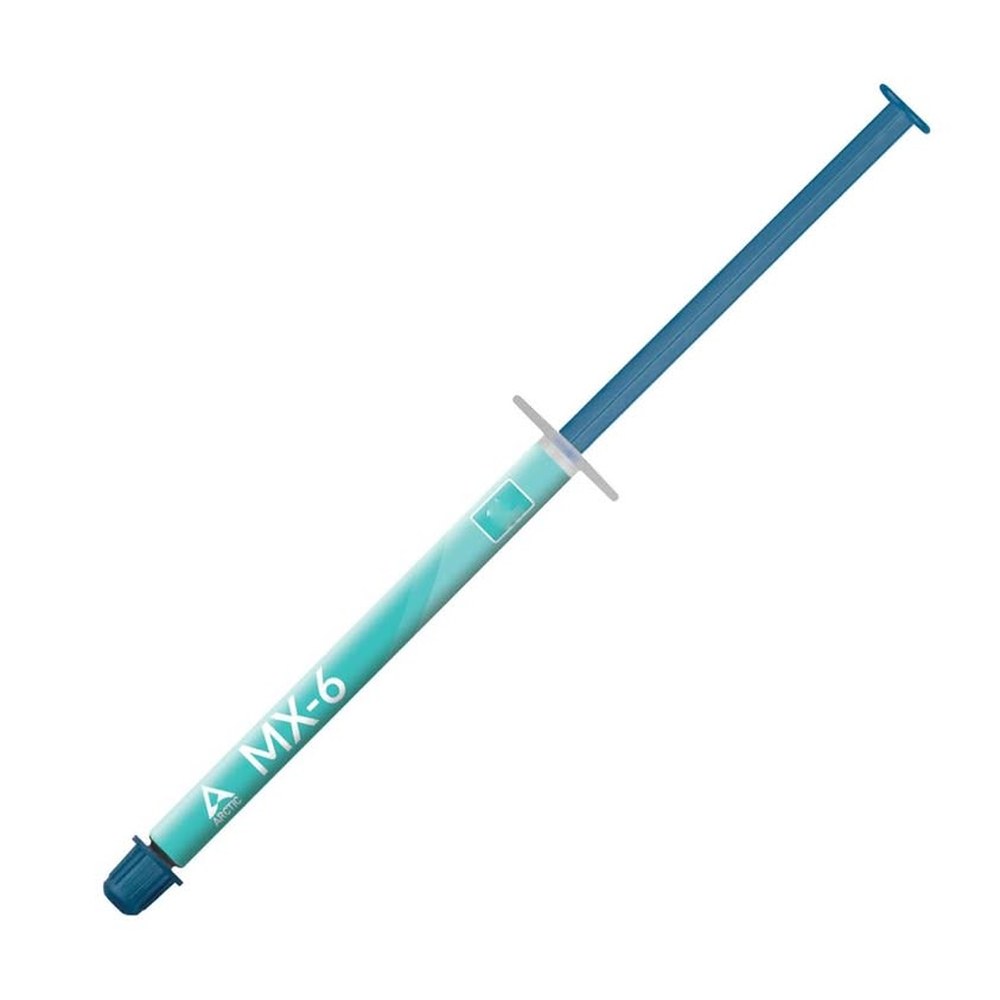
ARCTIC MX-6
Best OverallBuy if: you want one safe tube for a CPU today and a GPU repaste later
Don't buy if: you want to spread paste with a spatula — MX-6 is too thick for that
MX-6 is our top pick because it removes the two fears that ruin repastes. It cannot short nearby parts if a little squeezes out, and it works at full strength straight away. ARCTIC states the paste is neither electrically conductive nor capacitive, with no burn-in period needed.
Its thick mix is the point. At 45,000 poise, MX-6 resists the pump-out effect that pushes thinner paste off hot dies over time. ARCTIC also says it cannot be spread with a spatula, so let cooler pressure do the spreading. That thick feel is a feature, not a flaw.
Pros
- Non-conductive and non-capacitive, so squeeze-out is low risk
- No burn-in — full performance right after mounting
- Thick mix resists pump-out on CPUs and GPUs
- Sold in 2g, 4g and 8g sizes
Cons
- Too thick to spread with a spatula
- Thick feel can worry first-time builders
- ARCTIC prints no simple W/mK figure to compare
Full specifications
- Size in this pick: 4g (also 2g and 8g)
- Electrical safety: non-conductive, non-capacitive
- Viscosity: 45,000 poise; density 2.6 g/cm³
- Working range: -50°C to 150°C
- Application: cooler pressure only, no spatula spreading
- Burn-in: none required
Prices change frequently — click through to see today's price.
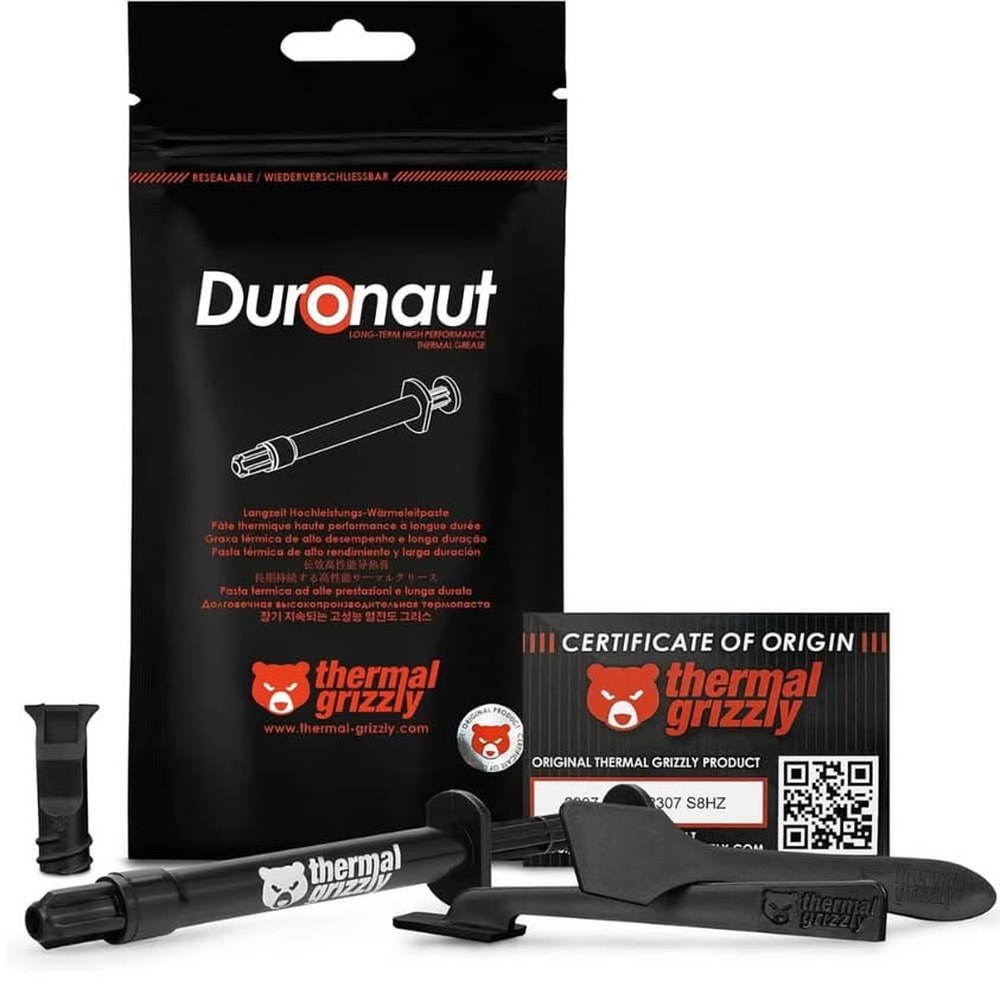
Thermal Grizzly Duronaut
Best PremiumBuy if: your CPU runs hot and you want the strongest long-life paste here
Don't buy if: you repaste often for fun — the small premium tube is poor value for that
Duronaut is the premium pick for a build you plan to leave closed. Thermal Grizzly built it for high heat transfer plus long-term stability, and it stays electrically non-conductive. The 2g pack includes an applicator and spatulas, including the stiffer Pro spatula for a thin, even layer.
Testers like it too. Tom's Hardware comparative testing ranked Duronaut first among the pastes tested, with MX-6 close behind. Treat that as one strong result, not a promise for every cooler. Or maybe I should say it this way: Duronaut buys stability and a small edge, not magic.
Pros
- Top ranking in Tom's Hardware paste testing
- Built for long-term stability and pump-out resistance
- Non-conductive, safe for normal cooler bases
- Applicator and spatulas included in the 2g pack
Cons
- Premium price for a small 2g tube
- Thick paste takes care to spread thinly
- Overkill for a cool, low-power gaming PC
Full specifications
- Size in this pick: 2g (also 6g and 30g)
- Electrical safety: non-conductive
- In the box: applicator, TG Spatula, TG Spatula Pro
- Focus: high heat transfer with long-term stability
- Use: CPU and GPU contact surfaces with reliable cooler contact
Prices change frequently — click through to see today's price.
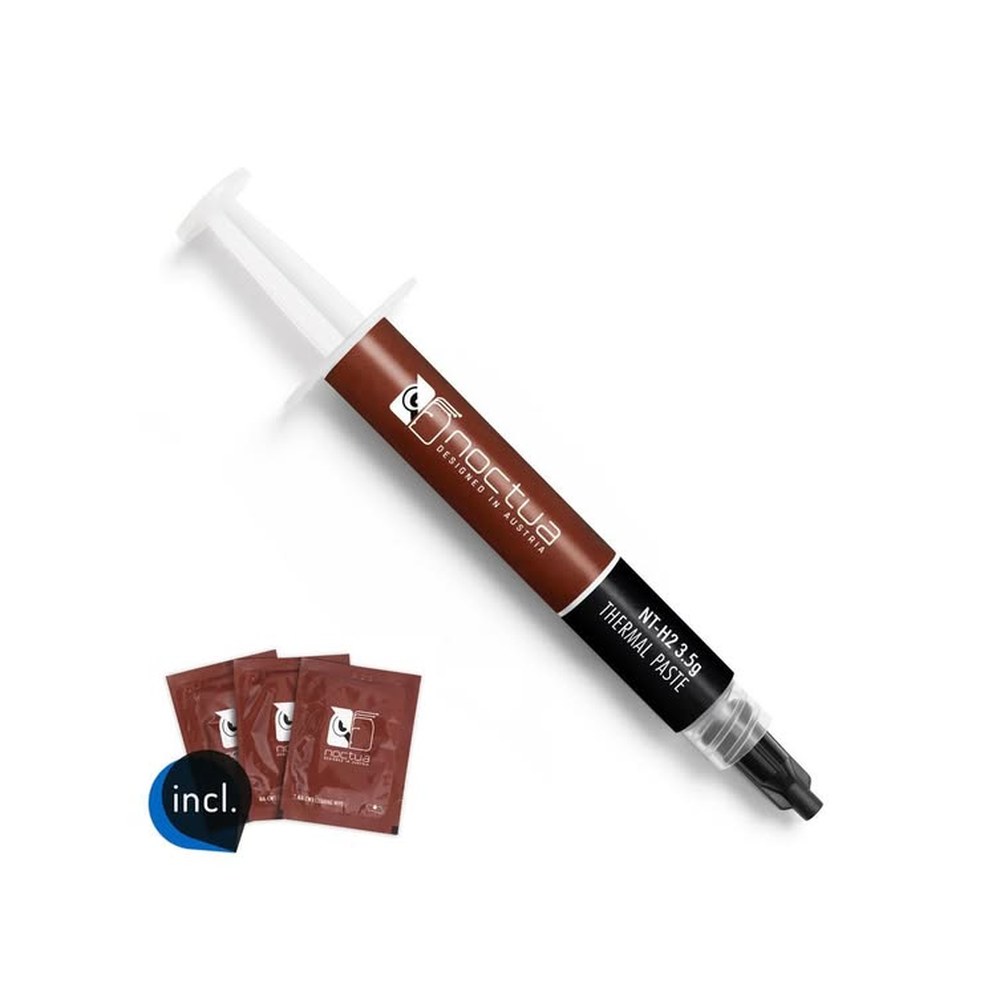
Noctua NT-H2
Easiest Set-and-ForgetBuy if: you want clear guidance, wipes in the box and years between repastes
Don't buy if: you want the lowest possible price per gram — MX-6 and MX-4 cost less
NT-H2 is the calm pick. Noctua rates it for up to 5 years on the CPU and up to 3 years in storage, with no break-in needed. The 3.5g pack includes three cleaning wipes, so old paste removal is covered without a separate purchase.
It spreads under cooler pressure, so there is no need to paint the chip by hand. Noctua puts the 3.5g tube at roughly 3 to 20 applications, depending on chip size. For one gaming PC, that is years of spare paste in one tube.
Pros
- Rated for up to 5 years on the CPU by Noctua
- Three cleaning wipes included
- No break-in or burn-in required
- Clear maker guidance for application and reapplication
Cons
- Costs more than the ARCTIC picks
- Storage limit of up to 3 years before use
- AM5 Edition adds a guard — check which pack you buy
Full specifications
- Size: 3.5g, about 3 to 20 applications
- Recommended use on CPU: up to 5 years
- Recommended storage before use: up to 3 years
- Working range: -50°C to 200°C
- In the box: 3 NA-CW1 cleaning wipes
- Burn-in: none required
Prices change frequently — click through to see today's price.
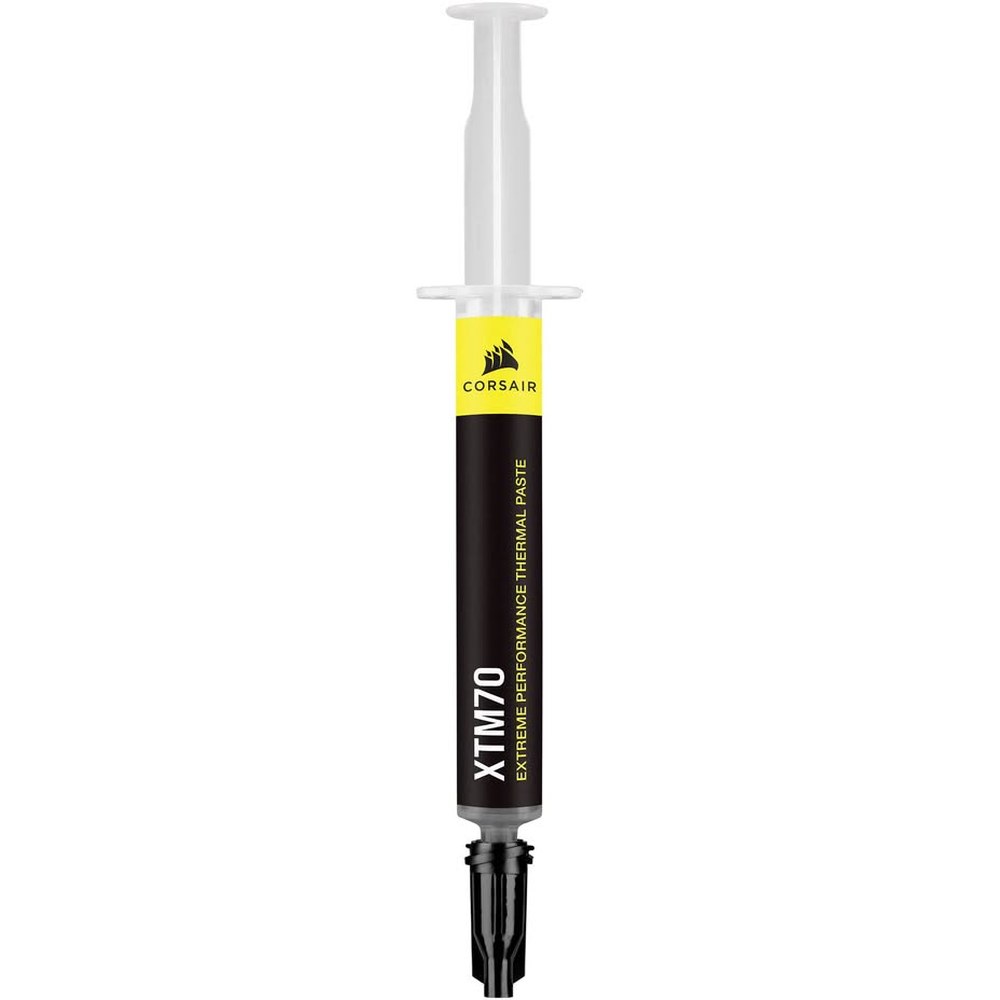
Corsair XTM70
Best Stencil KitBuy if: this is your first build and you want a stencil to guide the layer
Don't buy if: your socket is not on Corsair's stencil list, or you mainly repaste GPUs
XTM70 earns its place for the kit, not a box number. Corsair includes 3g of non-conductive paste, an applicator card, stencil templates and three cleaning wipes. The stencil works on most Intel LGA 115x, 1200 and 1700 chips, plus AMD AM4 and AM5.
Corsair aims XTM70 at high-power processors of 250W and above, and states it resists drying and cracking. Quick note: the stencil is a CPU tool. On a graphics card you are back to careful hand application, so MX-6 or Duronaut suits GPU work better.
Pros
- Stencil and applicator card take out the guesswork
- Three cleaning wipes included
- Non-conductive 3g syringe
- Stencil covers common Intel and AMD sockets
Cons
- Stencil list does not cover every socket
- Kit is built for CPUs, not GPU dies
- Corsair prints no simple conductivity figure
Full specifications
- Size: 3g syringe
- Electrical safety: non-conductive
- Working range: -40°C to 150°C
- In the box: applicator card, 2 stencil templates, 3 cleaning wipes
- Stencil fit: most Intel LGA 115x, 1200, 1700 and AMD AM4, AM5
Prices change frequently — click through to see today's price.
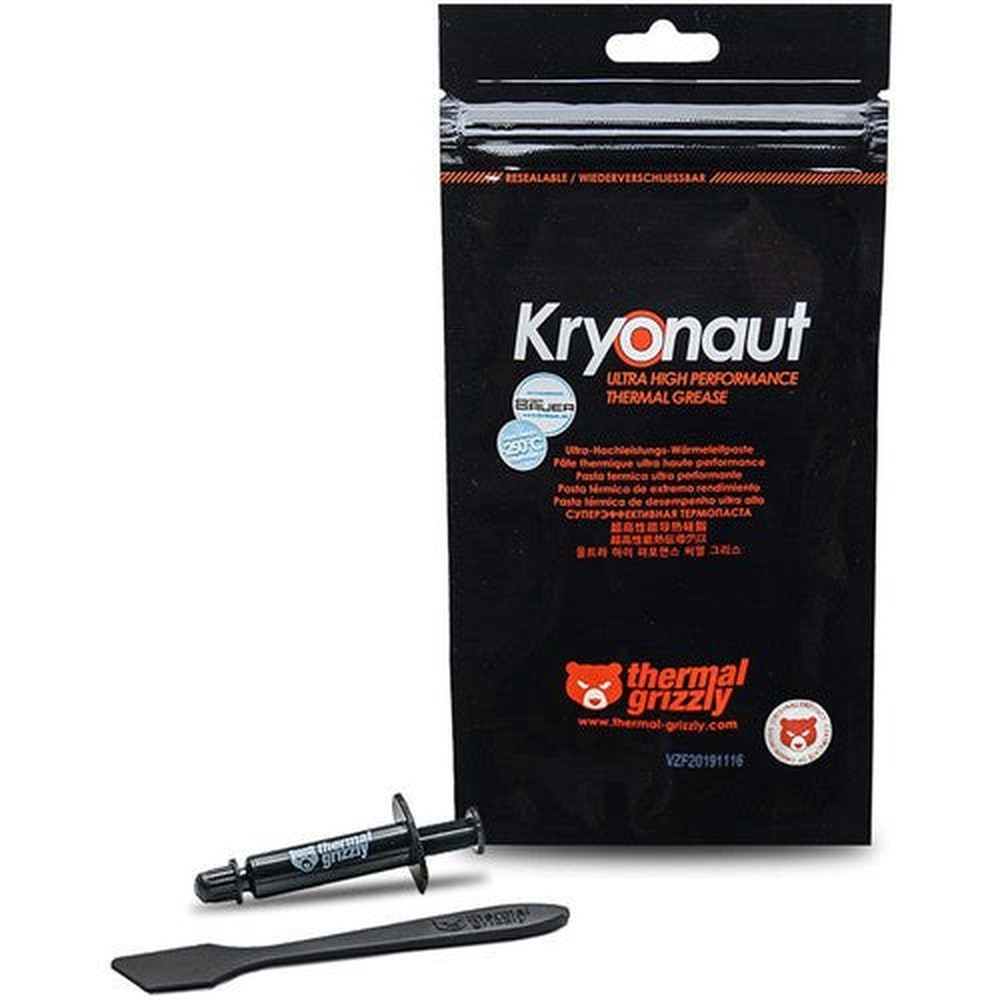
Thermal Grizzly Kryonaut
Overclocking ClassicBuy if: you overclock on a copper or nickel-plated cooler and know the name
Don't buy if: you want the newest Thermal Grizzly paste — Duronaut now ranks ahead of it
Kryonaut is the classic overclocking paste, and it is still a strong, safe tube. It is electrically non-conductive, needs no curing, and Thermal Grizzly states it works best between copper or nickel-plated surfaces. The 1g size suits one careful build, not a drawer of spare jobs.
The honest update matters. Thermal Grizzly itself says Kryonaut ranks just behind Duronaut and Duronaut Pro for cooling performance. So buy Kryonaut for its track record and wide working range, not because old roundups still crown it. New buyers should look at Duronaut first.
Pros
- Long overclocking track record
- Non-conductive with no curing needed
- Very wide stated working range, -250°C to 350°C
- Maker states unopened tubes keep for up to 10 years
Cons
- Maker ranks it behind Duronaut now
- Small 1g tube is poor value per gram
- Best between copper or nickel-plated surfaces
Full specifications
- Size in this pick: 1g
- Electrical safety: non-conductive
- Working range: -250°C to 350°C
- Curing: none required
- Best contact: copper or nickel-plated surfaces
- Storage: up to 10 years unopened, per maker
Prices change frequently — click through to see today's price.
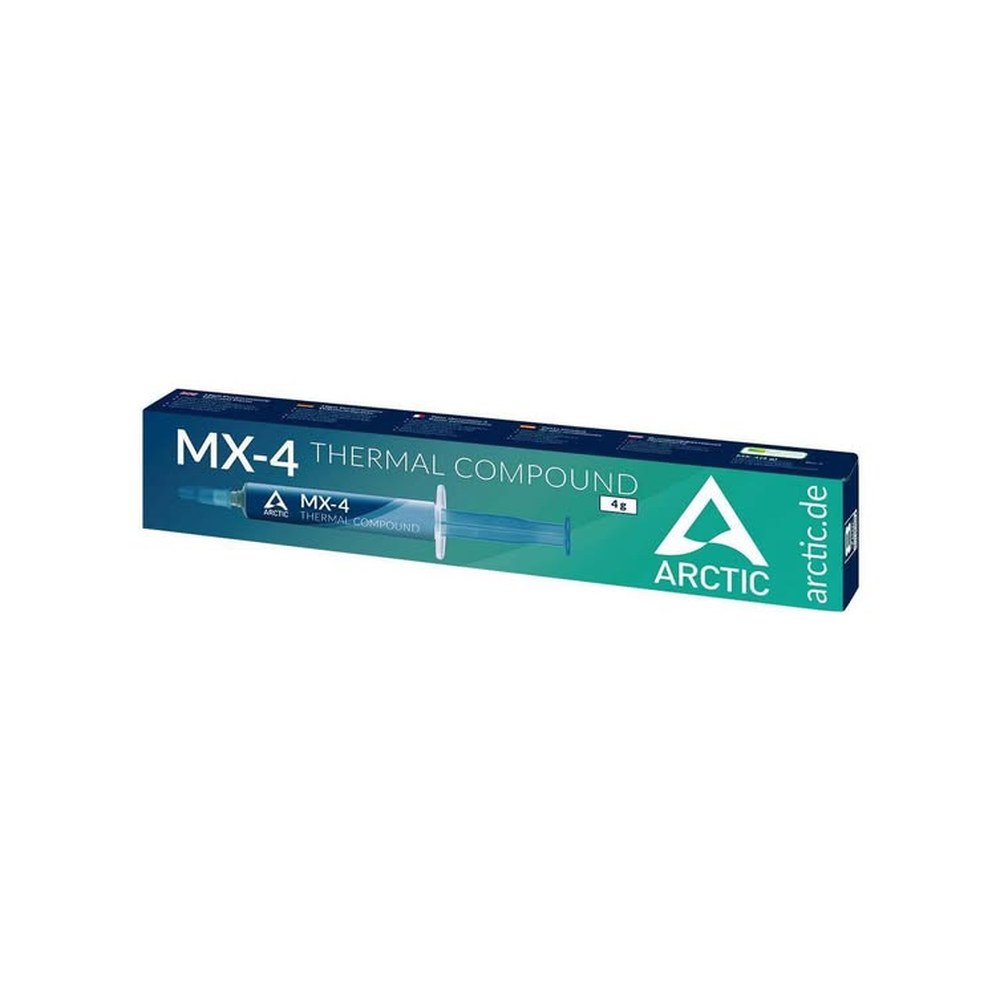
ARCTIC MX-4
Best BudgetBuy if: you want a proven spare tube that spreads easily and costs less
Don't buy if: you want ARCTIC's newest mix — MX-6 is the current flagship
MX-4 stays in this guide because it is simple, safe and easy to live with. It is non-conductive, and at 31,600 poise it spreads more easily than the thicker MX-6. For a normal gaming PC that runs cool enough, that ease can matter more than a small test gap.
Know what you are trading. ARCTIC positions MX-6 as the newer, lower-resistance paste, so MX-4 is the budget and backup choice, not the performance crown. My take: most new buyers should spend the small step up to MX-6, and keep MX-4 for budget builds and spare tubes.
Pros
- Proven non-conductive paste with a long track record
- Easier to spread than MX-6
- 4g tube covers several builds
- Widely sold, including spatula packs
Cons
- Older mix — MX-6 is ARCTIC's current flagship
- Thinner mix is less ideal for pump-out-prone dies
- Pack contents vary, so check for a spatula if you want one
Full specifications
- Size in this pick: 4g
- Electrical safety: non-conductive
- Viscosity: 31,600 poise; density 2.50 g/cm³
- Working range: -50°C to 150°C
- Use: CPU and GPU cooler contact surfaces
Prices change frequently — click through to see today's price.
How Much Thermal Paste Should You Use?
Less than you think. For most desktop CPUs, one pea-sized dot in the centre is enough. Cooler pressure spreads it into a thin layer.
Shape decides the pattern. A square AMD heat spreader suits one centre dot. A long Intel chip can leave its ends thin with one dot, so use a short line or small extra dots. A bare GPU die needs full cover, because there is no metal lid to spread heat.
| Chip | Amount and Pattern | Why |
|---|---|---|
| AMD Ryzen on AM5 | One centre dot, about 4 to 5 mm | Square lid; pressure spreads a dot well |
| Intel Core, long rectangular lid | Short line, or centre dot plus small dots | Ends can stay thin with one dot alone |
| Graphics card GPU die | Thin layer covering the whole die | Bare die needs full contact, no dry corners |
| Laptop CPU or GPU die | Thin full cover with a thick paste | Low mounting pressure raises pump-out risk |
Too little is worse than a little too much with normal non-conductive paste. Bare metal spots block heat. A small squeeze-out looks messy, but it does not short parts with the pastes here. Follow your cooler maker's pattern if it gives one.
Still hot after a careful repaste? Check the cooler itself before you blame the tube. Our CPU cooler guide matches cooler size to CPU heat, which paste alone cannot fix.
How Do You Apply Thermal Paste?
Clean first. Then apply once, mount straight down, and tighten in a cross pattern. Do not lift the cooler to peek.
To apply thermal paste, follow these steps: 1. Clean both surfaces with isopropyl alcohol. 2. Add a pea-sized dot to the CPU centre. 3. Lower the cooler straight down. 4. Tighten screws in a cross pattern. 5. Check temperatures in a game.
- Clean old paste from the CPU and cooler base with isopropyl alcohol and a lint-free cloth, then let both surfaces dry fully.
- Apply a pea-sized dot in the centre of a square CPU, or a short line on a long Intel chip so the ends stay covered.
- Lower the cooler straight down without twisting, so mounting pressure spreads the paste evenly.
- Tighten the screws in a cross pattern, a little at a time, until snug. Do not overtighten.
- Boot the PC and check idle and gaming temperatures against your old readings before you close the case.
Two traps ruin good work. The first is the clear plastic film some coolers ship with on the base — remove it. The second is lifting the cooler after contact to check the spread. That breaks the seal and traps air, so clean up and start again if you lift it.
On a graphics card, slow down. Screws, pads and fragile connectors all need care, and torn thermal pads must be replaced with the right thickness. If that sounds like too much risk, a shop repaste is money well spent.
How Often Should You Replace Thermal Paste?
Not on a fixed schedule. Replace paste when the cooler comes off, or when temperatures creep up and stay up after cleaning.
Good paste lasts for years in a desktop PC. Noctua rates NT-H2 for up to 5 years on the CPU, and says to replace it when load temperatures clearly rise against room temperature. That test beats a calendar. Clean filters and fans first, then compare like-for-like readings.
Some guides still say every year. That advice wastes effort and adds risk, because every cooler removal is a chance to bend pins, strip screws or mount badly. My view is blunt: do not open a cool, quiet PC just to freshen paste.
Replace it sooner if the PC is used, the cooler was moved in shipping, or a laptop now runs hot and loud on the same games. In those cases the old layer is suspect. Fresh paste plus a clean heatsink is the right pair.
Should You Use Liquid Metal Instead?
For most gaming PCs, no. Liquid metal can run cooler, but it conducts electricity and can damage aluminium. Normal paste is safer.
Thermal paste vs liquid metal: thermal paste is better suited for most gaming PCs because it is non-conductive and forgiving to apply. Liquid metal works better when an expert chases the lowest temperatures on suitable metal. The key difference is risk, not just heat transfer.
Gallium-based liquid metal attacks aluminium, so it must never touch an aluminium cooler base. A spill can also short board parts. That risk buys a few degrees at best on a normal build. If your cooler is weak, spend on the cooler, not on risky metal.
Experts use liquid metal on delidded chips and direct-die cooling with careful sealing. That is a different hobby. If you have to ask whether your cooler base is aluminium, stay with MX-6, Duronaut or NT-H2.
Frequently Asked Questions
What's the best thermal paste for a gaming PC?
ARCTIC MX-6 for most gaming PCs. It is non-conductive, needs no burn-in, and resists pump-out, so one careful application can stay in place for years.
How much thermal paste should I use?
A pea-sized dot, about 4 to 5 mm wide, in the centre of most desktop CPUs. Long Intel chips need a short line or extra small dots so the ends stay covered.
How often should I replace thermal paste?
There is no fixed schedule. Replace it when you remove the cooler, or when temperatures creep up after you have cleaned dust and checked airflow.
Does thermal paste expire in the tube?
Yes, eventually. Noctua rates NT-H2 for up to 3 years in storage and up to 5 years on the CPU, so check the maker's storage limit before using an old tube.
Is liquid metal better than thermal paste?
It can run cooler, but it conducts electricity and can damage aluminium. Most gaming PCs should use normal non-conductive paste instead.
Can I use thermal paste on a graphics card?
Yes. Use a thick, non-conductive paste such as MX-6 or Duronaut, cover the whole GPU die, and replace any torn thermal pads before refitting the cooler.
Why are my temperatures still high after repasting?
Check cooler mounting pressure, the plastic film on the cooler base, fan direction and dust first. Paste cannot fix a weak cooler or blocked airflow.
The Bottom Line
The ARCTIC MX-6 is our top pick because it is safe, thick, burn-in free and strong value for CPU and GPU work. The Thermal Grizzly Duronaut is the premium buy for hot chips, and the Noctua NT-H2 is the easiest set-and-forget tube with wipes included.
Clean both surfaces, use one pea-sized dot, and mount the cooler straight down. Then leave a cool PC alone. If heat is still your problem, read our gaming PC CPU cooler guide and our PC case fan guide before you buy another tube.