Best Mouse Pads in 2026: 6 Picks by How You Aim

Most mouse pad roundups list the same five pads without saying which one fits how you aim — and they get the names wrong. "QcK" is not one pad, "Gigantus V2" is not one pad, and "Artisan" is not one pad: each name covers several sizes, thicknesses and surfaces, and buying the wrong one is a $30–$60 mistake that no review will warn you about. The top 10 results for "best mouse pads" are also stale where it matters — PC Gamer's page was last updated in June 2025, one popular roundup prints the wrong thickness for the QcK Heavy XXL and the wrong dimensions for the QcK Heavy Large, and almost nobody tells you what a glass pad really costs once you add skates.
So this guide is surface-first and exact-model-first. Every pick names the precise model, size and thickness to buy, the size is chosen from your cm/360 before anything else, and the verdicts are honest about the trade-offs: cloth goes slow with humidity and wear, glass is fast but eats mouse feet, and "hybrid" has no shared definition — it is a marketing word, not a measurement. If you want the mouse to go with the pad, our wired gaming mouse guide ranks six mice by grip and game.
Quick Comparison
| Product | Key Specs | ||
|---|---|---|---|
| #1 | SteelSeries QcK HeavyBest Overall | Large 450×400×6mm · control cloth · $30 list | Check Price |
| #2 | Razer Gigantus V2Best Budget Pick | Large 450×400×3mm · smooth cloth · $14.99 list | Check Price |
| #3 | Artisan NINJA FX ZeroBest Control | Soft XL 490×420×4mm · control cloth · $59.99 | Check Price |
| #4 | Artisan NINJA FX HienBest Speed | Soft XL 490×420×4mm · fast cloth · ~$59 | Check Price |
| #5 | Logitech G840 XLBest Desk Mat | XL 900×400×3mm · balanced cloth · $39.99 list | Check Price |
| #6 | Razer AtlasBest Glass | 450×400×5mm · tempered glass · $99.99 list | Check Price |
All six are the exact model, size and thickness named — not the family name. List prices are the makers' own figures; the QcK Heavy Large lists at $30 but authorised retailers currently charge $35–$39, and the Artisan pads are Japanese imports, so the US total depends on the store and shipping.
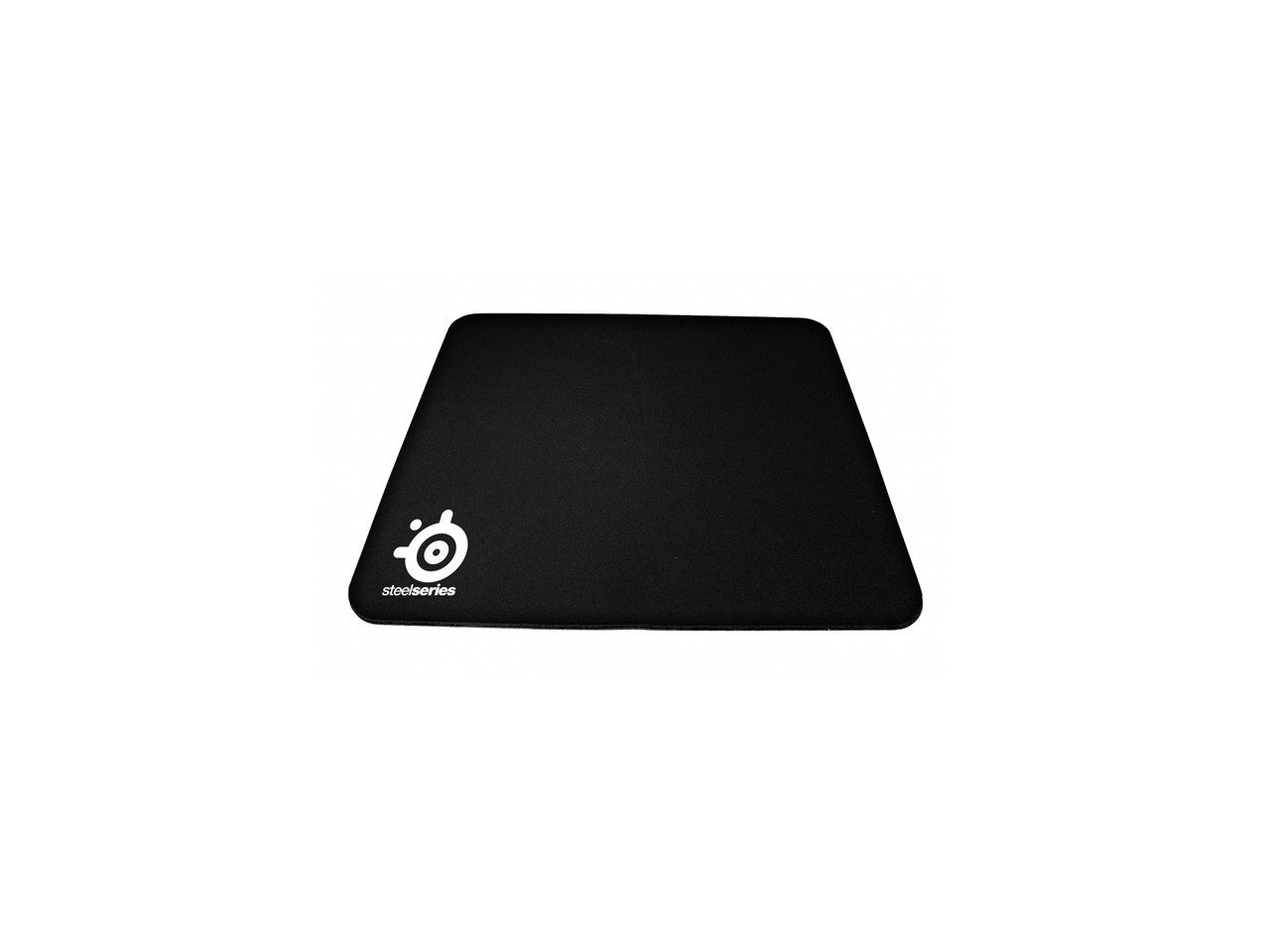
SteelSeries QcK Heavy
Best OverallBuy if: you want the default competitive pad — consistent control cloth, a thick cushioned base, and the surface most CS2 pros actually use
Don't buy if: you play at very high sensitivity and want maximum glide, or you need stitched edges — the standard Heavy has none
Buy the QcK Heavy in Large: 450×400mm, 6mm thick. That is the pick — and the size matters, because "QcK Heavy" is three pads: Medium is 320×270mm, Large is 450×400mm, and XXL is 900×400mm but only 4mm thick, not 6mm. The Large is the competitive standard: a micro-woven control cloth that stops flicks cleanly, on a thick rubber base that forgives uneven desks and cushions the wrist. It lists at $30, and it is the most-used pad among CS2 professionals tracked by ProSettings in October 2026, at 9.18% of players.
Do not confuse it with the standard QcK (2mm, the same surface on a thin base), the QcK Edge (stitched edges), or the newer QcK Performance line (Speed, Balance and Control surfaces on a 3.5mm base) — different pads, different prices, different feel. And do not trust roundups that print the Heavy Large at 320×270mm: that is the Medium. The honest drawback is durability: the standard Heavy's edges are unstitched and fray at the corners over time, and owners report the centre going slow and shiny after roughly 9 months of daily play — a cloth pad is a consumable, not a lifetime buy.
Pros
- The competitive default — consistent control cloth, most-used pad among CS2 pros
- 6mm base cushions the wrist and forgives uneven desks
- Large is the right size for most FPS sensitivities at $30 list
- Works with every sensor — the surface optical sensors were tuned against
Cons
- Unstitched edges fray at the corners over time
- Centre goes slow and shiny with heavy use — expect to replace it
- Thick soft base can drag with small dot skates
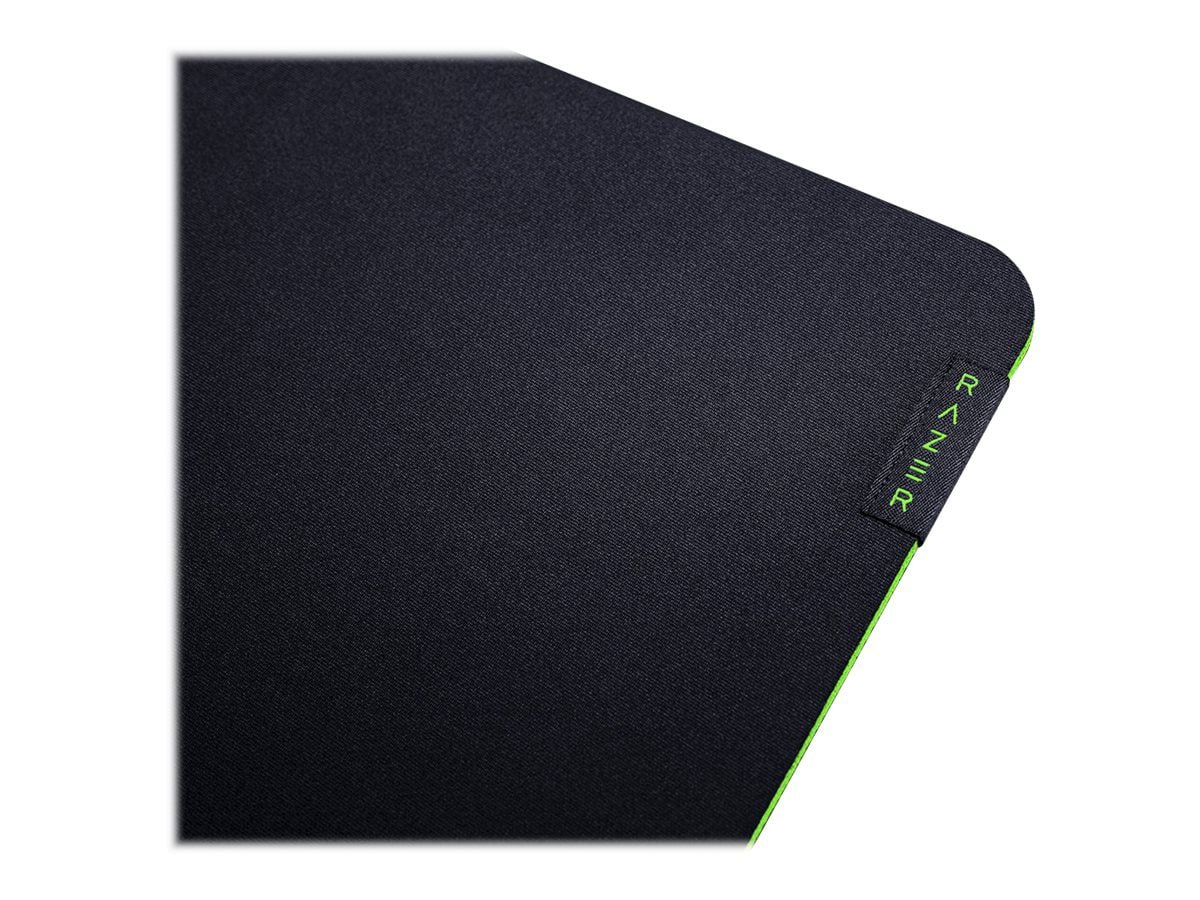
Razer Gigantus V2
Best Budget PickBuy if: you want a proper gaming pad for $15 — the cheapest first pad that is actually good
Don't buy if: you need maximum stopping power for low-sensitivity tactical play — it leans faster than the QcK Heavy
Buy the Gigantus V2 in Large: 450×400mm, 3mm thick, $14.99 on Razer's own store. It is the same footprint as the QcK Heavy Large for half the price, with a smoother, faster-leaning micro-weave cloth on a thick, high-density foam base. It is the second most-used pad among professionals tracked by ProSettings — 168 of 2,448 players — which is remarkable for a $15 pad, and the reason is simple: it does nothing wrong.
Watch the sizes, because they change thickness: Medium is 360×275mm at 3mm, Large is 450×400mm at 3mm, but XXL is 940×410mm at 4mm and 3XL is 1200×550mm at 4mm. And do not confuse it with the Gigantus V2 Pro, a different pad with Speed, Balance and Control surfaces on a GlideCore foam base from $49.99. The standard V2's edges are unstitched and will fray with long use, and like any cloth pad it slows down in humidity — but at $14.99, replacing it is the fix, not a problem.
Pros
- $14.99 for a full-size 450×400mm pad — half the QcK Heavy Large
- Smooth, fast-leaning cloth that suits tracking-heavy games
- Second most-used pad among tracked pros
- Thick foam base stays put on most desks
Cons
- Unstitched edges fray with long use
- Leans faster than the QcK Heavy — less stopping power for tactical flicks
- Can shift slightly on very slick desks in intense matches
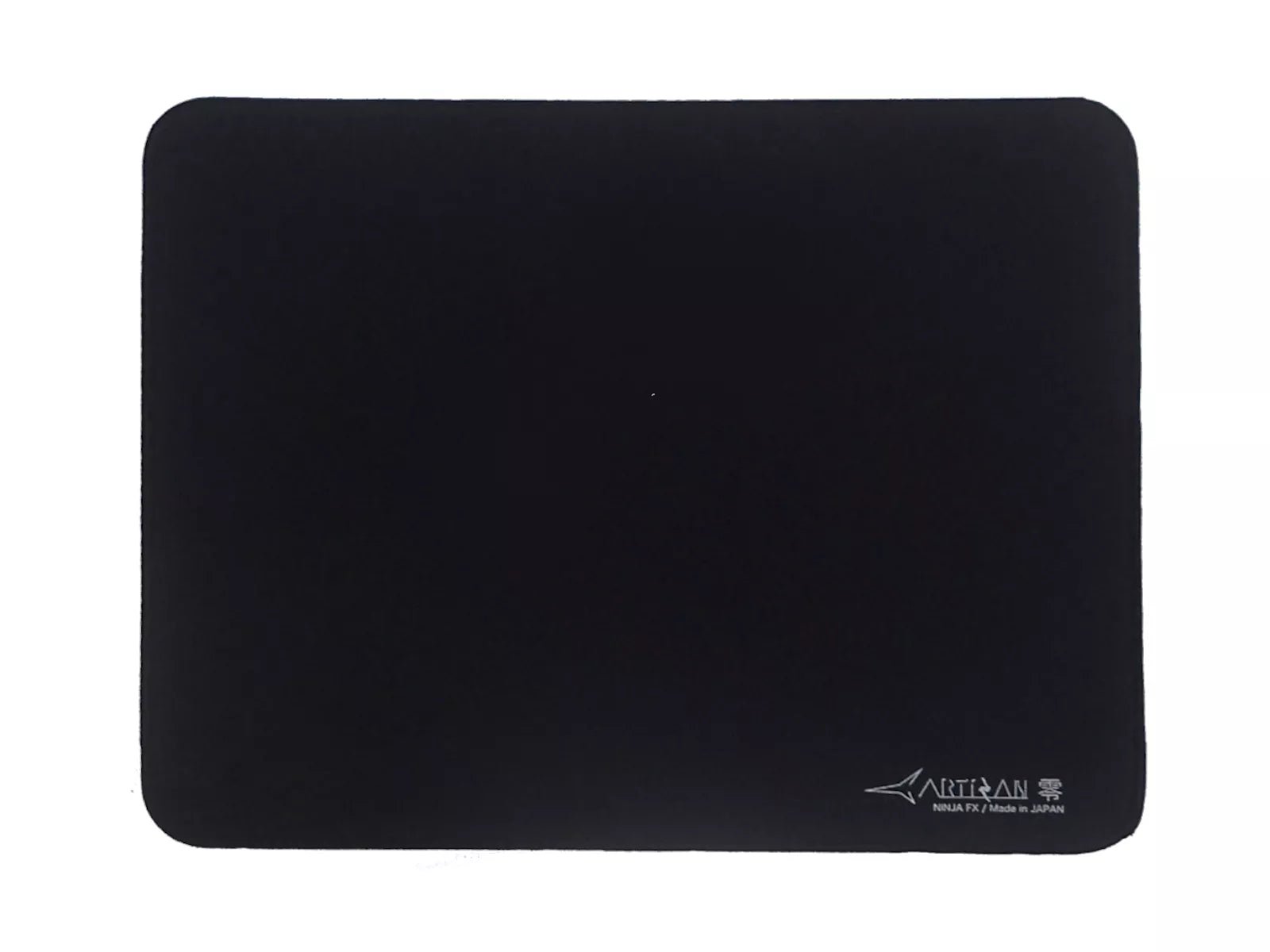
Artisan NINJA FX Zero
Best ControlBuy if: you play Valorant or CS2 seriously and want the control surface the most Valorant pros use
Don't buy if: you want fast glide, or you dislike a textured surface — the Zero's weave is deliberately grippy
Buy the Artisan NINJA FX Zero in Soft, XL: 490×420mm, 4mm thick, about $59.99 at MaxGaming US. Artisan is three pads, not one: the Zero is the control reference, the Hien is the textured speed-control pad, and the Raiden is the fast cloth. Within the Zero, the hardness matters — Soft, Mid and XSoft change the glide meaningfully — and Soft is the standard recommendation. It is the most-used pad among Valorant professionals tracked by ProSettings in October 2026, at 17.69% of players, and its Japanese weave holds its speed-control balance far longer than ordinary cloth.
The honest costs are not the price. Artisan pads are Japanese imports: US listings on Amazon are unreliable — listings redirect or go inactive — so buy direct from Artisan or an importer like MaxGaming, and the total depends on shipping and import duties. The texture is also divisive: one CS2 player called the surface "abrasive", and the weave traps hair and dead skin more than a smooth pad. Buy it for the stopping power, not the comfort.
Pros
- The pro control surface — most-used pad among Valorant pros
- Weave holds its glide far longer than ordinary cloth
- Hardness options (Soft/Mid/XSoft) let you tune the friction
- Stitched edge sits below the cloth so your palm never catches it
Cons
- Japanese import — Amazon listings are unreliable, duties may apply
- Textured surface feels abrasive to some players
- Traps hair and dead skin; needs regular cleaning
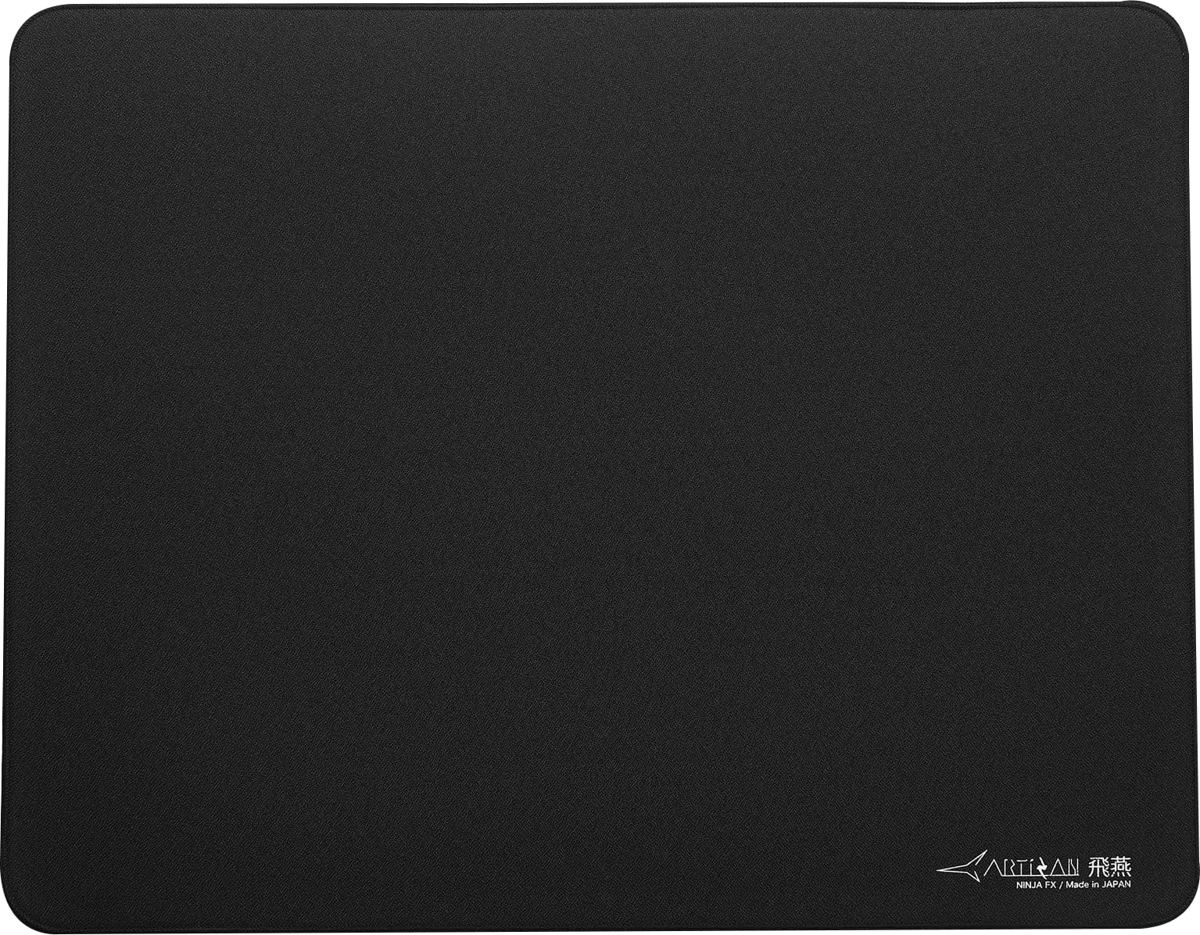
Artisan NINJA FX Hien
Best SpeedBuy if: you track more than you flick and want the fastest cloth pad with consistent glide
Don't buy if: you play low-sensitivity tactical shooters — the Hien has the least stopping power of the three Artisan surfaces
Buy the Artisan NINJA FX Hien in Soft, XL: 490×420mm, 4mm thick, about $59. The Hien is the speed cloth in Artisan's line: a coarse, high-feedback weave that is the fastest cloth pad with consistent glide, built for wide flicks and low sensitivity — the players whose cm/360 runs above 45cm. It shares the Zero's XL footprint, stitched edge and Japanese build, but it is a different surface with the opposite job: the Zero stops you, the Hien lets you go.
That is also the warning. The Hien has the least stopping power of the three Artisan surfaces, so it is the wrong pick for a low-sensitivity arm aimer who needs flicks to stop exactly where they land — that player wants the Zero. The same import caveats apply as the Zero: buy direct from Artisan or an importer, expect the US total to vary with shipping and duties, and do not trust Amazon listings that redirect or go inactive. And do not confuse Soft with XSoft or Mid: the hardness changes the glide, so name it when you order.
Pros
- Fastest Artisan cloth — consistent glide for wide flicks and tracking
- Same 490×420mm XL footprint and build quality as the Zero
- Coarse weave gives strong feedback on every movement
- Holds its speed far longer than ordinary cloth
Cons
- Least stopping power of the three Artisan surfaces — easy to overflick
- Japanese import — listings unreliable, duties may apply
- Coarse texture is not for everyone

Logitech G840 XL
Best Desk MatBuy if: you want one surface under keyboard and mouse, with room for full low-sensitivity swipes
Don't buy if: your desk is uneven — the 3mm base is thin for a mat this size, and it is a lot of pad for a small desk
Buy the Logitech G840 XL: 900×400mm, 3mm thick, $39.99 list. It is a desk mat, not a pad: the keyboard sits on it too, so the mouse never runs off the edge mid-fight and the whole setup feels planted. The cloth is a balanced, moderate-control surface — the same family as the G640 — with a uniform texture that optical sensors track cleanly across the full width.
Do not confuse it with the G640, which is the same surface in a 460×400mm Large pad at $29.99 — the G640 is the pad, the G840 is the desk mat. The trade of the G840 is its thinness: at 3mm across 900mm it has less cushioning and less forgiveness for an uneven desk than the 6mm QcK Heavy, and some owners find it hard to clean and pricey for its size. But for a low-sensitivity player who wants the keyboard and mouse on one surface, it is the cleanest answer in this guide.
Pros
- 900×400mm desk mat — keyboard and mouse on one surface, no edge to hit
- Balanced moderate-control cloth suits most games and sensitivities
- Uniform texture tracks cleanly across the full width
- Thin and flat — sits neatly under a keyboard
Cons
- 3mm base is thin for a mat this size — less cushioning than the QcK Heavy
- Plain cloth, no stitched-edge advantage over rivals
- Pricey for its size; some owners find it hard to clean
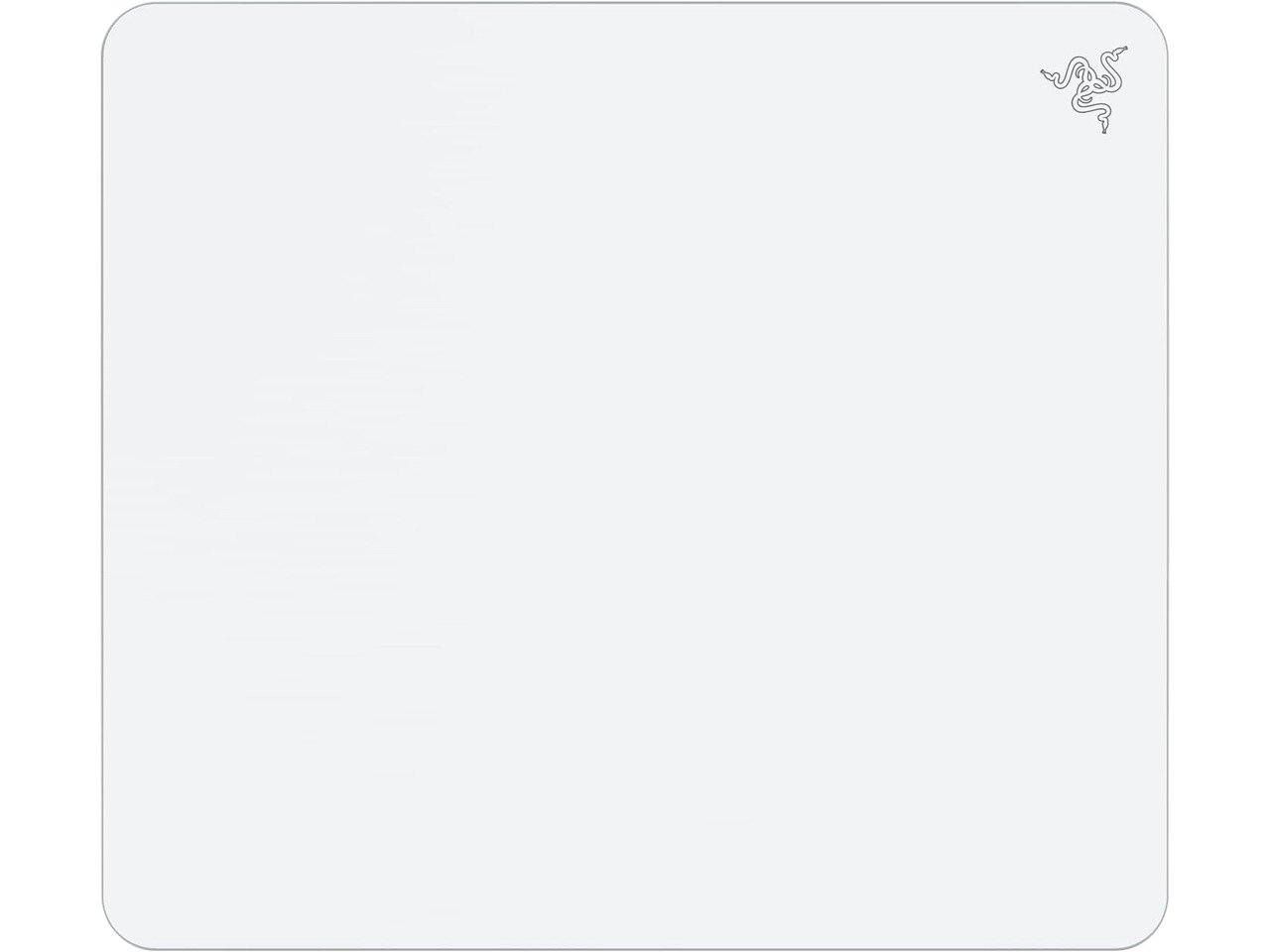
Razer Atlas
Best GlassBuy if: humidity or sweat keeps slowing your cloth pad down, and you want the same glide every day
Don't buy if: you play low-sensitivity tactical shooters, hate noise, or do not want to keep buying skates
Buy the Razer Atlas: 450×400mm, 5mm thick tempered glass, $99.99 list on Razer's own store. The surface is micro-etched, which matters: it gives optical sensors a texture to read, where bare smooth glass can jitter some sensors. The Atlas is the fastest surface in this guide and the most consistent — it does not absorb moisture, so a humid afternoon does not change the glide the way it does on cloth, and it wipes clean in seconds.
Do not confuse it with the Atlas Pro, which is 500×400mm and only 1.9mm thick at $129.99 — a different pad for a different desk. And do not buy the Atlas at the headline price alone: the real first-year cost is about $125, because stock PTFE skates wear fast on glass and you will want glass skates at around $25 a set. Glass is also the loudest surface here, it is cold in winter, it shows dust, and it does not travel — it is a desk fixture, not a pad you toss in a bag.
Pros
- Same glide every day — humidity and sweat do not slow it down
- Micro-etched surface tracks reliably with optical sensors
- Wipes clean in seconds; does not stain or absorb
- Fastest surface in this guide
Cons
- Stock PTFE skates wear fast — budget ~$25 a set for glass skates
- Hardest surface to stop on — easy to overflick in tactical shooters
- Loudest surface here; cold in winter; shows dust
What Size Mouse Pad Do I Need?
Measure your cm/360 first — how far your mouse travels for one full 360° turn in game — then buy a pad wider than that number. Put a ruler on your desk, make one full turn in game, and measure how far the mouse moved. That number is the whole size decision: if your pad is narrower than your cm/360, you will lift and reset mid-fight, and that is the pad failing, not your aim.
| Your cm/360 | How you aim | What to buy |
|---|---|---|
| 40cm or more | Low sensitivity, whole-arm swipes | XL pad (490mm wide) or a desk mat — the Artisan XL pads or the G840 XL |
| 25–45cm | Medium sensitivity, mixed arm and wrist | Large pad around 450mm wide — the QcK Heavy Large or Gigantus V2 Large |
| Under 25cm | High sensitivity, wrist and finger aim | Medium pad is enough — 320×270mm and up |
Most competitive shooter players sit between 30 and 45cm/360, where a Large pad is the right default. Low-sensitivity arm aimers are the ones who run out of room: a Medium pad is too small for a 40cm/360 swipe, and no amount of skill fixes a pad that ends mid-flick. Measure your desk too — a 900mm desk mat is useless if it hangs over the edge — and leave room for the keyboard if you buy a desk mat rather than a pad.
Speed or Control — Which Is Better?
Neither is better in general — it depends on how you aim. A control surface adds friction, so the mouse stops where you stop: that suits tactical shooters like Valorant and CS2, where micro-adjustments and clean stops decide duels, and it suits low-sensitivity arm aimers, who need big swipes to end precisely. A speed surface lets the mouse glide with less effort, so it suits tracking-heavy games like Apex Legends and Overwatch, where you follow a moving target for seconds at a time, and high-sensitivity wrist aimers, who need small movements to start easily.
The words themselves are the trap. "Speed" and "control" are brand labels with no shared definition and no public measured-friction database behind them — one maker's "control" can be faster than another's "speed". Judge by the game and the sensitivity, not the label: if you overflick and struggle to stop on targets, you need more friction; if your pad feels slow, muddy or tiring, you need less. If you are unsure, start with a balanced or control pad. It is the safer default, it is what most professionals use, and it is the easiest surface to learn on.
Are Glass Mouse Pads Worth It?
Only if consistency is your main problem. A glass pad glides the same every day: it does not absorb moisture, so a humid room or sweaty hands do not slow it down the way cloth does, and it wipes clean in seconds. For players in humid rooms, or players tired of cloth going slow, that consistency is the whole point. But glass is also the fastest surface and the hardest to stop on — PC Gamer's Jacob Fox wrote in July 2026 that glass has not won him over for tactical shooters, because he aims better with the extra resistance of cloth — and if you play low-sensitivity Valorant or CS2, cloth is still the safer bet.
The other thing nobody prints is the real cost. Here is the first-year math for the Atlas:
| Item | Cloth (QcK Heavy Large) | Glass (Razer Atlas) |
|---|---|---|
| Pad | $30 list | $99.99 list |
| Skates | $0 — stock PTFE feet last | ~$25 a set for glass skates |
| First-year total | ~$30 | ~$125 |
Stock PTFE skates wear noticeably faster on glass, so the skate budget is not optional — it is the running cost of the surface. Glass is worth it if consistency is your main problem, especially in a humid room. If stopping power is your main problem, spend the $95 difference on a better cloth pad instead.
Why Did My Cloth Pad Get Slow?
Three causes, in order: dirt, worn skates, and a worn surface — and only the first two are fixable. Start with the cheapest check: wash the pad in cool water with mild soap, rinse, and lay it flat to air-dry. If the glide comes back, it was sweat, skin oils and dust — the usual cause, and the reason a pad feels slower in a humid room. If it is still slow, check the mouse feet: worn PTFE skates drag on any surface, and a $5 set of replacement feet transforms an old mouse.
If the pad is clean and the skates are fresh but the aiming area is still slower than a fresh corner of the same pad, the surface itself is worn — the weave has gone shiny and flat where your mouse lives. No cleaning fixes that: the pad is a consumable, and it is time to replace it. With daily play, a standard cloth pad lasts roughly 9–18 months before the centre wears, depending on humidity and how hard you press. Glass does not have this problem, which is the one honest reason to pay $99.99 for it.
What Mouse Pad Do Pros Use?
Cloth, overwhelmingly — and the same three pads keep winning. Among CS2 professionals tracked by ProSettings in October 2026, the SteelSeries QcK Heavy is the most-used pad at 9.18% of players. Among Valorant professionals, the Artisan Zero leads at 17.69%, with the Pulsar eS Saturn Pro second at 7.85%. The Razer Gigantus V2 is the second most-used pad overall, at 168 of 2,448 tracked players. Around 85% of tier-1 FPS pros use cloth, because stopping power matters more than glide in tactical shooters.
Do not copy a pro's pad blindly. Pros play at low sensitivity on huge pads, and their pad matches their cm/360 — a Zero XL is wasted on a high-sensitivity wrist aimer who never uses the space. The lesson from the pro data is not "buy the Zero": it is that the best players in the world choose control cloth and large sizes, and that no pro pad costs more than $60. Start with the surface that matches your aim, then the size that matches your sensitivity.
Buying Guide: What Actually Matters
After surface and size, the four things worth your attention are thickness, edges, humidity, and upkeep — in that order. Thickness changes the feel more than the spec sheet suggests: 3mm is the safe default, firm and direct; 4–6mm cushions an uneven desk and the wrist, but a thick soft base compresses under grip and can drag with small dot skates. Edges decide longevity: stitched edges stop the cloth peeling away from the rubber base, while unstitched edges fray at the corners — the standard QcK Heavy and Gigantus V2 both have unstitched edges, and that is a real, accepted trade for their price.
Humidity is the quiet variable. Cloth pads slow down as they absorb moisture, which is why the same pad feels different in summer and winter, and it is the one problem glass genuinely solves. Upkeep is the last check: a cloth pad needs washing every few weeks and replacing every 9–18 months, a glass pad needs a daily wipe and new skates. Finally, check the return policy before the spec sheet: feel is personal, and a week of real play is the only review that counts. Prices move fast — our keyboard and mouse deals guide tracks the live cuts.
Three More Pads Worth Knowing
Pulsar eS Saturn Pro XL — the value alternative to the Artisan Zero. A 490×420mm control pad at $49.95 on Pulsar's own store, about $10 less than the Zero, and the second most-used pad among Valorant pros at 7.85%. It is the default recommendation for players who want pro-grade control without the Japanese import premium — but buy the Soft if you want control, and do not swap it with the Venus Pro, which is the balanced-speed sibling. US supply runs through Pulsar and MaxGaming, and import duties may apply.
SteelSeries QcK Performance XL — the pad for players who want to choose their surface. A 900×400mm desk mat at $49.99 list, on a dense 3.5mm base with stitched edges, and the only line here that sells the same pad in three surfaces: Speed, Balance and Control. It is PC Gamer's top mouse pad, and it is a different line from the classic QcK — never mix the two. Buy it if you know which surface you want and you want it at desk-mat size.
Razer Firefly V2 Pro — the hard RGB pad. A 360×278mm hard-top pad with 15 Chroma lighting zones at $99.99 list. It is a different discipline from cloth: a hard surface is faster and easier to clean, but it is small for the price, needs a USB port and Synapse, and has no wireless charging. Never compare its glide to cloth without saying so — and the same goes for the Corsair MM700 RGB Extended 3XL, a 1220×610mm desk mat with a two-port USB hub, which is a lighting and convenience buy, not a glide buy.
One to watch: the Zowie G-SR III. The current generation of Zowie's pure-control pad — the G-SR II is the older generation, and several roundups still list it as current. We could not verify a current US price at draft time, so we are not printing one; check it live before buying, and name the generation when you order.
Frequently Asked Questions
What is the best mouse pad in 2026?
The SteelSeries QcK Heavy in Large is the best mouse pad for most players — 450×400mm of consistent control cloth on a 6mm base, $30 list, and the most-used pad among CS2 professionals tracked by ProSettings. If your budget is $15, the Razer Gigantus V2 Large is the same size for half the price. Competitive players who want the pro control surface should look at the Artisan Zero Soft XL instead.
What size mouse pad do I need for gaming?
Measure your cm/360 — how far your mouse travels for one full turn in game — and buy a pad wider than that number. Low-sensitivity arm aimers at 40cm/360 or more need an XL pad (490mm wide) or a desk mat; players at 25–45cm/360 are covered by a Large pad around 450mm wide; high-sensitivity wrist aimers under 25cm/360 can use a Medium. If your pad is narrower than your cm/360, you will lift and reset mid-fight — that is the pad failing, not your aim.
Speed or control mouse pad — which is better?
Neither is better in general — it depends on how you aim. Control surfaces add friction so flicks stop where you want, which suits tactical shooters like Valorant and CS2 and low-sensitivity arm aimers. Speed surfaces let the mouse glide with less effort, which suits tracking-heavy games like Apex Legends and high-sensitivity wrist aimers. If you are unsure, start with a balanced or control pad — it is the safer default, and it is what most professionals use.
Are glass mouse pads worth it?
Only if consistency is your main problem. A glass pad like the Razer Atlas glides the same every day — humidity and sweat do not slow it down the way cloth does — and it wipes clean in seconds. But the real first-year cost is about $125, not $100: the pad is $99.99 and you will want glass skates at around $25 a set, because stock PTFE feet wear fast on glass. Glass is also the fastest surface and the hardest to stop, so if you play low-sensitivity tactical shooters, cloth is still the safer bet.
Does a glass mouse pad wear out mouse skates faster?
Yes. Glass is far more abrasive to mouse feet than cloth, so stock PTFE skates wear noticeably faster on a glass pad — that is the hidden running cost of glass. Budget for glass skates (around $5–25 a set) and expect to replace them more often than on cloth. Never use glass skates on a glass pad: glass-on-glass grinds both surfaces and can damage the pad.
What mouse pad do pros use?
Among CS2 professionals tracked by ProSettings in October 2026, the SteelSeries QcK Heavy is the most-used pad at 9.18% of players. Among Valorant professionals, the Artisan Zero leads at 17.69%, with the Pulsar eS Saturn Pro second at 7.85%. The Razer Gigantus V2 is the second most-used pad overall at 168 of 2,448 tracked players. Pros overwhelmingly use cloth — around 85% of tier-1 FPS pros, because stopping power matters more than glide in tactical shooters.
How do I clean a mouse pad, and how often should I replace it?
Wash a cloth pad in cool water with mild soap, rinse, and lay it flat to air-dry — never machine-dry it or use heat, which warps the rubber base. A glass pad just needs a wipe with a microfibre cloth and mild soap. Replace a cloth pad when the aiming area stays slower than a fresh corner even after cleaning: the surface is worn, not dirty. With daily play that is roughly every 9–18 months for a standard cloth pad, depending on humidity and how hard you press.