Best 540Hz Gaming Monitors in 2026: Fastest Picks Compared

A 540Hz monitor draws a new frame every 1.85 milliseconds — the fastest refresh rate you can buy in 2026. That makes it the ultimate competitive gaming display, but also one of the most misunderstood. No other guide collects the five real 540Hz models in one place with an honest verdict on who actually benefits.
Below: the 5 best 540Hz gaming monitors you can buy in 2026 — two tournament-grade TN panels and three 1440p OLEDs with dual refresh-rate modes — ranked by how reviewers and esports players actually judge them. First, the honest part: most gamers should not buy one. Read the do-you-need-540Hz check before spending flagship money.
Do You Need a 540Hz Monitor? The Honest Check
The refresh-rate math is straightforward: 360Hz shows a new frame every 2.78ms; 540Hz does it every 1.85ms. The gap between 360Hz and 540Hz (0.93ms) is much smaller than the gap between 240Hz and 360Hz (1.39ms). These are diminishing returns — real, but only for some players.
Buy 540Hz if: you play CS2, Valorant, or Apex Legends competitively; your PC already holds 400+ FPS in your main game; you can feel the difference between 240Hz and 360Hz; you want the absolute lowest motion blur available.
Buy it for mixed gaming if: you play esports titles and single-player games — the three OLED picks below give you 540Hz speed plus a genuinely great HDR picture, so one monitor covers both.
Skip 540Hz if: your GPU can't push past 360 FPS in your main games; you mostly play AAA single-player titles (a 4K 240Hz OLED is the better buy — see our best OLED gaming monitors guide); you play on PS5 or Xbox Series X (consoles top out at 120Hz, so 540Hz is completely wasted); or the premium hurts — 360Hz and 500Hz models are dramatically cheaper for nearly the same feel.
The 5 Best 540Hz Gaming Monitors in 2026
Our Top Pick
ASUS ROG Swift OLED PG27AQWP-W
Best Overall 540Hz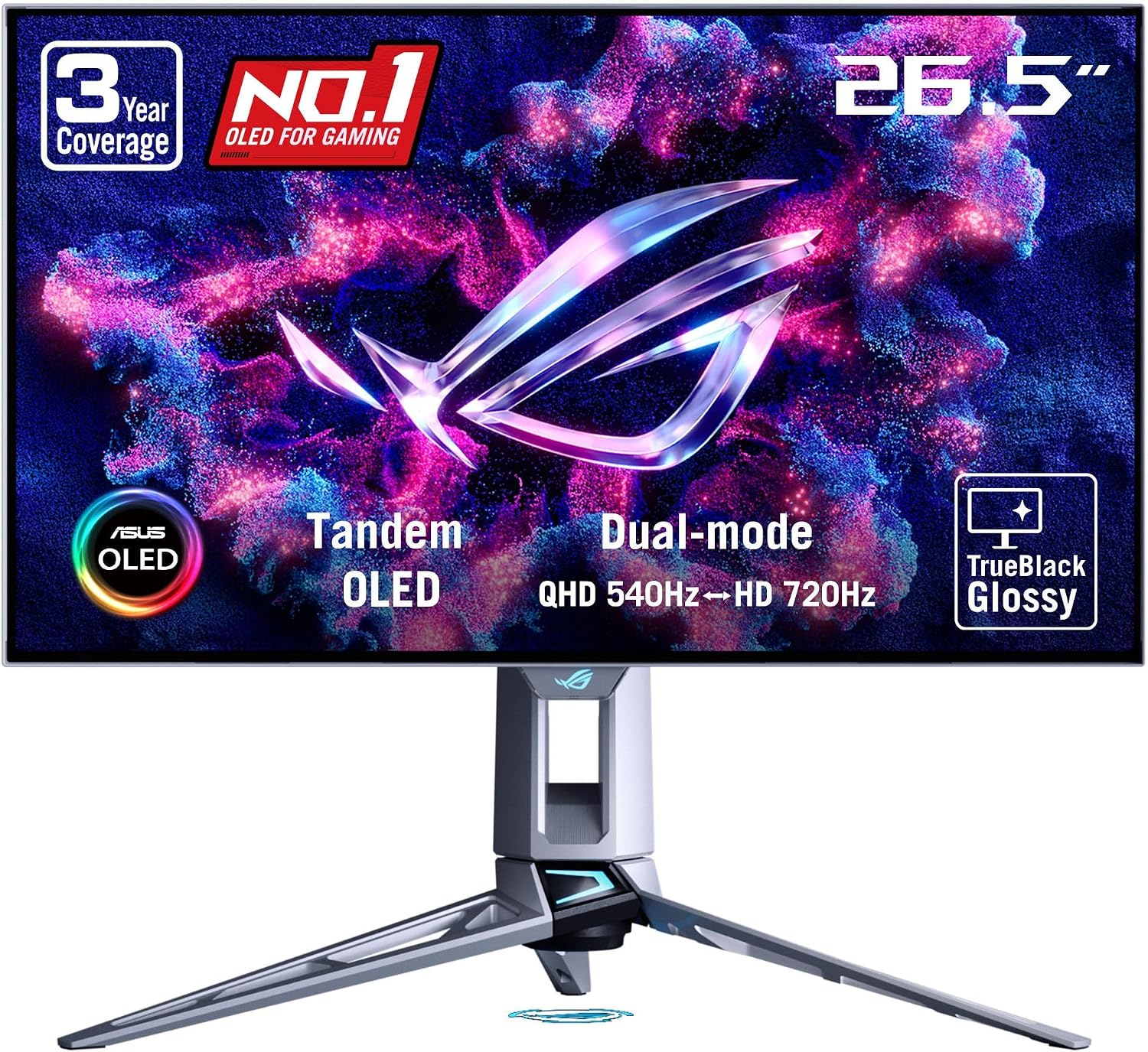
This is the one pick that refuses to compromise. The PG27AQWP-W pairs the fastest refresh rate in this guide with a fourth-generation tandem WOLED panel — so you get esports-grade 540Hz motion clarity and the contrast and response of OLED in the same display. TechSpot named it their best extreme-refresh-rate monitor, and TFT Central calls it the best overall gaming OLED available. Drop the resolution to 720p and a dual mode pushes 720Hz for the most extreme scenarios.
Check Price on AmazonQuick Comparison
| Product | Key Specs | ||
|---|---|---|---|
| #1 | ASUS ROG Swift OLED PG27AQWP-WBest Overall 540Hz | 27" 1440p tandem WOLED · 540Hz (720Hz at 720p dual mode) · 0.03ms response | Check Price |
| #2 | BenQ Zowie XL2586XBest Esports Pick | 24.1" 1080p Fast TN · 540Hz · DyAc 2 backlight strobing | Check Price |
| #3 | ASUS ROG Swift Pro PG248QPFastest TN Response | 24.1" 1080p TN · 540Hz · 0.2ms response, ELMB Sync | Check Price |
| #4 | LG UltraGear 27GX790BBest Dual-Mode OLED | 27" 1440p W-OLED · 540Hz (720Hz at 720p dual mode) · 99% DCI-P3 | Check Price |
| #5 | Sony Inzone M10S IIBest Tournament Design | 27" 1440p tandem OLED · 540Hz (720Hz at 720p dual mode) · 0.02ms, Fnatic co-developed | Check Price |
ASUS ROG Swift OLED PG27AQWP-W
Best Overall 540HzBuy if: you want the fastest refresh rate and the best picture in one monitor — competitive speed plus genuine OLED image quality
Don't buy if: the ~83% premium over a 280Hz WOLED (per TechSpot) is too steep, or you need USB-C, KVM, speakers, or PiP/PbP — all missing here
The PG27AQWP-W is the reason 540Hz went from esports curiosity to a serious recommendation. Its fourth-generation tandem WOLED panel runs the full 2560×1440 at 540Hz, and a dual mode drops to 720p for a 720Hz refresh rate in the most extreme competitive scenarios. TFT Central calls it the best overall gaming OLED available, praising its new pixel structure (sharper text than older WOLEDs), TrueBlack glossy coating, and excellent WOLED picture quality.
It's the only monitor here that covers both worlds: play a story-driven game in gorgeous HDR, then switch to 540Hz for ranked Valorant without changing displays. The price is the honest catch — TechSpot notes it debuted around $1,100 and that 500Hz QD-OLED models start near $650 with minimal motion difference. If you'll use the speed regularly, it's worth it; if not, the 500Hz detour below saves you real money.
Pros
- 540Hz at native 1440p with 720Hz dual mode at 720p
- TrueBlack glossy coating and excellent WOLED picture (TFT Central)
- New pixel structure improves text clarity over older WOLEDs
- Excels at both single-player HDR and competitive gaming (TechSpot)
Cons
- ~83% price premium over a 280Hz WOLED for a very similar panel (TechSpot)
- No USB-C, KVM switch, speakers, or PiP/PbP (TFT Central)
- 720Hz mode only works at a low 720p resolution
- Some possible banding on WOLED (TFT Central)
Full specifications
- 27-inch QHD (2560×1440) tandem WOLED panel
- 540Hz refresh rate; dual mode: 720Hz at 720p
- 0.03ms response time, TrueBlack glossy coating
- New pixel structure for improved text clarity
- DisplayPort 1.4 with DSC, HDMI 2.1 ×2
- G-SYNC Compatible, FreeSync Premium Pro
Prices change frequently — click through to see today's price.
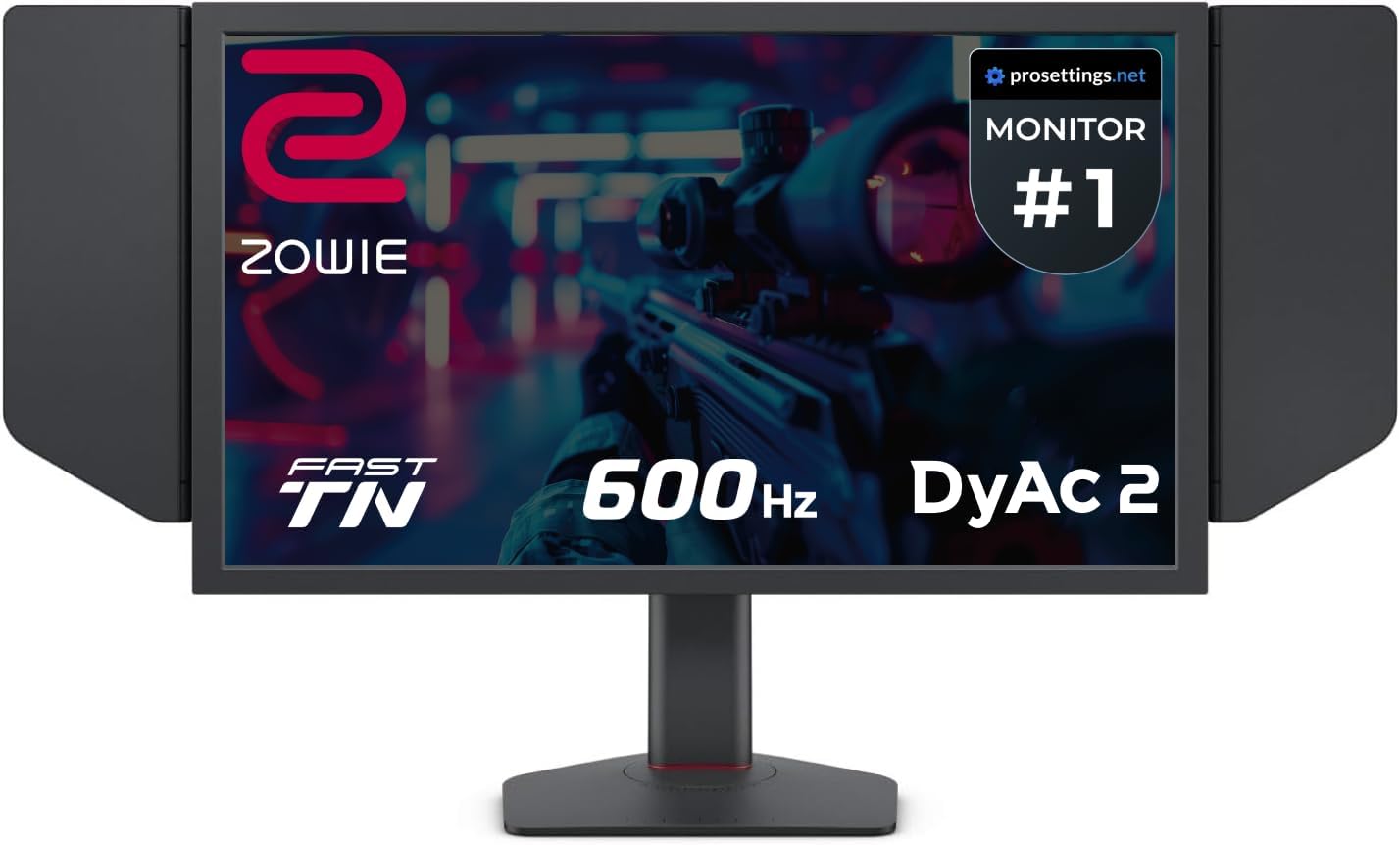
BenQ Zowie XL2586X
Best Esports PickBuy if: you compete in CS2 or Valorant and want the tournament-standard panel — DyAc 2 clarity is among the best backlight strobing available
Don't buy if: you need the monitor to look good outside games — 1080p TN means weaker colors and narrow viewing angles
The XL2586X is the purist's 540Hz monitor. BenQ's Zowie line has been the tournament standard in professional Counter-Strike for years, and this model pushes the formula to 540Hz with DyAc 2 — the second generation of Zowie's backlight-strobing technology, delivering some of the cleanest motion clarity you can get at this refresh rate. At 540Hz, frames arrive every 1.85ms, and DyAc 2 keeps fast-moving targets readable while spraying and tracking.
It comes with the full Zowie esports toolkit: Black eQualizer (brightens dark corners without washing out the scene), Color Vibrance settings, and the S-Switch remote for swapping profiles between games. The trade-off is honest and permanent: this is a 1080p TN panel built for one job. Colors and viewing angles trail every OLED in this guide, and reviewers flag diminishing returns versus 360Hz models for anyone outside serious competition.
Pros
- 540Hz with DyAc 2 — among the cleanest motion clarity available
- Tournament-standard Zowie esports features (Black eQualizer, S-Switch)
- Frames delivered every 1.85ms — the bleeding edge of competitive displays
- Proven tournament heritage in CS2 and Valorant
Cons
- 1080p TN panel — weaker colors and narrow viewing angles
- Premium esports pricing for a single-purpose panel
- Diminishing returns versus 360Hz outside serious competition
- Strobing can't run with adaptive sync enabled
Full specifications
- 24.1-inch Full HD (1920×1080) Fast TN panel
- 540Hz refresh rate, DyAc 2 backlight strobing
- Black eQualizer, Color Vibrance, S-Switch remote
- DisplayPort 1.4, HDMI 2.1, USB hub
- FreeSync support
Prices change frequently — click through to see today's price.
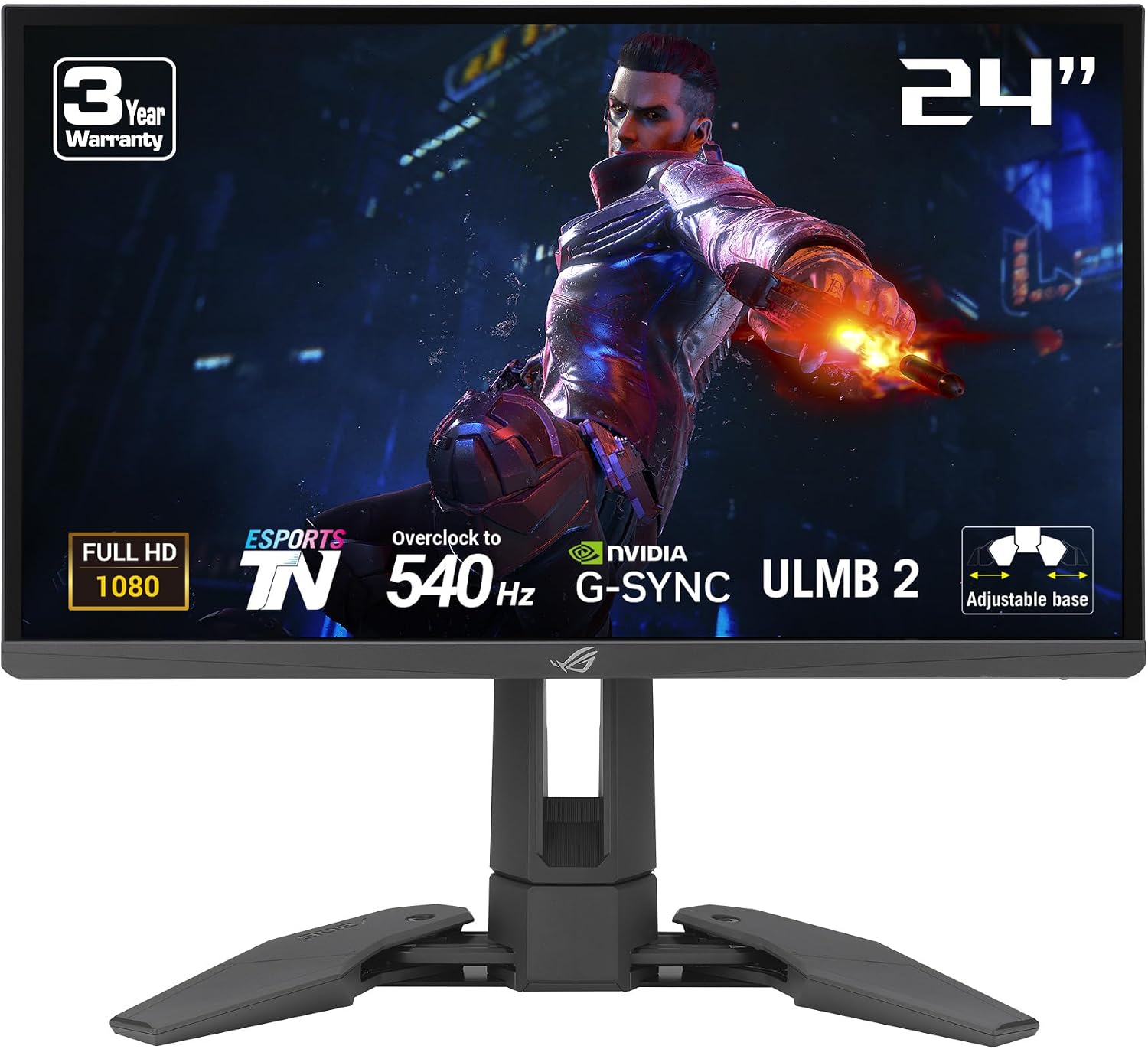
ASUS ROG Swift Pro PG248QP
Fastest TN ResponseBuy if: you want the lowest measured latency in a TN panel — 0.2ms response and sub-1ms input lag with ELMB Sync motion clarity
Don't buy if: you can't accept a 1080p-only panel with TN color and viewing-angle limits
The PG248QP takes the TN route to the absolute limit. Its 24.1-inch 1080p panel runs at 540Hz with a 0.2ms response time that essentially eliminates ghosting at maximum refresh, and input lag measures under 1ms in the fastest mode. ASUS's ELMB Sync technology keeps fast camera movements clear in a way most panels can't match at extreme refresh rates.
This is the engineering answer to a simple question: how fast can an LCD be? The answer comes with the classic TN bargain — response and latency at the top of the market, color reproduction and viewing angles at the bottom. If you want 540Hz purely for the competitive edge and don't care what YouTube looks like on it, this is the cheapest way to get there among the flagships.
Pros
- 0.2ms response time eliminates ghosting at max refresh
- Under 1ms input lag in the fastest mode
- ELMB Sync for exceptional motion clarity at extreme refresh rates
- 540Hz at 1080p is the easiest 540Hz for GPUs to drive
Cons
- TN panel — noticeably weaker colors and narrow viewing angles
- 1080p only; no 1440p option for sharper image
- Premium esports pricing for a single-purpose panel
Full specifications
- 24.1-inch Full HD (1920×1080) TN panel
- 540Hz refresh rate, 0.2ms response time
- ELMB Sync motion blur reduction
- NVIDIA G-SYNC and Reflex Analyzer support
- DisplayPort 1.4, HDMI 2.1
Prices change frequently — click through to see today's price.
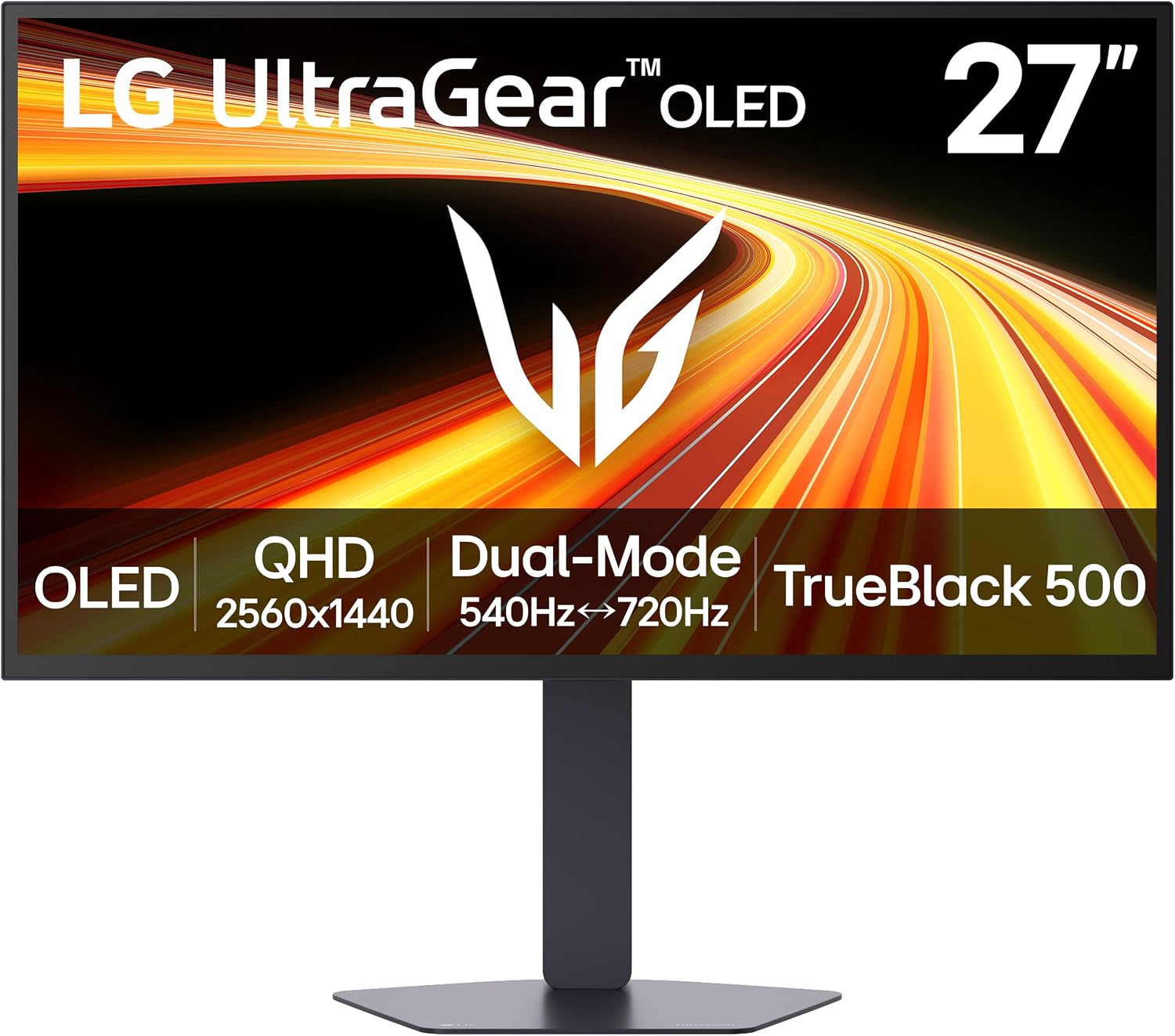
LG UltraGear 27GX790B
Best Dual-Mode OLEDBuy if: you want a 540Hz OLED with excellent color (99% DCI-P3), dual-mode flexibility, and a fully ergonomic stand
Don't buy if: burn-in risk worries you — run pixel refresh cycles and vary content like every OLED here
LG's 27GX790B is the W-OLED answer to the 540Hz question. Its 27-inch 1440p panel delivers the full OLED package — 99% DCI-P3 color gamut, infinite contrast, and instantaneous response with low input lag — at a full 540Hz, with VRR support all the way up and a dual mode that drops to 720p for 720Hz. DisplayNinja's 2026 testing singles it out among the best high-end FPS monitors for exactly this combination of speed and image quality.
Unlike some flagships, LG ships a genuinely good stand: full height, tilt, swivel, and pivot adjustment, so it works at a desk without a monitor arm. The trade-offs are the ones every OLED carries: static HUDs demand pixel-care habits and periodic refresh cycles, and the 720Hz dual mode needs a 720p resolution that makes small text hard to read.
Pros
- 99% DCI-P3 color gamut with infinite contrast (DisplayNinja)
- 540Hz with VRR up to 540Hz plus 720p 720Hz dual mode
- Instantaneous response time and low input lag
- Fully ergonomic stand — height, tilt, swivel, pivot
Cons
- Burn-in risk from static HUDs — run pixel refresh, vary content
- 720Hz dual mode requires a low 720p resolution
- Flagship pricing like the other 540Hz OLEDs
Full specifications
- 27-inch QHD (2560×1440) W-OLED panel
- 540Hz refresh rate; dual mode: 720Hz at 720p
- Instantaneous OLED response, 99% DCI-P3
- VRR up to 540Hz
- DisplayPort 1.4 with DSC, HDMI 2.1 ×2
- G-SYNC Compatible, FreeSync Premium Pro
Prices change frequently — click through to see today's price.
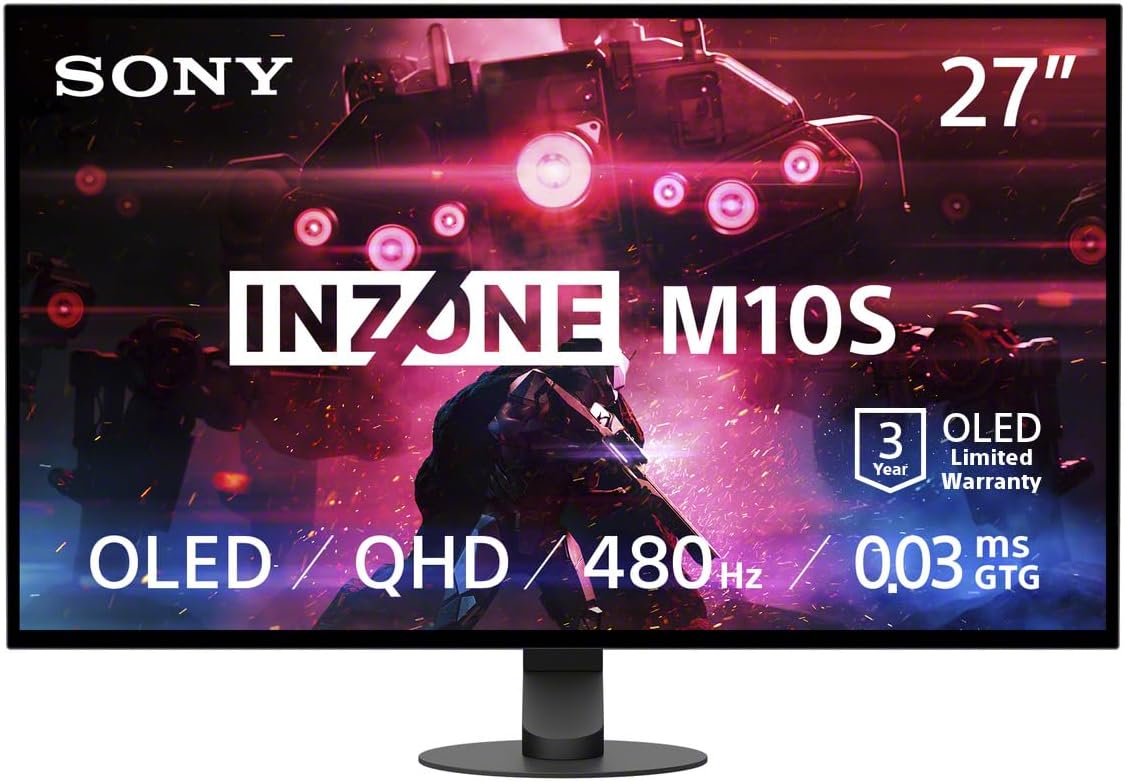
Sony Inzone M10S II
Best Tournament DesignBuy if: you want a pro-tournament workflow — Fnatic co-developed design, 24.5-inch tournament mode, and anti-glare coating for bright LAN environments
Don't buy if: $1,100 is too much for you (Engadget) — the ASUS OLED above offers the same speed class for less
The M10S II is Sony's second-generation Inzone flagship, co-developed with British esports organization Fnatic and explicitly designed for tournament play. Its 26.5-inch tandem OLED panel runs 1440p at 540Hz with a 0.02ms response time, and a dual mode drops to 720p for 720Hz. Sony's new Motion Blur Reduction uses black frame insertion engineered to keep brightness up — BFI normally dims the screen, and Sony claims it solved that.
The tournament details are what set it apart: a mode that shrinks the screen to 24.5 inches with black bars (at 1080p or 1332p) so you track less screen space while aiming, a Super Anti-Glare film for bright rooms and LAN stages, and a small-footprint stand with wide tilt adjustment built from pro feedback. A custom heatsink and 3-year OLED warranty back the panel. The honest catch: at a $1,100 launch price it's aimed at enthusiasts and pros, and enabling Motion Blur Reduction halves the active refresh rate (per Sony's own footnote).
Pros
- 540Hz at 1440p with 720Hz dual mode at 720p
- Fnatic co-developed: 24.5-inch tournament mode for competitive aim
- Super Anti-Glare film for bright rooms and LAN stages
- Motion Blur Reduction engineered without the usual brightness loss (Gizmodo)
- 3-year OLED warranty with custom heatsink
Cons
- $1,100 launch price is out of reach for most gamers (Engadget)
- 720Hz mode requires a low 720p resolution (Gizmodo)
- Motion Blur Reduction halves the active refresh rate (Sony footnote)
- No USB-C video input
Full specifications
- 26.5-inch QHD (2560×1440) tandem OLED panel
- 540Hz refresh rate; dual mode: 720Hz at 720p
- 0.02ms OLED response time
- Tournament mode: 24.5-inch 1080p/1332p display area
- Super Anti-Glare film, Motion Blur Reduction (BFI)
- DisplayPort, HDMI 2.1 ×2, USB hub; 3-year OLED warranty
Prices change frequently — click through to see today's price.
540Hz TN vs 540Hz OLED: Pick Your Camp
All five picks run at 540Hz, but they split into two camps with genuinely different strengths.
The TN camp: BenQ XL2586X and ASUS PG248QP
These are 24.1-inch 1080p panels — the classic esports formula. The TN advantage is total latency: fast raw pixel response plus backlight strobing (DyAc 2 on the BenQ, ELMB Sync on the ASUS) that keeps motion readable when you're tracking targets at full speed. Strobing is why many professionals still choose TN: spray patterns and flick targets stay clear in a way no non-strobed panel matches.
The price is everything else. TN panels have noticeably weaker color reproduction and narrower viewing angles than any modern alternative (DisplayNinja's panel comparison is blunt about this). And strobing can't run alongside adaptive sync, and it dims the screen — so these panels suit a controlled-lighting desk, not a bright living room.
The OLED camp: ASUS PG27AQWP-W, LG 27GX790B, Sony Inzone M10S II
These are 27-inch 1440p panels with 0.02–0.03ms response times — so fast that ghosting is effectively gone without any strobing. You get infinite contrast, wide viewing angles, and dual-mode flexibility (540Hz at 1440p, 720Hz at 720p). They double as genuinely great monitors for single-player games, which the TNs don't.
The cost is real money and pixel care. All three sit in flagship pricing, and static HUDs need pixel-refresh cycles and varied content to keep burn-in at bay. They're also harder to drive: 1440p at 540Hz needs a far stronger GPU than 1080p at 540Hz.
What Your PC Needs for a 540Hz Monitor
A 540Hz monitor only shows you what your PC can draw. To actually use the refresh rate, you need:
- 400+ FPS in your main games. At competitive settings (low graphics, performance modes), CS2 and Valorant can hit these numbers on high-end CPUs — the CPU is often the limiter at esports settings, not the GPU. At 1440p, you need a top-tier GPU on top of that.
- DisplayPort with DSC. 1440p at 540Hz needs serious bandwidth — DisplayPort 1.4 with Display Stream Compression at minimum. Check the HDMI limits too: on some models (like the Sony M10S II) the HDMI ports cap the refresh rate below 540Hz, so DisplayPort is the cable to use.
- Realistic expectations in AAA games. In GPU-bound titles, a 540Hz monitor still helps through adaptive sync — motion is smooth and tearing-free — but you won't see the full benefit. This is a competitive-gaming purchase first.
Motion Blur Reduction Explained: DyAc 2, ELMB, and BFI
Refresh rate is only half the motion-clarity story. The other half is how long each frame stays lit — and that's where backlight strobing comes in.
- DyAc 2 (BenQ Zowie XL2586X) — Dynamic Accuracy strobes the backlight in sync with the refresh rate for CRT-like motion clarity. It's the technology professionals cite most often for tracking fast targets, and DyAc 2 is the cleanest version yet.
- ELMB Sync (ASUS PG248QP) — ASUS's Extreme Low Motion Blur strobes for clear fast camera movement, and unlike older implementations it can work together with variable refresh rate.
- Motion Blur Reduction / BFI (Sony Inzone M10S II) — black frame insertion between frames, engineered by Sony to preserve brightness that BFI normally destroys. Note Sony's own footnote: enabling it halves the active refresh rate.
OLED panels don't need strobing at all — their 0.02–0.03ms response keeps motion clean natively. But strobing has real trade-offs on LCD: it can't run with adaptive sync (on most panels), it dims the screen, and it suits controlled lighting. Try it in your main game before deciding you need it; many players are happier with plain high-refresh plus G-SYNC.
The 500Hz Detour: When to Save Your Money
Here's the honest math that every 540Hz buyer should see. TechSpot's 2026 testing found current-generation 500Hz QD-OLED monitors starting around $650 — roughly 40% less than the 540Hz flagships — with minimal difference in motion clarity between 500Hz and 540Hz. The frame gap between 500Hz and 540Hz is 0.15ms. Nobody feels 0.15ms.
So: if your budget has any flex at all, a 500Hz QD-OLED (like the MSI MAG 272QP X50 that TFT Central recommends as the value alternative) is the smarter buy for most players — you trade an imperceptible 40Hz for hundreds of dollars and USB-C/KVM features the flagships skip. See our best OLED gaming monitors guide for those picks. Buy 540Hz only if you're chasing the absolute ceiling — the TN strobing models or the fastest OLED — and you know why.
Frequently Asked Questions
Can you actually see the difference between 360Hz and 540Hz?
It depends on your sensitivity and your games. The step from 360Hz to 540Hz shaves about 0.9ms off each frame, compared with roughly 1.4ms for 240Hz to 360Hz — diminishing returns, but competitive players do notice it in fast motion tests. Reviewers (including TechSpot) also note the gap between 500Hz and 540Hz is minimal, so most gamers feel the jump from 144Hz or 240Hz far more than the jump to 540Hz.
What PC specs do you need to use a 540Hz monitor properly?
Your PC must output matching frame rates — ideally 400+ FPS in your main games. At esports settings (low graphics, competitive resolutions), high-end CPUs are often the limiter, while 1440p 540Hz OLED panels need a top-tier GPU as well. Connect over DisplayPort with DSC (DisplayPort 1.4 with DSC at minimum); HDMI ports on some models cap the refresh rate below 540Hz.
Is a 540Hz OLED or a 540Hz TN panel better for competitive gaming?
TN panels (BenQ Zowie XL2586X, ASUS ROG Swift Pro PG248QP) are the tournament standard: fastest total latency with backlight strobing (DyAc 2, ELMB Sync), but weaker colors and narrow viewing angles at 1080p. OLED panels (ASUS PG27AQWP-W, LG 27GX790B, Sony Inzone M10S II) add 0.02–0.03ms response and perfect contrast at 1440p with no strobing needed — better if you also play single-player games, but they cost more and need burn-in care.
Can I use a 540Hz monitor with a PS5 or Xbox Series X?
You can connect one, but there is no benefit: the PS5 and Xbox Series X top out at 120Hz, so a 540Hz panel is wasted on consoles. These monitors are strictly a PC purchase — see our guide to the best gaming monitors for PS5 for console-appropriate picks.
Should I buy 540Hz or save money with a 500Hz QD-OLED?
TechSpot's 2026 testing found 500Hz QD-OLED models starting around $650 — roughly 40% less than the 540Hz flagships — with minimal difference in motion clarity. If your budget matters, a 500Hz panel is the smarter value. See our best OLED gaming monitors guide for those options.
Conclusion
540Hz is the fastest refresh rate money can buy — and for the first time, you don't have to choose between speed and a good picture. The ASUS ROG Swift OLED PG27AQWP-W is our top pick because it's the only 540Hz monitor that is both: 540Hz at 1440p on a tandem WOLED panel, backed by the best reviews in the category. Competitive purists should grab the BenQ Zowie XL2586X for its DyAc 2 clarity or the ASUS ROG Swift Pro PG248QP for its raw response, while the LG UltraGear 27GX790B and Sony Inzone M10S II offer dual-mode OLED speed with different strengths.
Be honest about your PC before buying: 540Hz only pays off if your system pushes 400+ FPS. If it can't, a 360Hz or 500Hz panel (see our FPS monitor guide) gets you 95% of the feel for far less money. Check current prices on Amazon via the links above — flagship monitors see frequent and sometimes steep discounts.