Antigravity IDE v2.5.5 Broken? Fix the "Agent Execution Terminated" Error
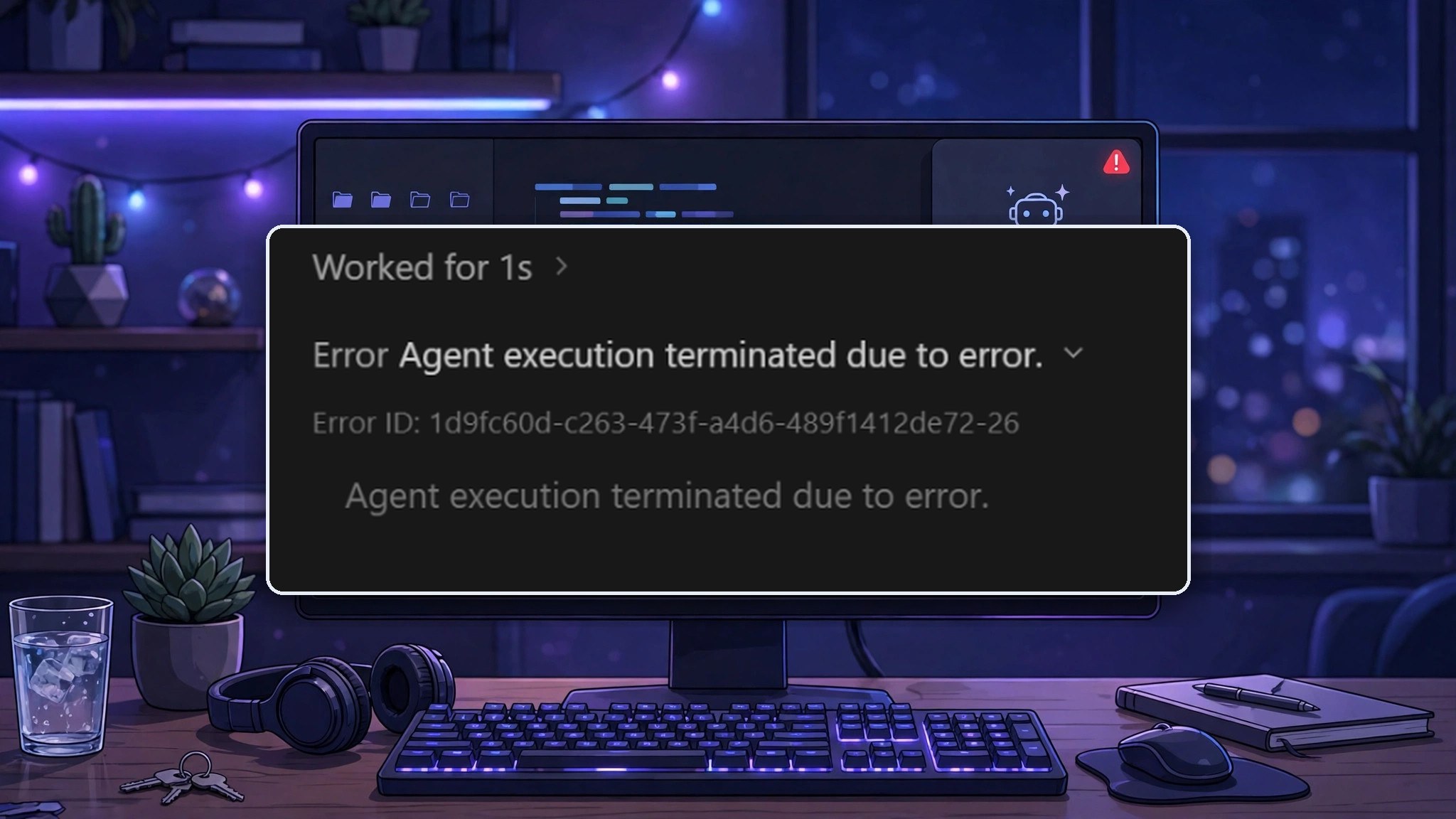
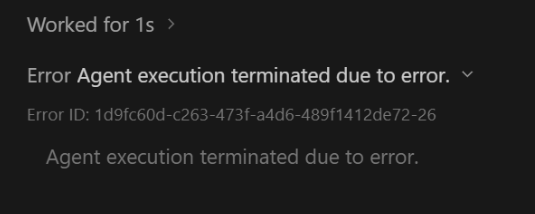
Since 3 November 2026, Antigravity IDE v2.5.5 is failing for users with the error "Agent execution terminated due to error." The agent runs for about a second, then stops — chat, inline diffs and the review workflow all die with it. The reported cause is an expired certificate on the IDE's bundled language server. There is no official fix yet, so here is the temporary launcher workaround developers are using to get working again, for Windows and Ubuntu.
Fix for Windows
On Windows, the workaround is a small launcher file that starts the IDE with Node.js TLS certificate checks switched off for that session only.
- Close Antigravity completely. Make sure no IDE processes are still running in Task Manager.
- Create the launcher file. Make a new file on your Desktop or in a folder of your choice named
Antigravity-v2.5.5.bat— make sure the extension is.bat, not.txt. If Notepad wants to save it as a text file, set the save type to All Files. - Paste in the following and save:
@echo off
set NODE_TLS_REJECT_UNAUTHORIZED=0
start "" "%LOCALAPPDATA%\Programs\Antigravity IDE\Antigravity IDE.exe"- Double-click the .bat file to launch Antigravity. Open a conversation and send a test prompt — the agent should work normally again.
Security warning: This is a temporary workaround, not an official fix. It disables TLS certificate verification for Node.js processes launched through this workaround, potentially affecting other HTTPS connections made by the IDE. Use it only until an official update resolves the expired certificate issue.
Fix for Ubuntu
On Ubuntu the same idea needs a shell launcher instead of a .bat file. The launcher below searches common installation locations for the Antigravity executable, then starts it with the temporary TLS workaround — so you don't have to edit a machine-specific path.
- Close Antigravity completely and save your work.
- Create the launcher. Copy and run this entire command in your terminal:
mkdir -p "$HOME/.local/bin"

cat > "$HOME/.local/bin/antigravity-tls-fix" <<'EOF'
#!/usr/bin/env bash
export NODE_TLS_REJECT_UNAUTHORIZED=0

APP="$(find "$HOME/Applications" "$HOME/.local/share" /opt \
  -type f -name antigravity-ide -print -quit 2>/dev/null)"

if [ -z "$APP" ]; then
  echo "Antigravity executable not found. Please locate your installation."
  exit 1
fi

exec "$APP" "$@"
EOF

chmod +x "$HOME/.local/bin/antigravity-tls-fix"
Note: if Antigravity is installed in a custom location outside the searched directories, add that location to the find command.
- Launch Antigravity using:
"$HOME/.local/bin/antigravity-tls-fix"- Test the agent. Open a conversation and send a simple prompt. The agent should work again if Node.js TLS certificate verification was causing the failure.
Security warning: This is a temporary workaround, not an official fix. It disables TLS certificate verification for Node.js processes launched through this workaround, potentially affecting other HTTPS connections made by the IDE. Use it only until an official update resolves the expired certificate issue.
Before You Rely on It
This is a temporary bridge, not a permanent setup. Read the limits before you settle into it:
- Temporary only. Use it until Google ships a certificate renewal or a new Antigravity release, then go back to the normal launcher and delete the temporary one.
- Scoped to one session. The setting applies only to the IDE session started from this launcher and its child processes. Your system-wide Node.js and npm setup, your browsers and your other developer tools are untouched.
- The honest limit: inside that session, Node skips certificate checks for every TLS connection the process makes, not just its local one. That is why this stays temporary — it is a way to keep working, not a configuration to keep.
- Nothing else changes. Sign-in, licensing and usage quotas are untouched. The launcher only skips certificate verification for that process; it does not touch authentication or any external limit.
- One Ubuntu caveat: this setting covers Node.js TLS verification. If the failing check is done directly by the Go language server, the launcher will not help, and the official fix is the only way out.
Frequently Asked Questions
Is this an official fix from Google?
No. It is a temporary workaround shared by blocked users while the bundled certificate is expired. The real fix is a certificate renewal or a new release from the Google Antigravity team. Once that ships, go back to launching Antigravity normally and delete the temporary launcher.
Will this affect my other tools or my browser?
No. The setting is set only for the IDE session started from the launcher and its child processes. Your system-wide Node.js and npm setup, your browsers and your other developer tools are untouched.
Do I have to use the launcher every time?
Yes, while the workaround is needed. Launching Antigravity from its normal shortcut starts it without the setting, and the agent error comes back. Use the .bat file on Windows or the shell launcher on Ubuntu until the official fix arrives.
What if the error still appears on Ubuntu after the launcher?
Then the failing check may be done directly by the Go language server rather than by Node.js, and this setting does not cover that path. In that case the workaround is not enough for your install, and the official fix is the way out.
Does this bypass Antigravity sign-in, licensing or usage limits?
No. Sign-in, licensing and quotas are unchanged. The launcher only tells Node in that IDE session to skip TLS certificate checks; it does not touch authentication or any external limit.