Best VPN for Gaming in 2026 (Low Ping, No Throttling)

Can a VPN actually help your gaming? Sometimes — and knowing when is the whole game. If your ISP throttles gaming traffic at peak hours, a VPN hides what you're doing and the throttling stops. If your route to a game server is inefficient, a VPN can take a faster path. If someone's DDoSing you in competitive lobbies, a VPN masks your real IP entirely.
But let's be honest: a VPN will never beat physics. Encryption always adds some latency, and no VPN makes a distant server feel local. The goal is picking a VPN that adds as little as possible — fast protocols, servers near your game regions, and features built for players. Below are the six best VPNs for gaming in 2026, ranked for speed, latency overhead, and gaming-specific features. Torn between the top two? See our detailed NordVPN vs ExpressVPN for gaming comparison.
The 6 Best VPNs for Gaming in 2026
Our Top Pick
NordVPN
Best for Gaming
NordVPN is the fastest gaming VPN in independent testing. NordLynx — its WireGuard-based protocol — adds as little as 1–3ms on nearby servers, which is effectively invisible in any game. The Meshnet feature is a genuine bonus for players: it creates a private encrypted network between your devices, so you can play LAN-style games with friends online without third-party tools. Add 6,400+ servers across 111 countries and network-level DDoS protection, and it's the complete package for competitive play.
Check Price on AmazonQuick Comparison
| Product | Key Specs | ||
|---|---|---|---|
| #1 | NordVPNBest for Gaming | NordLynx protocol · 1–3ms overhead · Meshnet LAN play · 6,400+ servers | Check Price |
| #2 | ExpressVPNBest Premium | Lightway protocol · Dedicated router app · 105 countries · Great for consoles | Check Price |
| #3 | SurfsharkBest Value | Unlimited devices · WireGuard speeds · Low long-term pricing | Check Price |
| #4 | Private Internet AccessBest for Tweakers | Port forwarding · Huge server fleet · Open-source apps · Deep customization | Check Price |
| #5 | CyberGhostBiggest Server Choice | Gaming-optimized servers · 45-day money-back · Massive server fleet | Check Price |
| #6 | Proton VPNBest Free Option | Free tier, unlimited data · Swiss privacy · Open-source apps | Check Price |
NordVPN
Best for GamingBuy if: you prefer NordLynx — the least latency of any mainstream VPN in testing
Don't buy if: you can't live with renewal prices jump significantly after the intro term
NordVPN earns the top spot because speed is the whole point of a gaming VPN, and NordLynx is the fastest mainstream protocol we've seen tested — adding just 1–3ms on nearby servers. That's within the noise of normal network jitter; you won't feel it. With 6,400+ servers in 111 countries, you also get real routing flexibility: if one server congests during peak hours, there are plenty of alternates in the same region to switch to without your ping spiking.
For gamers specifically, two features stand out. Meshnet creates a private encrypted network between your devices and your friends' devices, which means LAN-style multiplayer over the internet — no Hamachi, no port-forwarding headaches. And the network-level DDoS protection means competitive players and streamers can hide their real IP behind infrastructure built to absorb attacks that would knock a home connection offline instantly.
Pros
- NordLynx adds the least latency of any mainstream VPN in testing
- Meshnet enables virtual LAN gaming with friends
- 6,400+ servers give you routing options when one congests
- Network-level DDoS protection for competitive players and streamers
Cons
- Renewal prices jump significantly after the intro term
- 10-device limit (Surfshark allows unlimited)
- Far-away servers still can't beat geography — ping stays high
Prices change frequently — click through to see today's price.
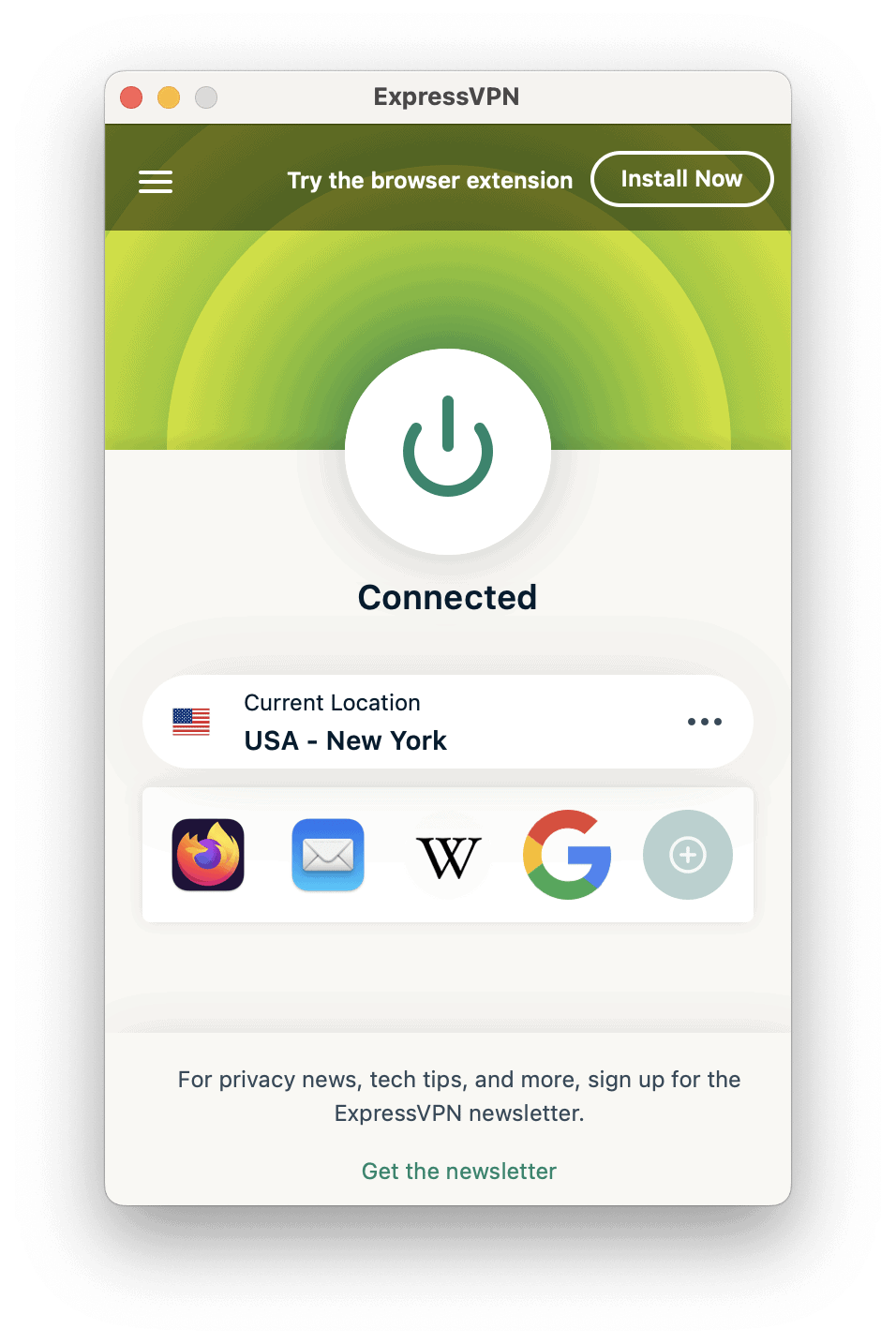
ExpressVPN
Best PremiumBuy if: you want Lightway protocol keeps latency overhead minimal
Don't buy if: more expensive than NordVPN and Surfshark on long plans is a dealbreaker for you
ExpressVPN is the polished premium option. Its Lightway protocol was designed for exactly this use case — fast connection establishment, low latency overhead, and stable performance under load — and it shows in gaming tests, where overhead on regional servers stays in the single digits. The app experience is the simplest here: pick a location, connect, play. No protocol menus to fiddle with.
Where ExpressVPN genuinely separates itself is consoles. PS5 and Xbox can't run VPN apps, so the standard solution is a router — and ExpressVPN's dedicated router app (plus its Aircove router) makes that dramatically easier than manual router configuration. If your setup is PC + console + phone and you want all of it protected with minimal fuss, this is the easiest path, though you'll pay more than the budget options for it.
Pros
- Lightway protocol keeps latency overhead minimal
- Dedicated router app — the easiest way to cover consoles
- Simple, polished apps with zero learning curve
- Servers in 105 countries, including key gaming regions
Cons
- More expensive than NordVPN and Surfshark on long plans
- No port forwarding (matters if you host game servers)
- Smaller server fleet than the biggest rivals
Prices change frequently — click through to see today's price.
Surfshark
Best ValueBuy if: you're after unlimited simultaneous devices — best for households
Don't buy if: you won't accept speeds vary more between servers than NordVPN
Surfshark is the value king, and it's not close on price. Long-term plans cost a fraction of the premium options, and the unlimited-devices policy means one subscription covers your gaming PC, phone, tablet, and everyone else in the house. WireGuard support keeps speeds competitive — independent tests consistently put Surfshark near the top for throughput, and ping overhead on nearby servers stays low enough for all but the most latency-obsessed.
The Nexus network (their multi-hop server architecture) adds a nice security layer, and features like the kill switch and split tunneling are all present. The main trade-off versus NordVPN is consistency: Surfshark's speeds can vary more between servers, so you may need to hop around to find the fastest route to your game region. At this price, that's a fair trade.
Pros
- Unlimited simultaneous devices — best for households
- Lowest long-term pricing of any top-tier VPN
- Fast WireGuard speeds in independent testing
- Full feature set: kill switch, split tunneling, multi-hop
Cons
- Speeds vary more between servers than NordVPN
- Interface pushes extra products (antivirus, alerts) a bit hard
- Fewer third-party audits than the longest-established rivals
Prices change frequently — click through to see today's price.

Private Internet Access
Best for TweakersBuy if: you're looking for port forwarding — rare and valuable for hosting game servers
Don't buy if: you can't live with speed consistency varies more by server than top picks
Private Internet Access is the VPN for people who like knobs to turn. Its killer feature for gamers is port forwarding — rare among major VPNs — which matters if you host game servers, run P2P applications, or need inbound connections through the VPN. The apps are fully open-source, the settings menus go deeper than anyone else's, and the server fleet is enormous.
Performance is solid on WireGuard, though less consistent than NordVPN or ExpressVPN on some routes — you'll want to test a few servers. The interface is utilitarian rather than pretty, and the US jurisdiction gives privacy purists pause (though PIA has a strong court-tested no-logs record). For gamers who want maximum control at a budget price, it's unmatched.
Pros
- Port forwarding — rare and valuable for hosting game servers
- Deepest customization of any major VPN app
- Fully open-source clients
- Very cheap on long-term plans
Cons
- Speed consistency varies more by server than top picks
- US-based jurisdiction bothers privacy purists
- Utilitarian interface — not beginner-friendly
Prices change frequently — click through to see today's price.

CyberGhost
Biggest Server ChoiceBuy if: you need gaming-optimized server lists take the guesswork out of server choice
Don't buy if: speeds trail the fastest rivals in independent tests is a dealbreaker for you
CyberGhost's pitch is simple: more servers, clearly labeled. Its apps include dedicated gaming-optimized server lists, so instead of guessing which location will route best to your game, you pick from servers tuned for it. The fleet is one of the largest in the industry, and the 45-day money-back guarantee is the longest here — plenty of time to test it against your actual games.
The honest trade-offs: WireGuard speeds don't top the charts the way NordVPN's do, the apps feel less polished than ExpressVPN's, and the Kape Technologies ownership still raises eyebrows among privacy-focused users. But for gamers who value a long trial window and purpose-built server lists at a mid-range price, it's a solid pick.
Pros
- Gaming-optimized server lists take the guesswork out of server choice
- 45-day money-back guarantee — longest trial here
- One of the largest server fleets in the industry
- Competitive mid-range pricing
Cons
- Speeds trail the fastest rivals in independent tests
- Apps less polished than ExpressVPN or NordVPN
- Ownership by Kape concerns some privacy advocates
Prices change frequently — click through to see today's price.

Proton VPN
Best Free OptionBuy if: you prefer free tier with genuinely unlimited data — the only one worth using
Don't buy if: you won't accept free servers are slower and crowded and limited free server locations
Proton VPN earns its spot with the only free tier worth recommending for anything: no data caps, no ads, no selling your data — genuinely unlimited free VPN, which is unheard of. It's from the Swiss company behind Proton Mail, with open-source apps and a strong privacy track record, so the free tier isn't a data-harvesting trap.
Be realistic about what free gets you for gaming: free servers are slower and more crowded, server choice is limited, and you won't get the fastest routes to game regions. But it works, it's honest, and it's the best way to test whether a VPN helps your specific situation before paying. The paid tier unlocks the full server network, faster speeds, and features like port forwarding — a fair upgrade path if the free version proves the concept.
Pros
- Free tier with genuinely unlimited data — the only one worth using
- Strong Swiss privacy jurisdiction and open-source apps
- No ads, no data selling, no shady free-tier business model
- Paid tier is a fair upgrade if free proves useful
Cons
- Free servers are slower and crowded — not ideal for competitive play
- Limited free server locations
- Best gaming features (full network, port forwarding) need the paid plan
Prices change frequently — click through to see today's price.
How to Choose a VPN for Gaming
Prioritize a Fast Protocol
The protocol matters more than the brand for gaming latency. WireGuard — and tuned versions like NordVPN's NordLynx and ExpressVPN's Lightway — adds just 1–3ms on nearby servers. Older protocols like OpenVPN can add 8–12ms or more, which is noticeable in competitive games. If a VPN doesn't offer WireGuard or an equivalent modern protocol, skip it for gaming.
Pick Servers Near Your Game Servers, Not Near You
Common mistake: connecting to a VPN server in your own city, then playing on a game server across the continent. The VPN only controls the first leg of the trip. Instead, choose a VPN server close to the game server's region — and favor VPNs with large networks so you have backup options when one server congests during peak hours.
Demand DDoS Protection and a Kill Switch
If you play competitively or stream, DDoS protection isn't optional — it hides your real IP behind infrastructure built to absorb attacks that would instantly knock a home connection offline. A kill switch is the companion feature: if the VPN drops mid-match, it cuts your connection rather than exposing your real IP. Every VPN on this list has both.
Use Split Tunneling for Voice Chat
Split tunneling lets you route only your game through the VPN while Discord, Spotify, and your browser use your direct connection. This keeps voice chat crystal clear and avoids routing unnecessary traffic through the VPN. It's the ideal setup for competitive team games and every pick here supports it.
Consoles Need Router Support
PS5 and Xbox can't run VPN apps, so console gamers need a router-level solution: install the VPN on your router to cover every device on your network, or share a VPN connection from a PC. ExpressVPN and NordVPN both offer dedicated router apps that make this far easier than manual router configuration — if you're a console player, weigh this heavily. See our dedicated best VPN for PS5 guide for console-specific picks and setup walkthroughs.
Watch the Renewal Price, Not Just the Intro Price
VPN pricing is built on intro discounts. That $3/month deal is almost always the first-term price, and renewals can double or more. Compare the total cost over the full term you're committing to, and use the money-back guarantee (30–45 days on this list) to test real gaming performance before you're locked in.
Frequently Asked Questions
Does a VPN lower ping in games?
Sometimes. A VPN always adds some encryption overhead, but it can lower your effective ping if your ISP throttles gaming traffic or routes you to game servers inefficiently — the VPN bypasses the throttling or takes a better route. If your connection is already well-routed, a VPN adds a few milliseconds instead. The goal is minimizing that overhead with a fast protocol like WireGuard, which is why protocol choice matters more than brand for gaming.
What is the best VPN protocol for gaming?
WireGuard is the best VPN protocol for gaming, typically adding only 1–3ms of latency on nearby servers. Provider-tuned versions like NordVPN's NordLynx and ExpressVPN's Lightway are equally good or better. Older protocols like OpenVPN add 8–12ms or more, making them a poor choice for competitive play. Always select WireGuard (or the provider's tuned equivalent) in the app settings.
Can I use a free VPN for gaming?
Generally no. Most free VPNs cap data at 500MB–2GB, throttle speeds, and run crowded servers — all deal-breakers for gaming. Proton VPN's free tier is the one real exception: unlimited data with no ads, though its speeds still lag behind paid options. Use it to test whether a VPN helps your setup, then upgrade if the concept proves out.
Will using a VPN get me banned from games?
Using a VPN for gaming is legal in most countries, and major platforms like Steam, Epic Games, and Blizzard allow VPN use for legitimate purposes. However, some games prohibit VPNs in their terms of service — particularly for accessing region-locked content. Check your game's terms, and use a VPN for security, DDoS protection, and performance rather than to bypass regional restrictions. And once your network is secured, lock down the accounts themselves — our password manager for gamers guide covers keeping your Steam, Epic, and Riot credentials safe.
How do I use a VPN on PS5 or Xbox?
Consoles can't run VPN apps directly, so you have two options. The standard approach is installing the VPN on your router, which protects every device on your network — ExpressVPN and NordVPN both offer dedicated router apps that simplify this. Alternatively, share a VPN connection from a PC (Windows and macOS both support this via connection sharing). Either way, the VPN runs upstream of the console. For step-by-step console walkthroughs, see our PS5 VPN setup guide and our Xbox Series X VPN setup guide.