Best VPN for Warzone in 2026: Lower Ping & DDoS Protection

Warzone is one of the most network-sensitive games you can play — and one of the most targeted. DDoS attacks in competitive lobbies, ISP throttling during peak hours, and poor routing to Activision's servers can all ruin a match. A good VPN addresses all three, but only if it's fast enough that it doesn't add more lag than it removes.
Below are the three best VPNs for Warzone in 2026, chosen for speed, DDoS protection, and server coverage near Warzone's server regions. For general latency fixes that work with or without a VPN, see our guide to lowering ping in Warzone and Valorant.
The 3 Best VPNs for Warzone in 2026
Our Top Pick
NordVPN
Best for Warzone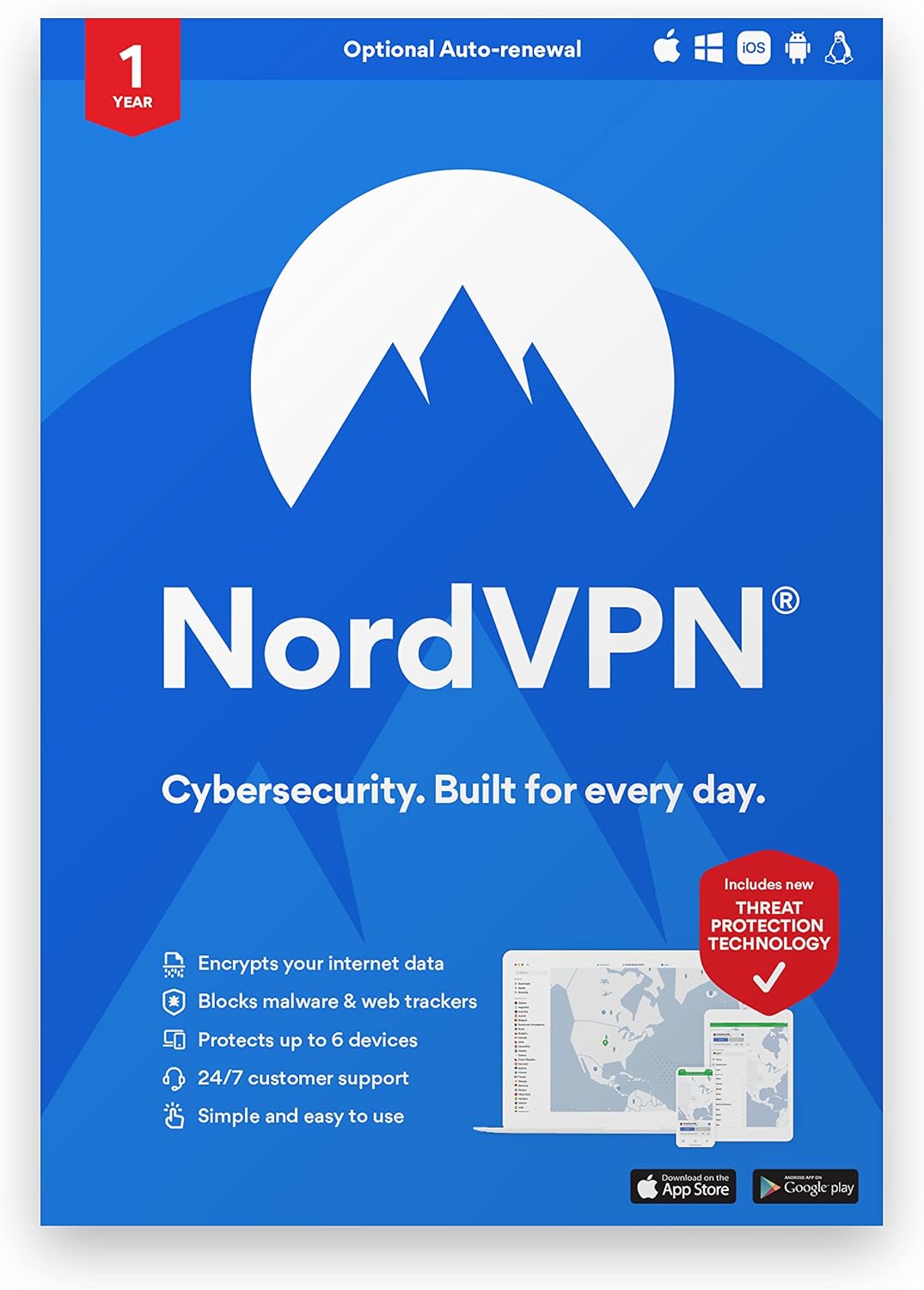
NordVPN is the best VPN for Warzone because its NordLynx protocol adds the least latency of any major VPN, and its 6,000+ server network means you can always find a low-ping server near Warzone's data centers. Threat Protection blocks trackers and malicious sites, and the built-in kill switch prevents IP exposure mid-match if the VPN drops.
Check Price on AmazonQuick Comparison
| Product | Key Specs | ||
|---|---|---|---|
| #1 | NordVPNBest for Warzone | NordLynx · 6,000+ servers · Kill switch · Threat Protection | Check Price |
| #2 | ExpressVPNMost Reliable | Lightway · 105 countries · MediaStreamer · Router firmware | Check Price |
| #3 | SurfsharkBest Value | WireGuard · Unlimited devices · Smart DNS · Budget-friendly | Check Price |
NordVPN
Best for WarzoneNordVPN's NordLynx protocol is the fastest option for Warzone — it typically adds just 4–12ms on nearby servers, the lowest overhead of any major VPN. That matters in Warzone, where gunfights are decided in milliseconds. The massive server network keeps congestion low during peak evening hours, and the kill switch ensures your real IP never leaks mid-match.
Pros
- Lowest ping overhead (NordLynx/WireGuard)
- 6,000+ servers for low congestion
- Kill switch + Threat Protection included
Cons
- No custom router firmware for consoles
- Desktop app can feel feature-heavy
Prices change frequently — click through to see today's price.

ExpressVPN
Most ReliableExpressVPN is the reliability pick: its Lightway protocol holds stable connections through long Warzone sessions, and its custom router firmware makes it the easiest VPN to run on consoles. If you play Warzone on PS5 or Xbox, ExpressVPN's router setup is the smoothest path to VPN protection. Speeds are excellent, just slightly behind NordVPN's.
Pros
- Extremely stable long-session connections
- Custom router firmware for console players
- Excellent customer support
Cons
- Roughly 2x the price of NordVPN
- Slightly higher ping overhead than NordLynx
Prices change frequently — click through to see today's price.
Surfshark
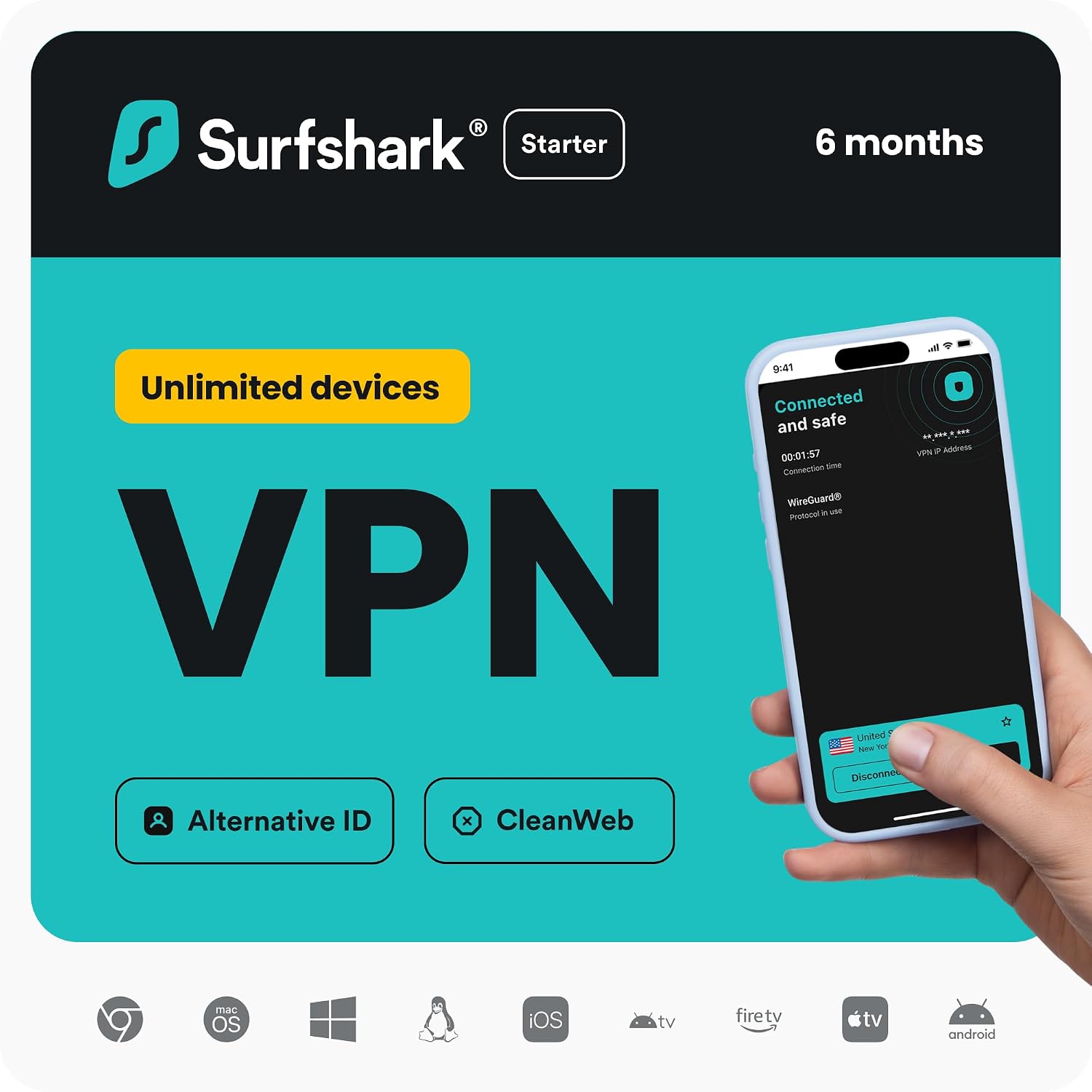
Best ValueSurfshark gives Warzone players unlimited device connections at a budget price — one subscription covers your PC, console (via router), phone, and every other device. WireGuard speeds are competitive, Smart DNS is included for streaming, and the price (often under $2.50/month on long plans) is hard to beat.
Pros
- Unlimited simultaneous connections
- WireGuard speeds at a budget price
- Smart DNS included
Cons
- Speeds vary more than NordVPN at peak times
- No custom router firmware
Prices change frequently — click through to see today's price.
Why Use a VPN for Warzone?
DDoS Protection in Competitive Lobbies
Warzone's peer-to-peer elements can expose your IP address to other players, and sore losers do launch DDoS attacks to disconnect opponents mid-match. A VPN hides your real IP behind the VPN server's address, making these attacks impossible. This alone justifies a VPN for ranked players.
Stop ISP Throttling During Peak Hours
If your Warzone ping spikes every evening, your ISP may be throttling gaming traffic. A VPN encrypts your traffic so your ISP can't identify and slow it — many players see immediate improvement during peak hours.
Better Routing to Warzone Servers
Sometimes your ISP's route to Activision's servers is inefficient. A VPN can provide a shorter path, occasionally lowering ping even after encryption overhead. Test during the money-back period to see if it helps your specific connection.
Play With Friends in Other Regions
A VPN lets you connect through servers in other regions, so you can squad up with friends abroad on their regional servers. Note that using a VPN to manipulate matchmaking or evade bans violates Activision's terms — use it for connection quality and protection, not exploits.
Frequently Asked Questions
Does a VPN lower ping in Warzone?
Sometimes. A VPN adds a small amount of latency by itself (typically 4–18ms on nearby servers), but it can lower your effective ping if your ISP is throttling gaming traffic or routing you inefficiently to Warzone servers. If neither applies, a VPN will slightly increase ping — test with a money-back guarantee to find out.
Will I get banned for using a VPN in Warzone?
Using a VPN for connection protection and privacy does not by itself violate Activision's terms. However, using a VPN to manipulate matchmaking, evade bans, or access content in ways that violate the terms can lead to penalties. Use a VPN for DDoS protection and routing, not for exploits.
Which VPN protocol is best for Warzone?
WireGuard and its variants (NordLynx, Lightway) are best for Warzone — they add the least latency overhead. Avoid older protocols like OpenVPN over TCP for gaming; if your VPN offers a choice, pick WireGuard or your provider's WireGuard-based protocol.
Can I use a VPN on Warzone for console?
Yes, but not through a console app — PS5 and Xbox don't support VPN apps. Install the VPN on your router (ExpressVPN's custom firmware is easiest, NordVPN and Surfshark offer manual setup guides) or share a VPN connection from your PC. See our best VPN for PS5 guide for setup walkthroughs.
Is a free VPN good enough for Warzone?
For casual play, a reputable free tier like Proton VPN Free or Cloudflare WARP can work — see our best free VPN for gaming guide. For ranked play, paid VPNs offer faster speeds, more servers, and reliable kill switches that free tiers often lack.