How the 100% check works
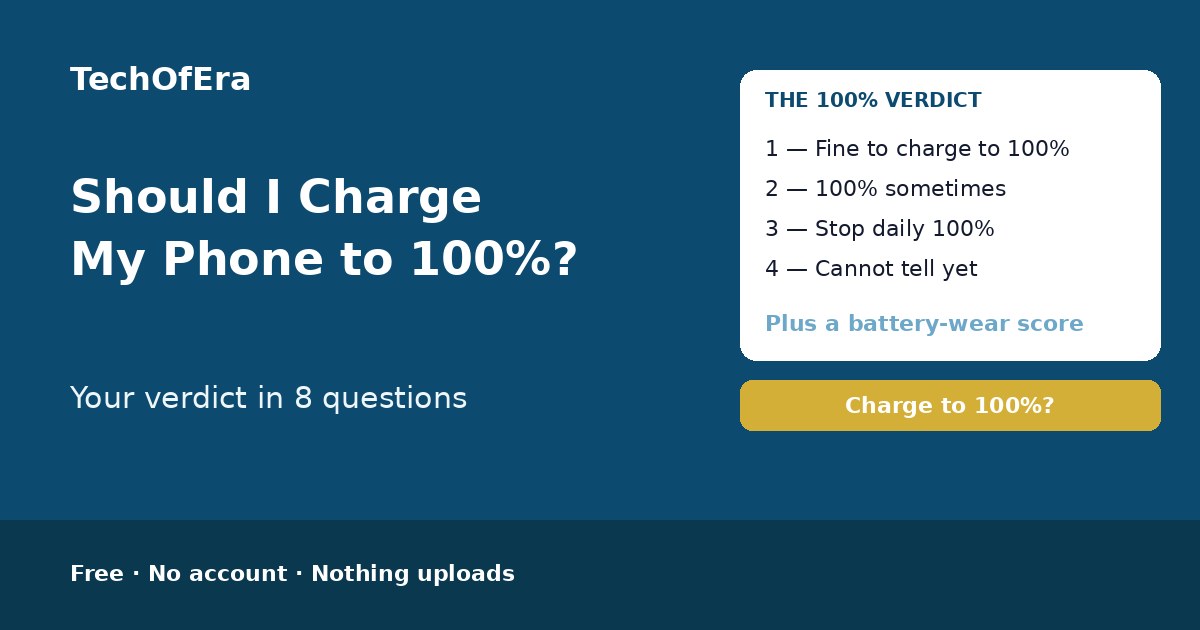
Charging to 100% is not what damages a phone battery — holding it there is. A lithium-ion battery at full charge sits near 4.2 volts per cell, and that high voltage strains the electrolyte and the electrodes. The wear is worst when the battery is warm at the same time, which is why a phone that charges fast, charges wirelessly, or sits in a thick case wears faster. Battery University's figures put a number on it: a battery held at 100% above 25°C (77°F) can lose around a fifth of its capacity within a year. Your phone already stops charging at 100% and switches to a trickle, so it will not overcharge — the question is how long it sits at full charge, and how warm it is while it does. This checker weighs all eight questions and gives you a verdict: fine to charge to 100%, charge to 100% sometimes, stop charging to 100% every day, or cannot tell yet — plus a battery-wear score from 0 to 100.
To use it:
- Say what phone you have. iPhone, Samsung Galaxy, Google Pixel, or another Android phone. The charge-limit setting is different on each: iPhone offers an 80% limit, Samsung caps at 85% with Protect Battery, and Pixel has Adaptive Charging.
- Say how old the phone is. Under 1 year, 1–2 years, 2–3 years, or 3 years or more. A battery wears with age: a young battery copes with a full charge far better than an old one.
- Say what the battery health is. Above 90%, 80–90%, below 80%, or that you do not know. On iPhone it is in Settings, Battery, Battery Health; on Samsung and Pixel it is in Settings, Battery, Battery health. Apple treats below 80% as a battery that needs replacing.
- Say what charge limit is set. A hard limit that stops at 80% or 85%, optimised or adaptive charging that holds at 80% until morning, or no limit at all. The limit is the single best thing you can do for a phone battery.
- Say how high you usually charge it. Usually stop around 80%, top up little and often, to 100% most days, or to 100% every night. Stopping around 80% wears a battery far less than going to 100% every day.
- Say what charger you use. A slow wired charger makes the least heat; a fast charger makes more; a wireless charger makes the most; a cheap unbranded charger can feed the phone the wrong voltage.
- Say how warm the phone gets while charging. Stays cool, slightly warm, hot, or very hot — too hot to hold comfortably. Heat plus a full charge is the worst combination for a lithium-ion battery.
- Say how long it sits at 100%. Unplug as soon as it is full, a couple of hours, or all night. Time at full charge is what matters most: a battery held at 100% for hours wears fastest of all.
The four verdicts, and what each one means
Fine to charge to 100%
The wear on this battery is low: the phone is young or protected, the charge limit is on, and it does not sit at 100% for long. Charging to 100% when you need a full day is fine — the phone already stops charging at full and switches to a trickle. Keep the charge limit on for ordinary days, and keep 100% the exception, not the daily habit.
Charge to 100% sometimes, not every day
The wear is moderate: a couple of things are wearing the battery faster than they should — it goes to 100% most nights, there is no charge limit set, it gets warm while charging, or its maximum capacity is already down to 80–90%. Turn on the charge limit your phone offers and save a full 100% charge for days you really need it.
Stop charging to 100% every day
The wear is high: the battery is already worn, it gets very hot, or it sits at 100% for hours every night. Set the charge limit to 80% (iPhone) or 85% (Samsung) today, unplug the phone once it is full, and charge it in the open. If the battery swells or the phone stays very hot, stop using it and get it checked.
Cannot tell yet
Not enough answers to judge: the verdict needs to know the phone, its age, its battery health, the charge limit, and how high you usually charge it. Answer the first questions and the verdict appears — and where the answer is unclear, the checker says so instead of guessing.
Which charging habits are fine, and which are not
The reference table the checker works from — phone and habit on the left, the verdict and what to do on the right:
| Phone × habit | Verdict | What to do |
|---|---|---|
| New phone, 80% limit on, unplugs when full | Fine to charge to 100% | Charge to 100% when you need it; 80% on ordinary days |
| New phone, optimised charging on, to 100% every night | Fine to charge to 100% | Optimised charging holds at 80% until morning — leave it on |
| 1–2 years old, 80–90% health, to 100% most nights | Charge to 100% sometimes | Set the 80% or 85% limit; save 100% for days you need it |
| 2–3 years old, no limit, to 100% every night | Charge to 100% sometimes | Turn on the limit — daily 100% is wearing this battery now |
| Wireless charging every night to 100% | Charge to 100% sometimes | Take the case off, and use a slow wired charger overnight |
| Fast charger, phone gets hot, sits at 100% for hours | Charge to 100% sometimes | Slow charger overnight, charge in the open, unplug when full |
| Below 80% health, still charges to 100% every day | Stop charging to 100% every day | Set the limit today — and think about a battery replacement |
| Phone very hot while charging | Stop charging to 100% every day | Stop charging, let it cool, and get the phone checked |
| 3+ years old, low health, sits at 100% all night | Stop charging to 100% every day | Set the limit, unplug when full, and check the battery |
| Top up little and often, rarely full | Fine to charge to 100% | Short top-ups between 20% and 80% are the kindest way to charge |
| Cheap unbranded charger | Charge to 100% sometimes | Replace it with the charger that came with the phone, or a known brand |
| Battery health unknown, everything else fine | Cannot tell yet | Check the battery health in Settings, Battery, then run the check again |
Your step-by-step routine: set the limit, then charge less
Whatever the verdict, this is the routine the checker is aiming for — the plan it builds from your answers:
- Turn on the charge limit your phone offers. On iPhone 15 and later: Settings, Battery, Charging, choose the 80% limit. On Samsung: Settings, Battery, Battery protection, turn on Maximum (85%). On Google Pixel: Settings, Battery, Adaptive charging, turn it on and set an alarm so the phone knows when you wake.
- Charge to 80% on ordinary days. The 20% to 80% range is the sweet spot: in that mid-range a battery lasts far more cycles than by fully charging and discharging. Charge to 100% only on days you need a full charge — a long trip, a day out, or a day with no charger.
- Top up little and often. Lithium-ion batteries like short charges. Plugging in for 10% here and 15% there is not only fine, it is advisable — a top-up does not cost a full cycle the way a 0–100% charge does.
- Use a slow wired charger overnight. A fast charger is for when you are in a hurry; overnight, a slow charger makes the least heat. Wireless charging is convenient, but take the case off and do not leave the phone on the pad all night if you can avoid it.
- Keep the phone cool while it charges. Charge it in the open, not under a pillow, in direct sun, or in a thick case. If it gets more than slightly warm, take the case off and let it cool — and if it gets very hot, stop charging it.
- Unplug it once it is full. Time at 100% is what wears a battery fastest. If you charge overnight, Optimised or Adaptive Charging does this for you by holding at 80% until just before you wake — but only if the phone can learn your routine, so charge at roughly the same time each night.
What makes this checker different
The pages that rank for this search are articles — an Android Central explainer on whether 100% is safe, a Gear Patrol guide from a battery expert, and Alibaba explainers on full versus partial charging. They all answer the same question in words: yes, you can charge to 100%, and here is why 80% is kinder. None of them asks what phone you have, how old it is, what its battery health is, whether the charge limit is on, or how warm it gets — and none of them gives you a verdict for your exact phone, or a battery-wear score. This page is the answer the articles do not give: eight questions, an instant verdict, a wear score, the blockers named, and a routine built from your answers. It is a self-assessment, so it says plainly what it cannot know: it cannot see, test or measure the phone.
This checker also answers a different question from the Should I Charge My Phone Overnight? Checker — that one is about whether to charge overnight at all, including the timing, the fire risk and the swelling check; this one is about the charge level itself: 100% versus 80%, whatever time of day you charge. The Should I Replace My Phone Battery? Checker covers the replacement decision once the health is already low, the Is My Phone Charger Safe? Checker covers whether the charger itself is safe to use, and the Can I Use My Phone While Charging? Checker covers using the phone during charging. The five go together: a phone with a healthy battery, a safe charger and an 80% limit can be charged overnight and used while it charges — a phone with a worn battery, a cheap charger and no limit cannot.
When is this the right check?
When you charge to 100% every night and wonder whether it is wearing the battery out — because the answer genuinely changes with the phone's age, its health and whether the limit is on. When the phone dies by mid-afternoon and you want to know whether the charging habit is part of the problem. When you have just bought a new phone and want to keep its battery young for as long as possible. And when someone in the house charges with a cheap unbranded charger, and you want to know whether that is the first thing to fix (it is).
Honest limitations
A self-assessment, not battery advice
This checker cannot see, test or measure the phone. It cannot tell whether your battery is safe. If the battery swells, the phone stays very hot while charging, or it dies by mid-afternoon, stop using it and get it checked.
The wear score is a comparison, not a measurement
The battery-wear score from 0 to 100 is the checker's own judgement: it weighs your answers against each other so you can compare habits. It is not a reading from the battery — no web page can read your battery's true health.
Battery health numbers are estimates
The maximum-capacity figure your phone shows is the phone's own estimate, and it can jump up or down after a software update or a full charge cycle. Treat it as a rough guide, not a precise measurement — and if it drops suddenly, check it again after a few days.
“Slightly warm” is a judgement, not a measurement
Most people judge heat by touch, and "slightly warm" and "hot" can feel alike. If the phone is too hot to hold comfortably, that is very hot — stop charging it and let it cool. A phone that stays very hot needs checking, not charging.
One phone at a time
This checker looks at one phone at a time. It does not check the rest of the household's phones, and it does not ask whether anyone else charges the same phone — so run it once per phone, and set the limit on each one.
Rules from official sources, dated November 2026
The rules here are the battery guidance from Apple, Samsung and Google, and the battery-chemistry guidance from Battery University, as they read in November 2026. Guidance changes: recheck with the official sources if anything about the guidance, or about your phone, changes.