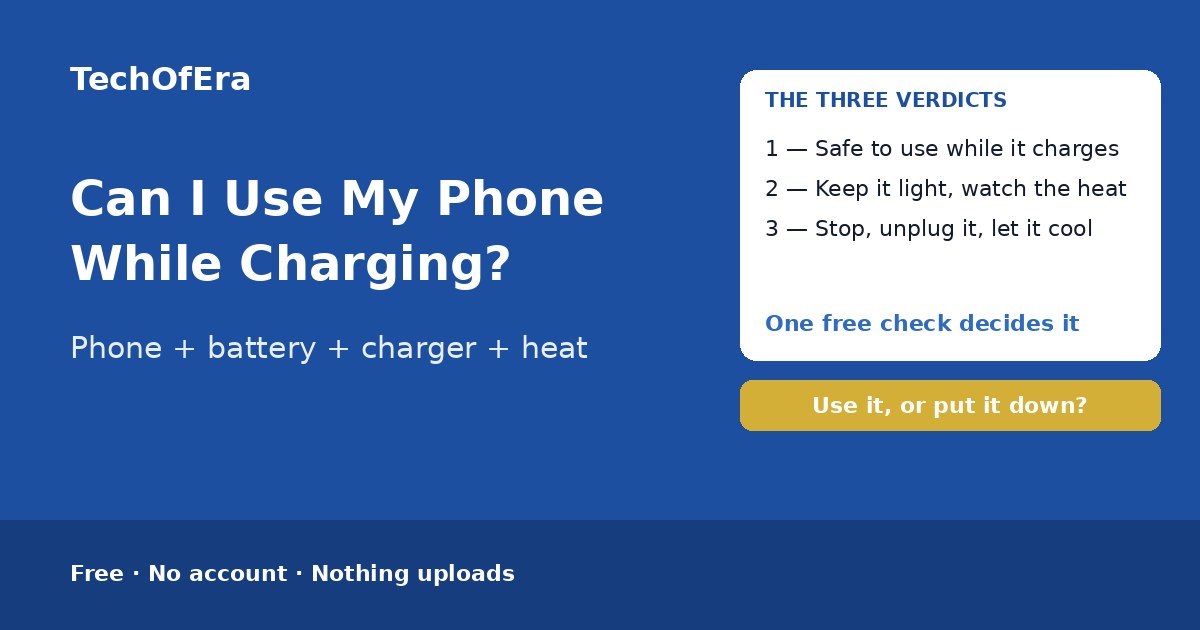
How the using-while-charging check works
Using a phone while it charges used to be a real worry: old batteries overcharged, and a phone left plugged in while you used it could swell or fail. Modern phones do not work that way. Power-management chips stop the charging current at 100% and top the battery up in short bursts, so the phone cannot overcharge — and some phones have bypass charging, which sends power straight to the phone instead of the battery while it is plugged in and in use. What still wears a lithium-ion battery is heat: charging alone raises battery temperature by about 5–10°F, and intensive use adds another 10–15°F on top of that, and batteries degrade faster above 95°F (35°C). The industry consensus is that lithium-ion batteries last longest kept in the 20–80% range. So the question is no longer "is it safe to use my phone while it charges?" but "does this phone, on this charger, doing this, get hot?" This checker weighs all of it — the phone, its age, the battery health, the charger, what you are doing on it, whether it gets hot, whether the battery is swelling, how long you keep using it while plugged in, where it sits while it charges, and whether you might fall asleep with it plugged in — and gives you a verdict: safe to use while it charges, keep it light and watch the heat, or stop and unplug it.
To use it:
- Say what phone it is. iPhone, Samsung Galaxy, Google Pixel or another Android — whether the phone has bypass charging depends on it: many Samsung and Pixel phones do, and iPhones do not yet.
- Say how old the phone is. Under 1 year is a new phone; 5 years or older is an old one — and older phones have fewer battery protections and a more tired battery.
- Say what the battery health is. On an iPhone, check Settings > Battery > Battery Health. Under 80% means the battery is worn — Apple treats under 80% as the line where a battery needs replacing.
- Say what charger it is plugged into. An original or certified charger is fine; a cheap no-name charger is a risk on its own. A slow 5–10 W charger is the gentlest way to charge while you use the phone; fast and wireless chargers make more heat.
- Say what you will be doing on it. Calls, texts and browsing are light use; streaming is moderate; gaming and video recording are the heaviest use while charging — the processor runs at full speed and charging adds its own heat on top.
- Say whether the phone gets hot while charging. Heat is the main thing that wears a battery. A phone that often gets very hot while charging is being damaged — and if it has shown a temperature warning, that is the phone telling you it is too hot.
- Say whether the battery is swelling. A bulging back or a lifting screen means stop using and charging it and get the battery checked — do not use it while it charges. A swollen battery is a safety problem, not a wear problem. This answer alone can change the verdict.
- Say how long you keep using it while plugged in. A few minutes is fine on any charger; over an hour of heavy use is when the heat builds up, and the battery spends the whole time working.
- Say where the phone sits while it charges. A table or desk out in the open air lets the phone shed heat. A bed, a pillow or a blanket traps it — and direct sunlight or a hot car heats the phone from outside while charging heats it from inside.
- Say whether you might fall asleep with it plugged in. Nobody is awake to notice the phone getting hot, and a phone under a pillow or blanket traps heat all night. Charge it on a table instead, on a slow charger.
The three verdicts, and what each one means
Safe to use it while it charges
Light use on a decent charger, a cool phone and no swelling — the phone draws what it needs to run and the rest goes to the battery, and the heat stays low. Keep the phone on a table or desk, out in the open air, and it will stay that way.
Keep it light and watch the heat
It is probably fine to use this phone while it charges — but this setup makes more heat than a gentle one. Keep the use light: calls, texts and browsing, not gaming or video recording. Take the case off, keep the phone out in the open air, and if it feels uncomfortably hot, stop using it and unplug it.
Stop — unplug it and let it cool down
Something is wrong with this battery or this setup: it is swelling, it has shown a temperature warning, or it gets very hot on a worn battery. Stop using and charging the phone and get the battery checked before using it while it charges again.
What makes this checker different
The pages that rank for this search are guides — Engadget, Android Central, SlashGear, Batteries Plus and Clarigo all explain the same thing in prose: using a phone while it charges is generally safe, heat is the real risk, light use is fine and gaming adds heat. All of them say the same thing, and none of them asks what your phone is, how old it is, what its battery health is, what charger you use, what you are doing on it, whether it gets hot, whether the battery is swelling, how long you use it for, where it sits, or whether you might fall asleep with it plugged in — and none of them gives you a verdict for your phone. There is no free, standalone checker that takes your phone, age, battery health, charger, activity, heat, swelling, duration, place and sleep habit and turns them into a verdict with a heat estimate and a safer-use plan. This page is that answer: ten questions, an instant verdict, the blockers named, and the next steps. It is a self-assessment, so it says plainly what it cannot know: it cannot feel how hot a phone gets, read the battery health, or see inside the phone.
When is this the right check?
When you pick up the phone every time it is plugged in and wonder whether you are quietly wearing the battery out — because a quick call on a slow charger is fine, and the checker says so. When the phone feels warm every time you game on it while it charges — because gaming on a fast charger is the combination that heats a phone most, and the checker names it. When you have switched to a wireless pad or a cheap charger — because the charger is the one thing most guides mention and nobody checks. And when the battery health has dropped under 80%, the phone has shown a temperature warning, or the back of the phone is starting to bulge — because the question then is not whether to use it while it charges, but whether to charge it at all.
Honest limitations
A self-assessment, not a repair diagnosis
This checker cannot feel how hot a phone gets, read the battery health, or see inside the phone. It cannot tell whether a battery is worn out or a charger is faulty. If a phone swells, smells, shows a temperature warning, or gets very hot while charging, stop using it and talk to the manufacturer or a repair shop.
Without the battery health, the verdict is weaker
Battery health is the one number that says how worn the battery is — and Samsung does not show it the way iPhones do. The checker still works without it, but it says so: the verdict drops to low confidence and the first step is to check the battery health or the phone's age.
The heat estimate is the checker's own estimate
The plan estimates how much warmer the battery gets from your answers — it starts from the published figures, about 5–10°F from charging alone and another 10–15°F from intensive use, and adds the checker's own allowances for the charger, the activity and where the phone sits. It assumes the phone starts near room temperature, about 72°F (22°C), so treat the figure as a guide, not a measurement. It is the checker’s own estimate, and the plan says so.
Bypass charging depends on the exact model
Bypass charging is available on many Samsung, Google, Xiaomi and ZTE phones, but not on every model and not on any iPhone. The checker asks what phone it is, but it cannot check the exact model — so if you are not sure your phone has it, treat the verdict as if it does not.
A cheap charger can fail in ways the checker cannot see
A no-name charger can have poor insulation, a fake wattage rating, or no thermal protection at all — and none of that shows up in ten questions. The checker treats any cheap charger as a reason to keep the use light or put the phone down, but the only real fix is a charger from the maker or a certified brand.
Rules from official sources, dated November 2026
The rules here are the Apple battery guidance — the 32–95°F operating range and the 80% battery-health line — and the published heat figures for charging and intensive use, as they read in November 2026. Guidance changes: recheck the manual for your exact model if anything about the phone changes.