How to Put a Tracking Device on a Car
Maybe your car's been broken into once already. Maybe your teen just got their licence and you're lying awake wondering where they are. Or maybe your classic sits in storage for months and you want to know it's still there. If you've already Googled this, you've probably seen three different answers — and they can't all be right. This guide cuts through that: which tracker type fits your situation, where to put it, what it costs, and the trackers worth buying in 2026. Most installs take under 15 minutes.
Putting a tracking device on a car refers to fitting a small GPS unit that reports the vehicle's live location to an app or website, usually over a cellular connection. Most installs take under 15 minutes and need no tools.
A note on legality: Tracking a vehicle you own or manage is generally fine. Tracking someone else's car without their knowledge or consent may be illegal depending on your jurisdiction. When in doubt, check local laws first.
How GPS Car Trackers Work
How a GPS tracker works on a car is simple. It pairs a GPS receiver with a cellular module. The GPS side pinpoints the location by satellite, the cellular side uploads it every few seconds, and you view it in an app. According to this guide, nearly all real-time trackers need a subscription because of that cellular link.
Here's the thing: that cellular link is why a subscription exists. No plan, no live updates. A tracker with no service is just a box that knows where it is and can't tell you.
Step 1: Choose Your Tracker Type
Look — if you're tracking a car you own, here's what actually works: start with the type, not the brand. There are three main types, and the choice drives everything else:
Which GPS tracker is best for a car depends on whose car it is. For your own daily driver, an OBD-II tracker wins — it plugs in and never needs charging. For theft recovery, a hidden magnetic tracker is better, since a thief can't spot it under the dash. According to this guide, hardwired trackers suit long-term fleet use.
- OBD-II plug-in trackers — plug into the car's OBD-II diagnostic port (under the dashboard, usually near the steering column). They draw power from the car, so you never charge them, and installation takes seconds. Best for your own daily driver or fleet vehicles.
- Battery-powered magnetic trackers — self-contained units with strong magnets that stick to the car's metal frame. Best when you can't or don't want to use the OBD port, or need the tracker hidden. You'll recharge them every few weeks to few months depending on the model.
- Hardwired trackers — wired into the car's electrical system for a permanent, hidden install. Best for long-term fleet use; usually professionally installed.
OBD-II tracker vs magnetic tracker: an OBD-II tracker is better suited for your own daily driver because it plugs in, draws power from the car, and never needs charging. A magnetic tracker works better when you need it hidden or the OBD port is off-limits. The key difference is power: one runs off the car, the other off a battery you recharge.
What is the best place to put a tracking device in a car? The OBD-II port is the best spot for your own car — powered, tidy, no upkeep. Covertly, a magnetic tracker in a wheel well or trunk lining works if it can see the sky. According to this guide, engine-bay heat kills batteries, so keep it out.
Step 2: Install the Tracker
To put a tracking device on a car, follow these steps: 1. Activate the device and choose a subscription plan. 2. Plug in the OBD-II tracker or attach the magnetic unit. 3. Take a short drive and check the app.
- Activate the device and subscription first, following the manufacturer's instructions — most require creating an account and choosing a plan before the tracker will report.
- For OBD-II trackers: locate the OBD-II port (check your owner's manual; it's typically under the dash on the driver's side), and plug the tracker in firmly. That's the whole installation. For a tamper-resistant OBD install, use an OBD Y-cable (splitter): unplug the factory port from its bracket, plug the splitter in, tuck the tracker behind the dash trim, and leave the second port free for servicing — the tracker stays hidden and the port stays usable.
- For magnetic trackers: charge the unit fully, then attach it to a metal surface. Good spots include inside the wheel well (high up, away from moving parts), under a seat frame, or inside the trunk against the body panel. Avoid the engine bay — heat kills batteries and electronics — and keep magnetic units away from the exhaust pipe, which can melt the device.
- For hardwired trackers: disconnect the car battery first, then connect red to constant +12V, black to ground, and yellow (if present) to an ignition-switched wire — verify each with a multimeter before finalizing, and route wires along existing harnesses away from moving parts. If any part of the job goes under the car, use jack stands — never rely on a jack alone.
- Test it: take a short drive and check the app. Confirm the location updates, speed readings, and trip start/stop times look right before relying on it.
Where Is the Best Place to Put a Tracking Device in a Car?
For your own car, the OBD-II port is the best spot: powered, discreet enough, and zero maintenance. For covert placement (e.g., theft recovery), a magnetic tracker tucked high inside a wheel well, under the rear bumper cover, or inside the trunk lining works well — metal around the device is fine, but the unit needs a reasonable view of the sky for GPS lock, so avoid burying it deep inside the engine bay or under thick metal shielding. Keep it away from extreme heat and moving parts.
Short version: hide it well, and keep it cool.
I've seen conflicting data — some sources say the OBD port is best for your own car, others say a hidden magnetic tracker is best for theft recovery. My read is that both are right, for different jobs: OBD wins on convenience, magnetic wins when the tracker must not be found.
What Does GPS Tracking Cost?
Three cost components to budget for:
- Hardware: typically $25–$100 for consumer trackers, more for fleet-grade units.
- Service plan: most real-time trackers need a cellular plan, commonly $8–$30/month depending on update frequency and features. Some brands bundle the first year or two.
- Installation: OBD and magnetic trackers are DIY and free. Hardwired installs by a professional typically run $75–$100 per vehicle.
Or maybe I should say it this way: the hardware is the cheap part. Honestly, for most people, the cheapest tracker with a decent plan beats the fanciest hardware — because the monthly fee is what you'll actually feel over a year.
Recommended GPS Trackers for 2026
Based on specifications, features, and owner feedback, these are the trackers worth shortlisting:
Our Top Pick
Tracki Pro GPS Tracker
Best Battery Life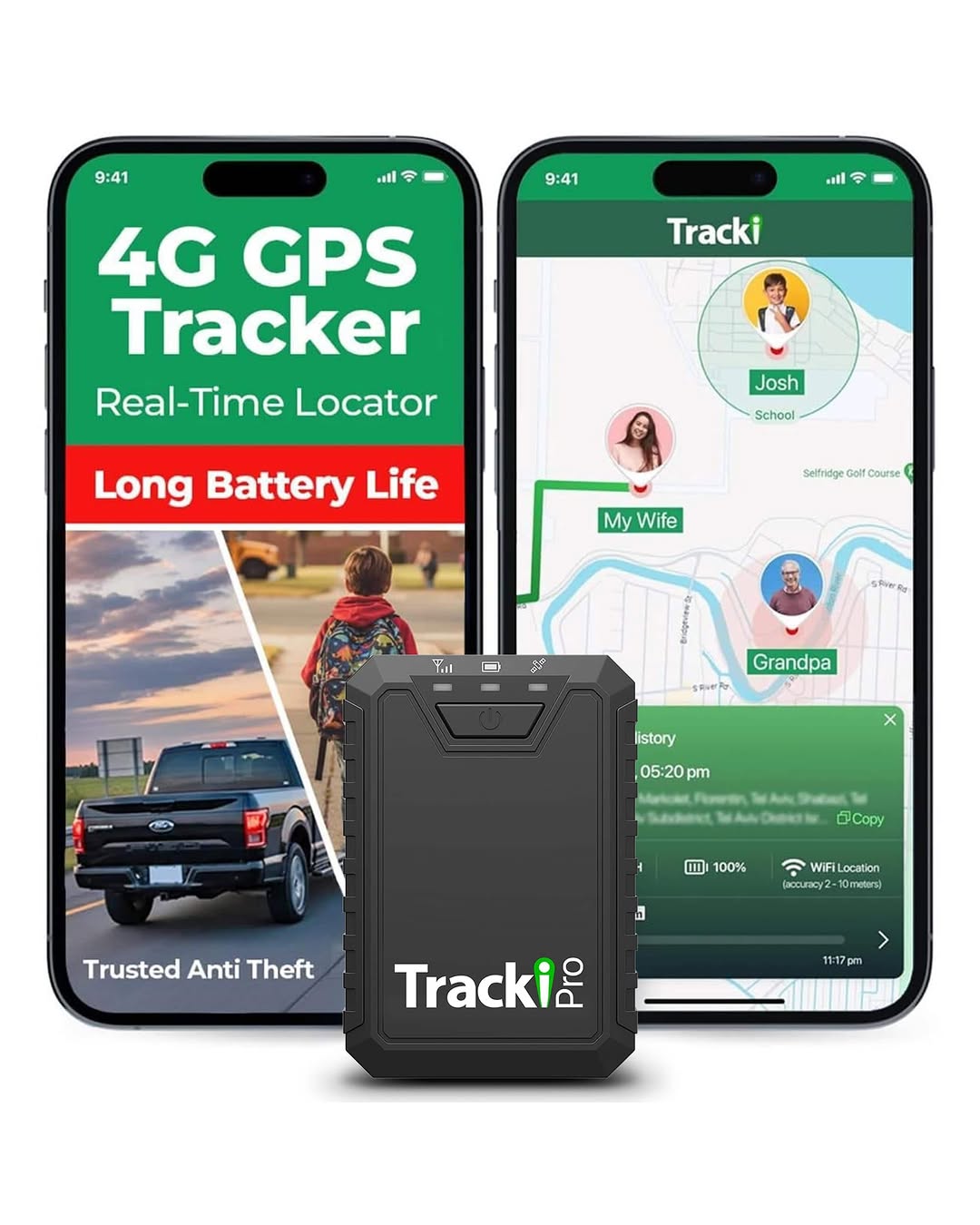
The Tracki Pro's standout feature is endurance: months of tracking per charge means you can hide it and forget it, which is exactly what you want for theft recovery or long-term monitoring. The magnetic mount makes place…
Check Price on AmazonQuick Comparison
| Product | Key Specs | ||
|---|---|---|---|
| #1 | Tracki Pro GPS TrackerBest Battery Life | 10,000mAh battery — lasts 2–7 months per charge with regular updates · 4G LTE with built-in global SIM, 185+ country coverage · Strong magnetic mount plus screw mounts included | Check Price |
| #2 | Bouncie GPS TrackerBest OBD-II Plug-and-Play | Plugs into the OBD-II port — installs in seconds · Vehicle-powered, never needs charging · Speed alerts, trip history, and driving-behavior insights | Check Price |
| #3 | LandAirSea 54Best Compact Magnetic Tracker | Compact magnetic design for discreet placement · Real-time tracking with motion-activated updates · Geofencing alerts via app, text, or email | Check Price |
Tracki Pro GPS Tracker
Best Battery LifeBuy if: you want exceptional battery life and strong magnet for hidden installs
Don't buy if: larger than compact trackers and subscription required after the included period are dealbreakers for you
The Tracki Pro's standout feature is endurance: months of tracking per charge means you can hide it and forget it, which is exactly what you want for theft recovery or long-term monitoring. Hide it and forget it. The magnetic mount makes placement trivial, and the alert set covers the scenarios that matter. Note that a subscription is required (typically bundled for the first 24 months).
Pros
- Exceptional battery life
- strong magnet for hidden installs
- global coverage
- rich alerts.
Cons
- Larger than compact trackers
- subscription required after the included period.
Full specifications
- 10,000mAh battery — lasts 2–7 months per charge with regular updates
- 4G LTE with built-in global SIM, 185+ country coverage
- Strong magnetic mount plus screw mounts included
- Geofencing, speed, movement, and impact alerts
- Wi-Fi positioning fallback indoors
Prices change frequently — click through to see today's price.
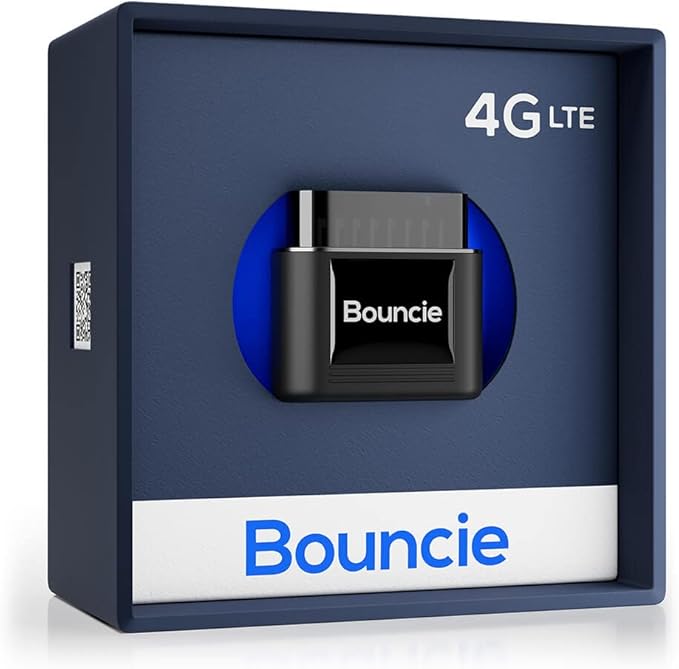
Bouncie GPS Tracker
Best OBD-II Plug-and-PlayBuy if: you're after 10-second install and no charging ever
Don't buy if: you won't accept only works in the OBD port — not concealable
If it's your own car, Bouncie is the simplest path to GPS tracking: plug it into the OBD-II port and you're done — no charging, no wiring, no hiding spots to think about. The driving-behavior reports (speeding, hard braking, rapid acceleration) make it particularly useful for monitoring teen drivers or small fleets. A subscription is required, and it covers the live tracking.
Pros
- 10-second install
- no charging ever
- useful driving insights
- affordable hardware.
Cons
- Only works in the OBD port — not concealable
- requires a subscription.
Full specifications
- Plugs into the OBD-II port — installs in seconds
- Vehicle-powered, never needs charging
- Speed alerts, trip history, and driving-behavior insights
- Real-time location updates
Prices change frequently — click through to see today's price.
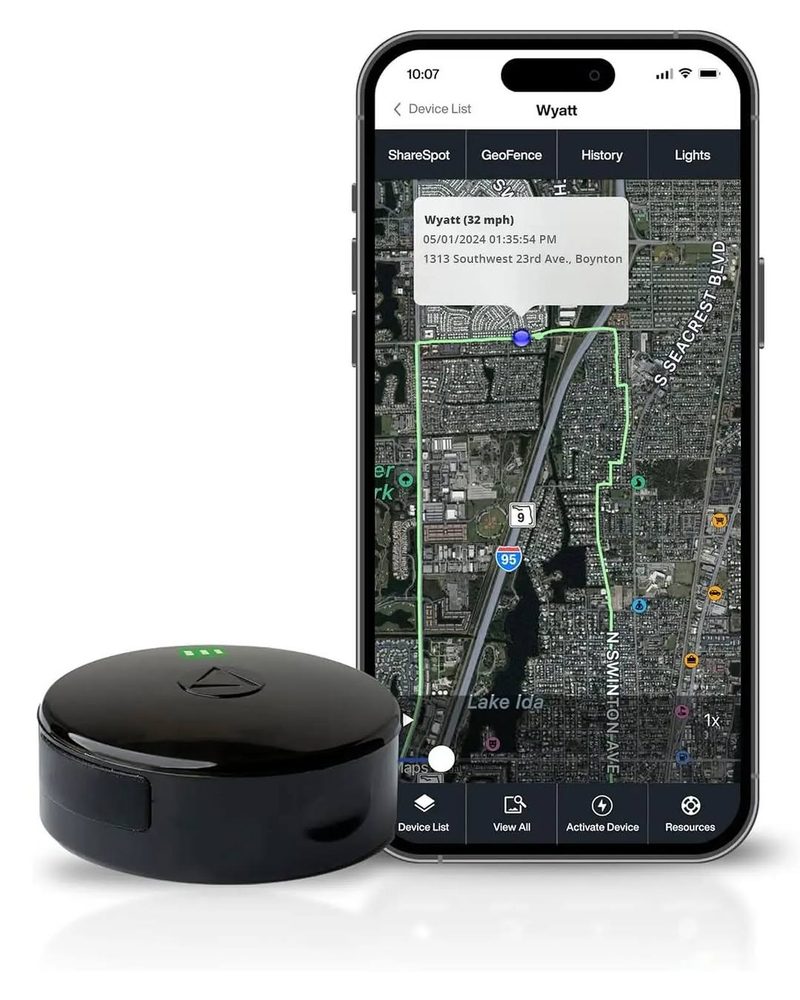
LandAirSea 54
Best Compact Magnetic TrackerBuy if: you're looking for very compact and easy to hide
Don't buy if: you can't live with shorter battery life than the Tracki Pro and subscription required
The LandAirSea 54 has been a staple of the category for years. Small, magnetic, waterproof, and simple — it just works. It's the right size to hide just about anywhere on a vehicle, and motion-based tracking conserves battery when the car is parked. It's a proven choice for theft recovery and discreet monitoring, with a subscription required for the cellular service.
Pros
- Very compact and easy to hide
- waterproof
- long track record
- affordable.
Cons
- Shorter battery life than the Tracki Pro
- subscription required.
Full specifications
- Compact magnetic design for discreet placement
- Real-time tracking with motion-activated updates
- Geofencing alerts via app, text, or email
- Rechargeable battery, typically 1–3 weeks per charge
Prices change frequently — click through to see today's price.
Frequently Asked Questions
Can I track my car for free?
Not in real time. Real-time trackers need a cellular plan to upload locations. Bluetooth finders like Apple AirTag have no fee, but they only show a location near someone's phone — not reliable for a car.
Will a GPS tracker drain my car battery?
Barely. An OBD-II tracker draws very little power, so it's negligible in a car driven regularly. If the car sits unused for weeks, use a battery-powered magnetic tracker instead — charge it now and then.
How accurate are car GPS trackers?
Within a few meters, with a clear view of the sky — enough to tell which parking spot a car is in. Accuracy drops in parking garages, tunnels, and dense urban canyons.
Can a thief find or remove my tracker?
An OBD-II tracker, yes — anyone looking under the dash can spot it. A well-hidden magnetic tracker is much harder to find. Hidden placement plus geofence alerts is the best combination for theft recovery.
Conclusion
Putting a tracking device on a car is a 15-minute job: pick the right type for your situation, activate it, place it well, and test it. For your own daily driver, the Bouncie OBD-II tracker is the easiest option. For discreet long-term monitoring or theft recovery, the Tracki Pro's months-long battery is hard to beat, while the LandAirSea 54 remains the proven compact choice. Whichever you choose, remember the subscription cost in your budget — and keep your tracking within the law.
Pick the type first. The rest follows.
Want to understand the technology better? See our guide to real-time GPS tracking.