Best External Hard Drive for Gaming in 2026 (PS5, Xbox, PC)
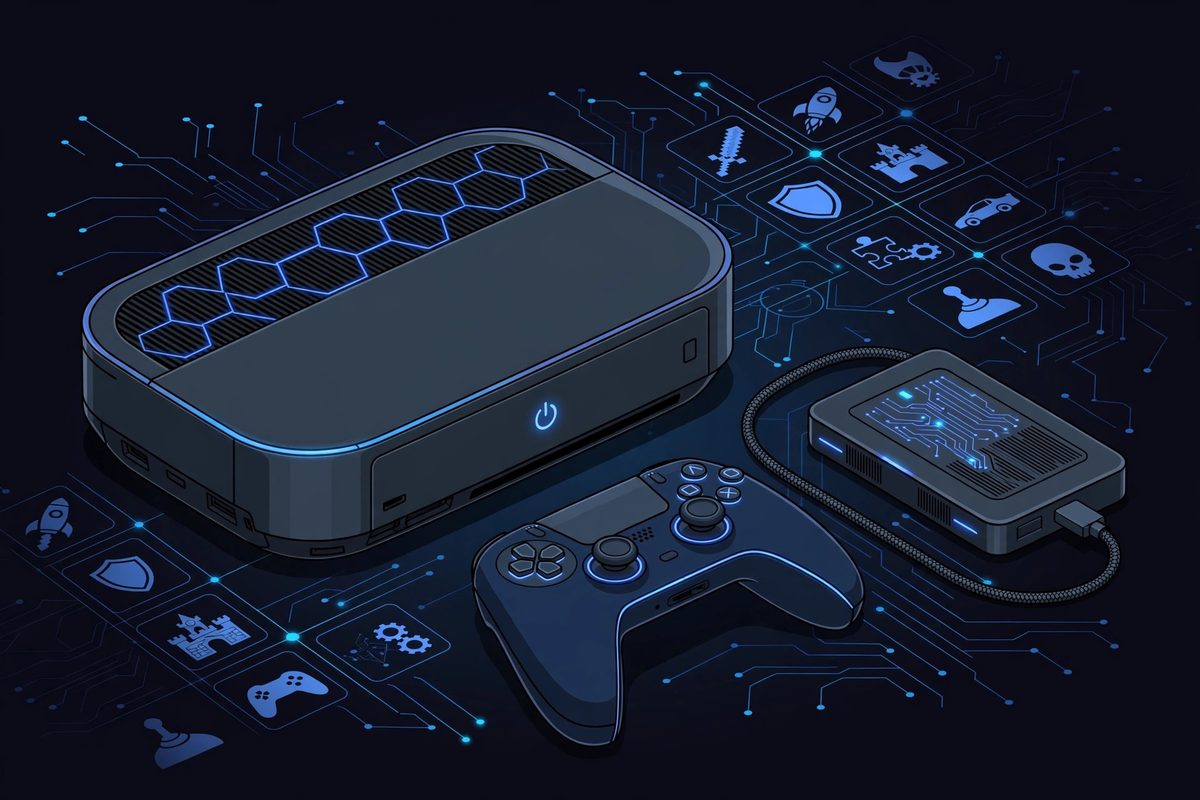
Modern games are huge — 100GB+ per title is normal now — and console storage fills up fast. An external hard drive is the cheapest way to expand your game library, but gaming has rules that general storage doesn't: consoles restrict what you can actually play from an external drive, and speed matters more than it does for backups.
Below are the five best external hard drives for gaming in 2026, chosen for console compatibility, transfer speed, and capacity per dollar. If you want the wider storage picture first, see our best external hard drive guide.
The 5 Best External Hard Drives for Gaming in 2026
Our Top Pick
Samsung T7 Shield
Best Overall for Gaming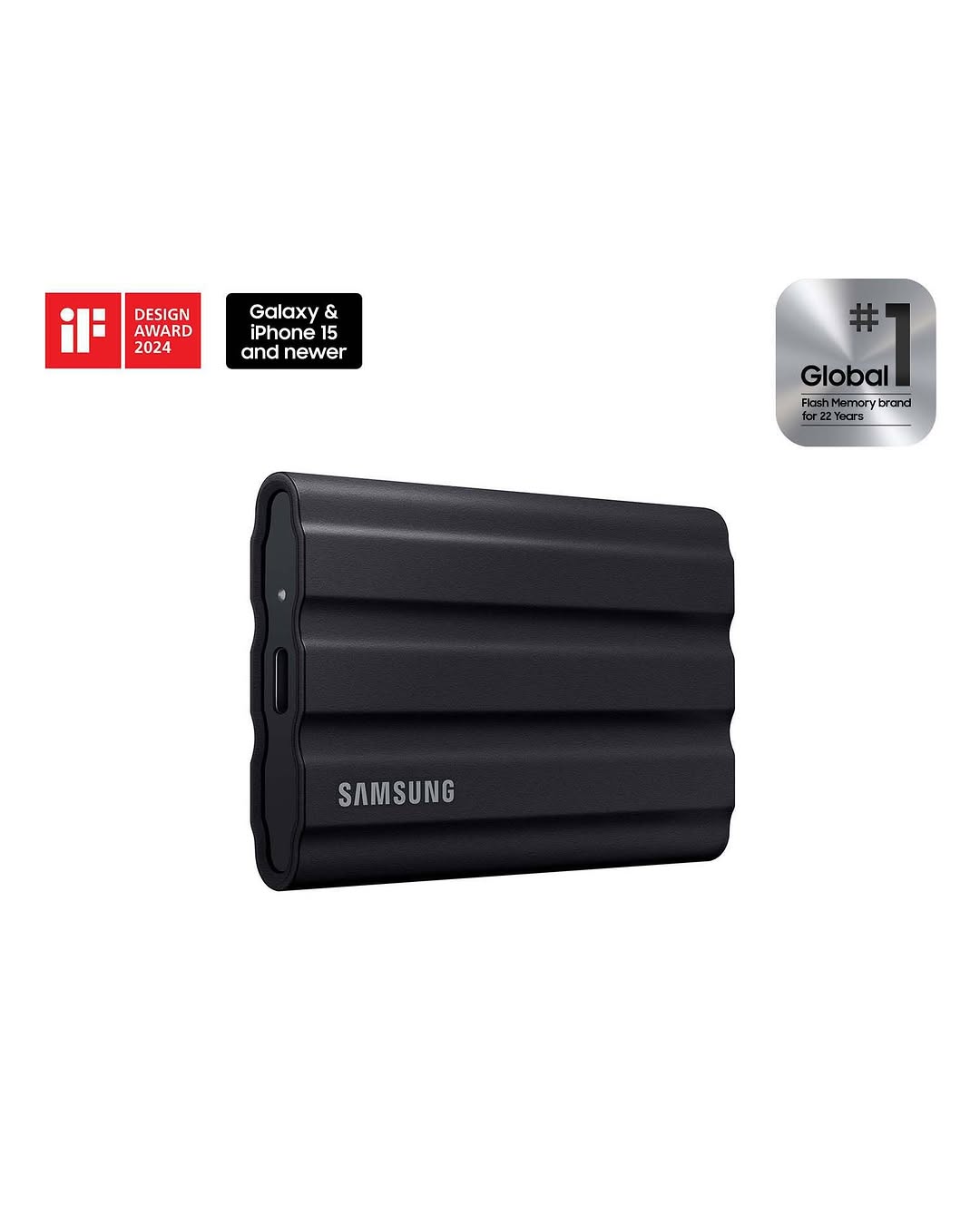
The T7 Shield hits the sweet spot for gamers: up to 1,050 MB/s transfer speeds (fast enough to move a 50GB game in under a minute), a rugged rubberized body that survives drops, and full compatibility with PS5, Xbox, and PC. It's the drive we recommend to most gamers because it does everything well without a premium price.
Check Price on AmazonQuick Comparison
| Product | Key Specs | ||
|---|---|---|---|
| #1 | Samsung T7 ShieldBest Overall | Up to 1,050 MB/s · Rugged · USB-C · 1TB/2TB | Check Price |
| #2 | Samsung T9Fastest | Up to 2,000 MB/s · USB 3.2 Gen 2x2 · Compact | Check Price |
| #3 | SanDisk Extreme Portable SSDBest Rugged | Up to 1,050 MB/s · IP65 rated · Carabiner loop | Check Price |
| #4 | WD My PassportBest Value HDD | Up to 5TB · Affordable per TB · Compact | Check Price |
| #5 | Seagate Backup Plus SlimBest High Capacity | Up to 5TB · Slim design · USB 3.0 | Check Price |
Samsung T7 Shield
Best Overall for GamingThe T7 Shield is our top gaming drive because it balances everything gamers need: 1,050 MB/s speeds for fast game transfers, a rugged IP65-rated body that handles travel to a friend's house, and plug-and-play compatibility with PS5, Xbox, and PC. It stores PS4 games you can play directly, and PS5 games you can cold-store and copy back when you want them.
Pros
- Fast 1,050 MB/s transfers — moves big games quickly
- Rugged, drop-resistant design
- Works with PS5, Xbox, and PC out of the box
Cons
- Not the fastest SSD on this list
- No USB-C cable for older consoles in the box
Prices change frequently — click through to see today's price.
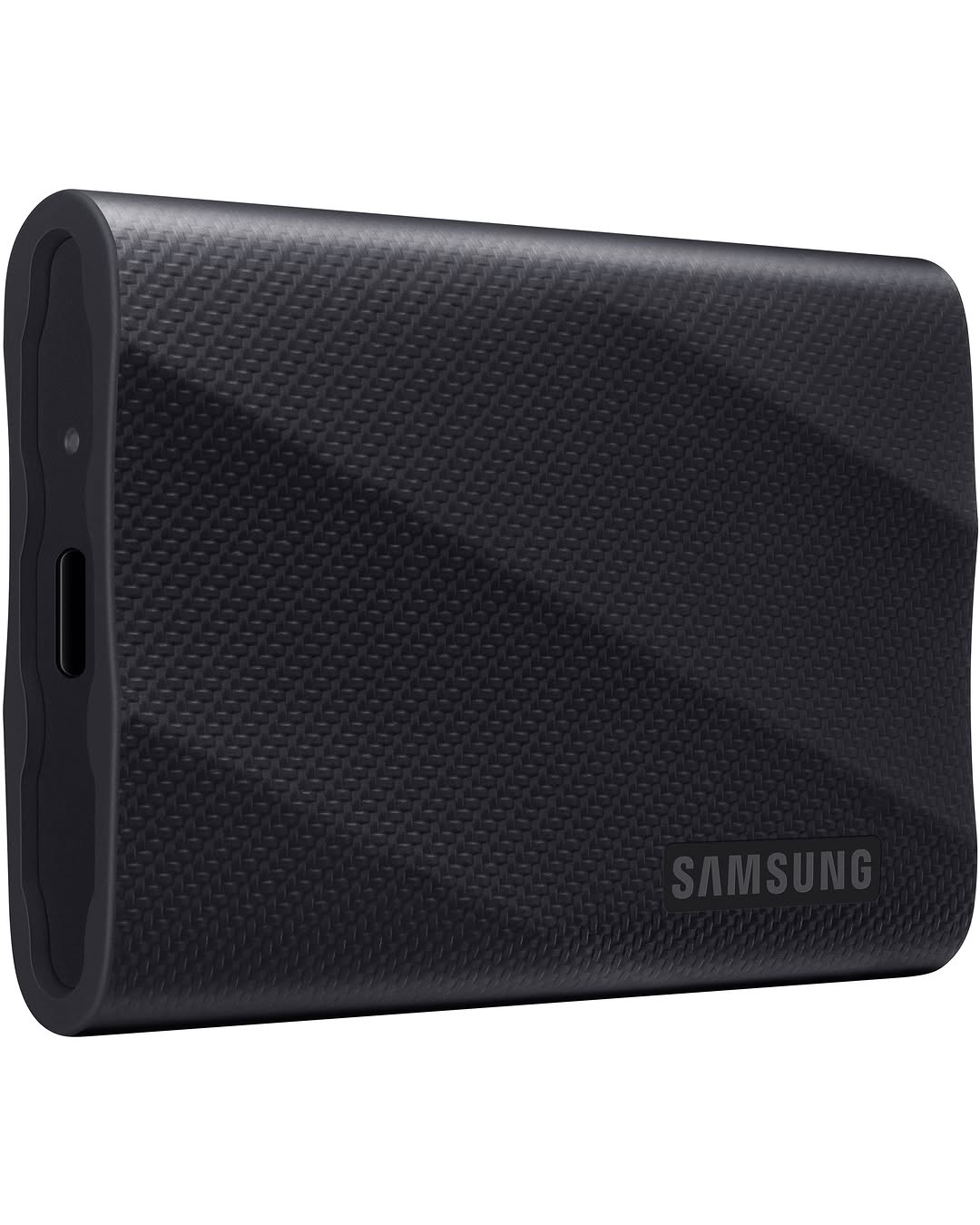
Samsung T9
FastestThe T9 doubles the T7 Shield's speed at up to 2,000 MB/s — if your PC or console port supports USB 3.2 Gen 2x2, game transfers feel nearly instant. On consoles limited to slower USB ports, it still performs at the port's maximum, so you're future-proofed either way. Best for PC gamers and anyone who moves large game libraries often.
Pros
- Fastest speeds here — up to 2,000 MB/s
- Compact and well-built
- Excellent for PC game libraries
Cons
- Full speed needs a Gen 2x2 port
- Pricier per GB than the T7 Shield
Prices change frequently — click through to see today's price.
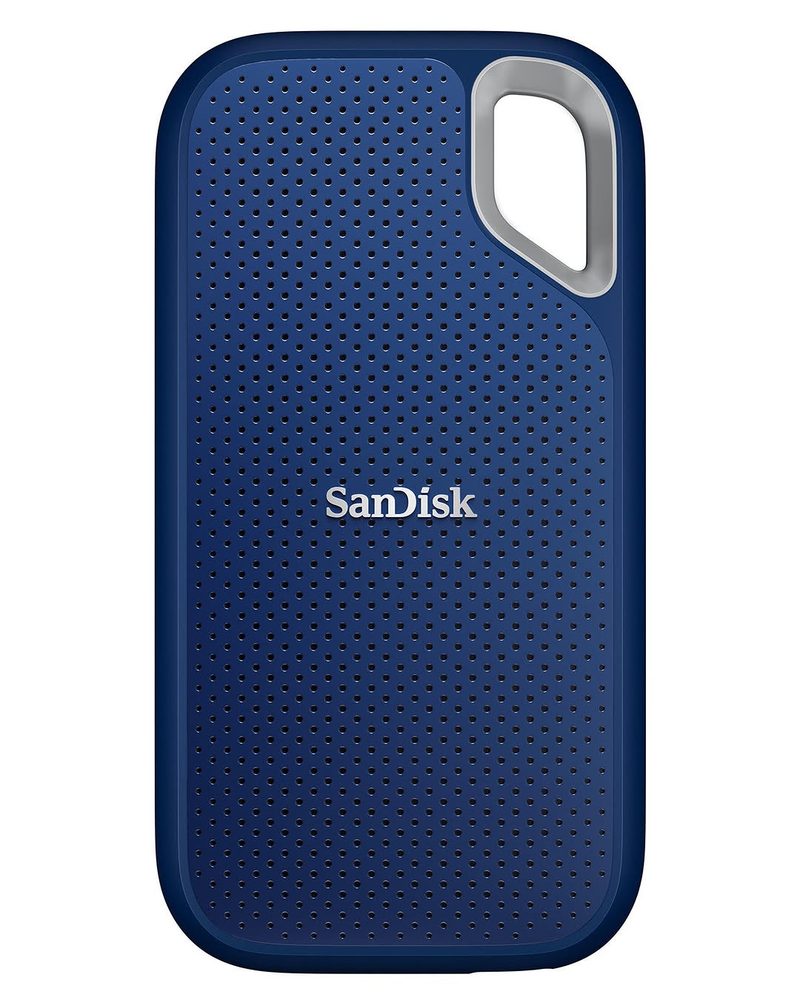
SanDisk Extreme Portable SSD
Best RuggedThe SanDisk Extreme is the drive to toss in a bag: IP65 water and dust resistance, a carabiner loop for clipping to a backpack, and 1,050 MB/s speeds. It's a favorite among gamers who travel to LAN parties or between homes, and it handles PS5 and Xbox storage just as well as the T7 Shield.
Pros
- IP65-rated rugged design with carabiner loop
- Fast 1,050 MB/s transfers
- Great for travel and LAN gaming
Cons
- Slightly bulkier than the T7 Shield
- Premium price for the rugged build
Prices change frequently — click through to see today's price.
WD My Passport
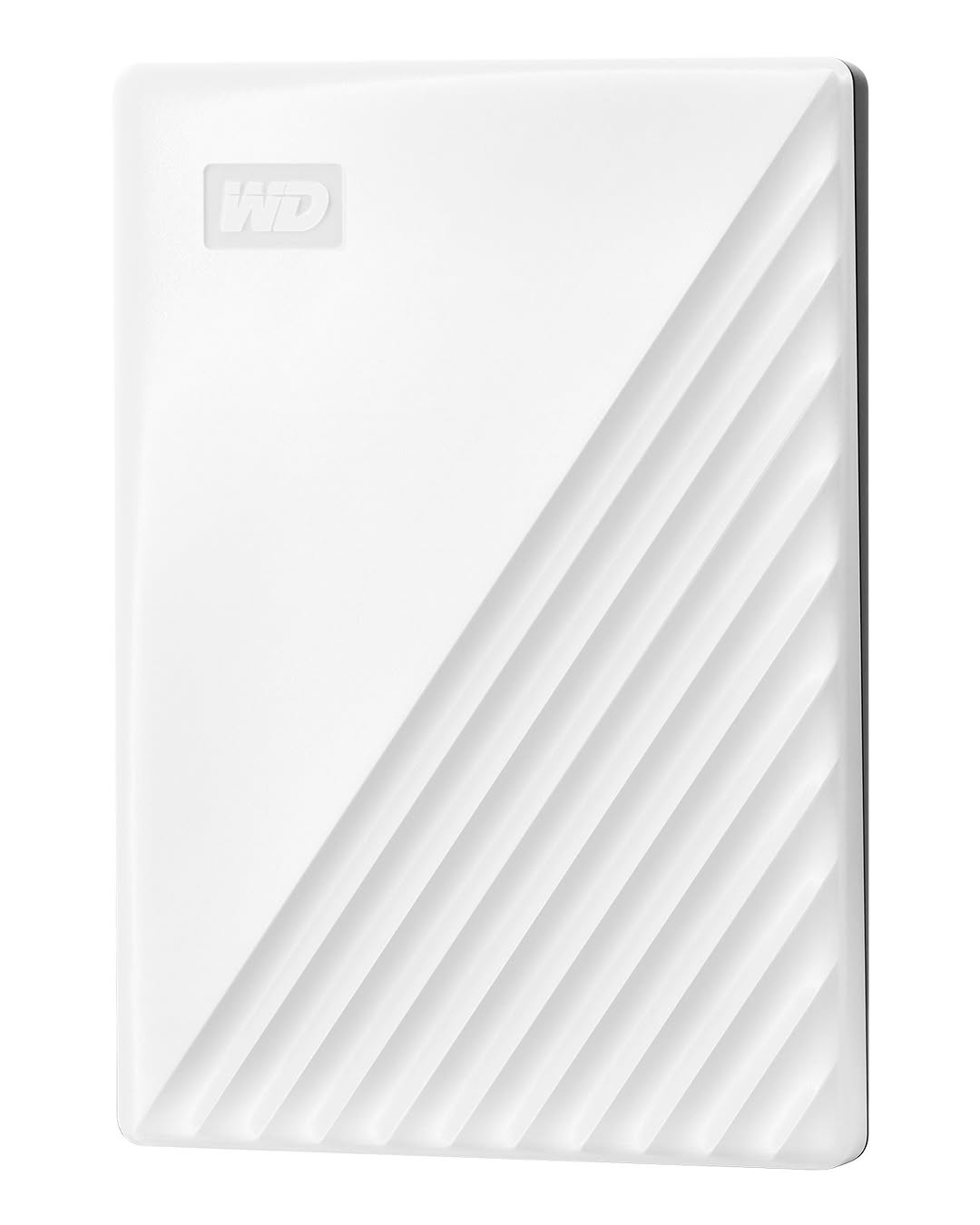
Best Value HDDIf you need terabytes on a budget, an HDD still wins. The WD My Passport offers up to 5TB for far less per gigabyte than any SSD here — enough for dozens of games. It's slower for transfers, but for cold storage (games you aren't playing right now) and for Xbox One / PS4 titles you can play directly, it's the value king.
Pros
- Best capacity per dollar — up to 5TB
- Plays last-gen console games directly
- Compact for an HDD
Cons
- Much slower transfers than SSDs
- Mechanical drive — more fragile if dropped
Prices change frequently — click through to see today's price.
Seagate Backup Plus Slim
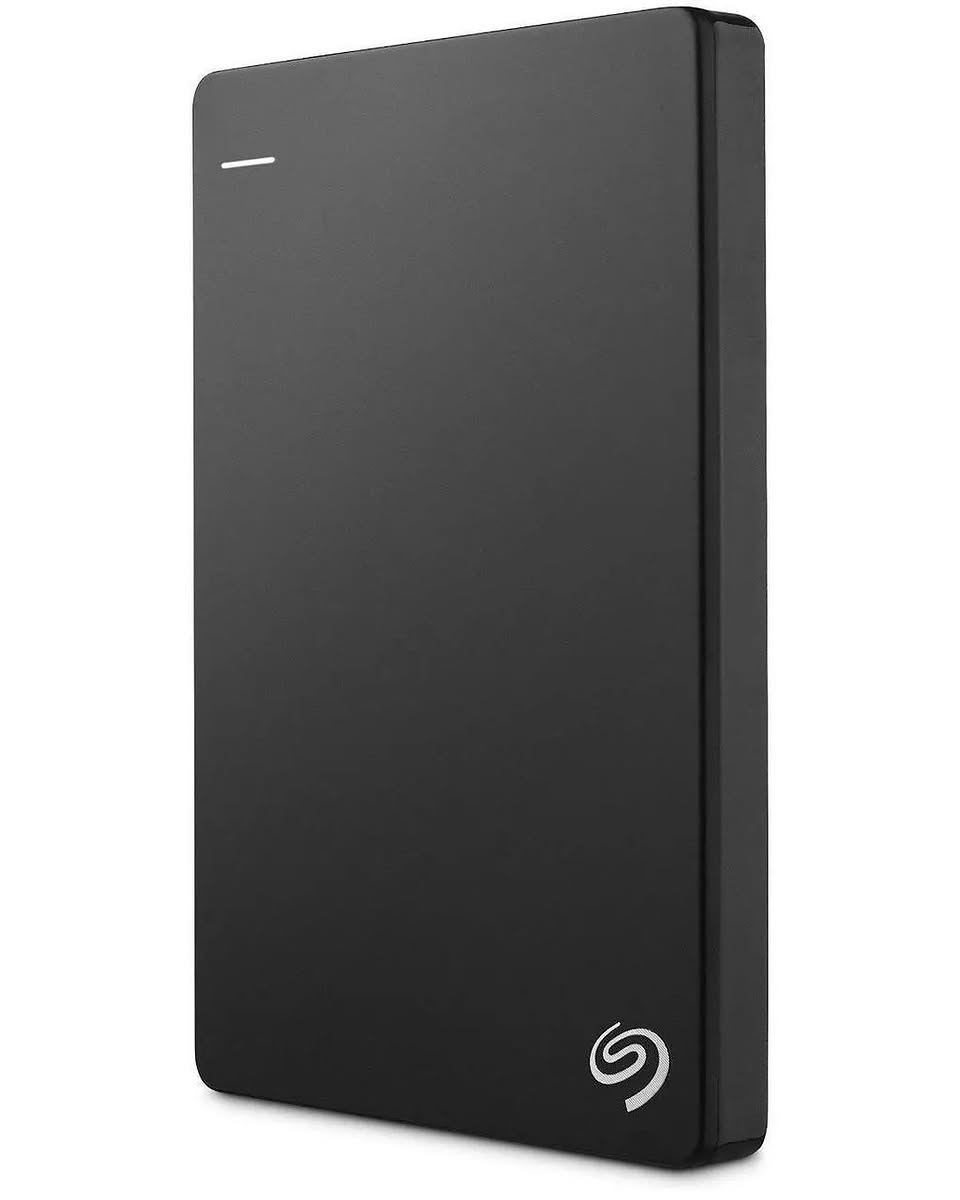
Best High CapacityThe Backup Plus Slim is the other high-capacity HDD option, matching the My Passport at up to 5TB in a slim metal enclosure. It's a solid pick for building a big cold-storage library of games you rotate through — keep your current games on the internal SSD and archive the rest here.
Pros
- Up to 5TB in a slim enclosure
- Good for archiving large game libraries
- Competitive pricing
Cons
- HDD speeds — slow for active game transfers
- No rugged protection
Prices change frequently — click through to see today's price.
Console Storage Rules: What You Can Actually Play
This is the part most buyers get wrong. External USB drives don't work the same way on every console:
PS5
PS5 games cannot be played from an external USB drive — they must run from the internal SSD (or an installed M.2 expansion). An external drive is still useful: you can store PS5 games on it and copy them back to the internal SSD when you want to play (much faster than re-downloading). PS4 games, however, can be played directly from an external USB drive on PS5.
Xbox Series X|S
The same split applies: Series X|S optimized games must run from the internal SSD or the official Seagate Storage Expansion Card. Xbox One, 360, and original Xbox games can be played directly from any external USB drive. An external drive is ideal for storing Series X|S games and playing your backward-compatible library.
PC
PC has no restrictions — you can install and play games directly from an external SSD or HDD through Steam, Epic, or any launcher. An SSD is strongly preferred here: HDD load times in open-world games are noticeably worse.
Frequently Asked Questions
Can you play PS5 games from an external hard drive?
No — PS5 games must run from the internal SSD or an M.2 expansion. You can store PS5 games on an external USB drive and copy them back to play, which is much faster than re-downloading. PS4 games can be played directly from an external drive on PS5.
Can you play Xbox Series X games from an external hard drive?
No — Series X|S optimized games require the internal SSD or the official Storage Expansion Card. Xbox One and backward-compatible games can be played directly from an external USB drive, and Series X|S games can be stored on one.
Is an SSD or HDD better for gaming?
An SSD is better for gaming: faster load times, faster game transfers, and no moving parts. An HDD only wins on price per terabyte, making it good for cold storage of games you aren't actively playing.
How much storage do I need for games?
2TB is the sweet spot for most gamers — enough for 15–25 modern titles. If you play a handful of games, 1TB is fine. If you keep a large library installed, go 4TB or 5TB (HDD) for archiving.
Do external drives work on both PC and console?
Yes — all five drives in this guide work on PC, PS5, and Xbox. Note that a drive formatted for one console may need reformatting (which erases it) before another device can use it, so dedicate one drive per platform if you play on several.