How the car charging check works
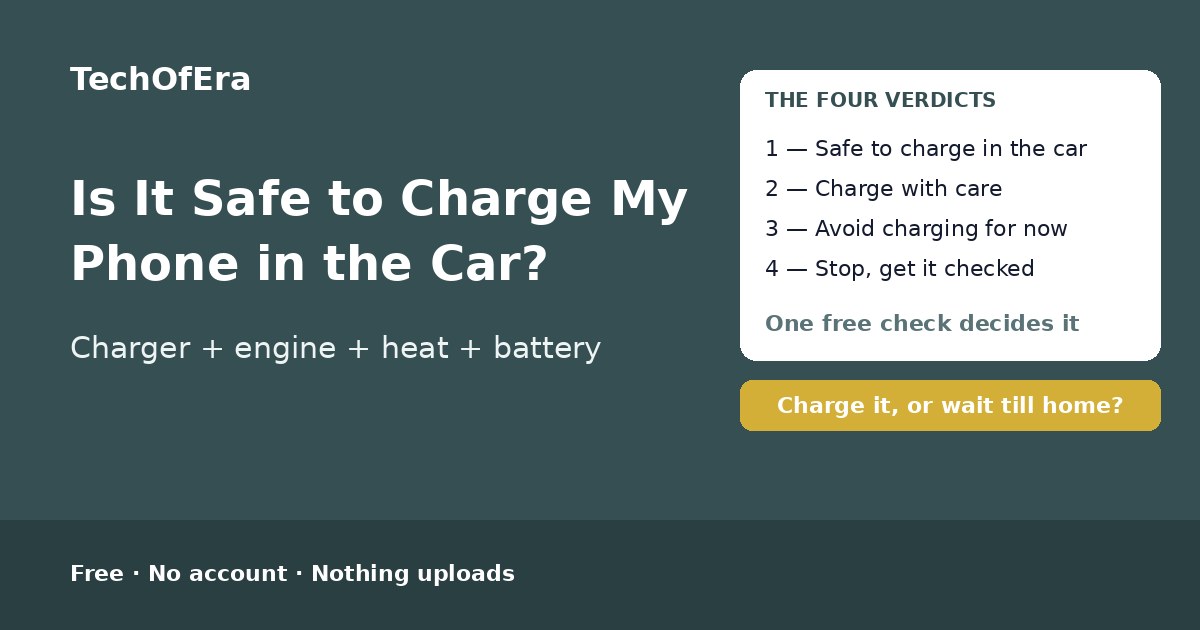
Charging a phone in the car used to feel like a free lunch: the car has power, the phone needs power, plug it in. It mostly is — but the car is not a wall socket. A 12 V socket is regulated down to the 5 V a phone expects, and with the engine running the alternator recharges the car battery at the same time, so a phone is no strain. What damages a battery is heat — a parked car in direct sun can pass 130°F (about 54°C) while a phone's safe operating range tops out around 95°F (about 35°C) — and cheap adapters and cables that skip the safety protections a wall charger has. Built-in USB ports are usually data ports for CarPlay and Android Auto at about 0.5 A, barely enough to hold a phone steady, so navigation plus streaming can drain the battery faster than the port supplies. And with the engine off, the phone draws straight from the starter battery: a quick 15–20 minute charge on a healthy battery is fine, but a long engine-off charge can drain it enough that the car will not start. So the question is no longer "is car charging safe?" but "is this charger, in this car, with this phone, safe?" This checker weighs all of it — the charging method, the phone's age, the battery health, whether the engine is running, the car battery's age, the heat, the cable, what the phone is doing while it charges, whether the battery is swelling, and how often you charge in the car — and gives you a verdict: safe to charge in the car, charge with care, avoid charging in the car for now, or stop and get it checked, with a risk score out of 100.
To use it:
- Say how the phone charges in the car. A built-in USB port, a quality adapter in the 12 V socket, a cheap adapter, or a wireless pad — each one has different risks, and the checker gives safe-charging guidance for the one you use.
- Say how old the phone is. Under 1 year is a new phone; 5 years or older is an old one — and older phones have fewer battery protections and a more tired battery.
- Say what the battery health is. On an iPhone, check Settings > Battery > Battery Health. Under 80% means the battery is worn — Apple treats under 80% as the line where a battery needs replacing.
- Say whether the engine is running while it charges. With the engine running the alternator recharges the car battery; with it off, the phone draws straight from the starter battery. Under 30 minutes is a short charge; over 30 minutes is a long one.
- Say how old the car battery is. A car battery older than about 4 years has significantly less capacity — and a weak one may not start the car after an engine-off charge. If the car is slow to start, the battery is telling you it is weakening.
- Say how hot it gets. Heat is the main thing that wears a battery. A parked car in direct sun can pass 130°F (about 54°C), while a phone's safe operating range tops out around 95°F (about 35°C). A hot phone throttles charging to protect itself.
- Say what cable it uses. An original or certified cable is fine; a cheap no-name cable has no trusted protections, and a damaged cable — frayed, bent or exposed wires — can short-circuit and is a reason to stop and replace it.
- Say what the phone does while it charges. Navigation with the screen on uses real power; navigation plus streaming can use power faster than a built-in USB port can supply. Gaming or video calls are the heaviest load a phone can run — and they make heat, which plus charging is what wears a battery.
- Say whether the battery is swelling. A bulging back or a lifting screen means stop charging it and get the battery checked — do not charge it in the car. This answer alone can change the verdict.
- Say how often it charges in the car. Every day on the commute means the wear adds up drive after drive; rarely means it hardly matters. That is exactly why the adapter and cable matter: a quality setup makes every commute a safe charge.
The four verdicts, and what each one means
Safe to charge in the car
A decent charger, the engine running, a cool car and a healthy battery — the phone charges normally and the car battery is being recharged at the same time. Keep the phone out of direct sunlight and off a heater vent, and it will stay that way.
Charge with care
Charging in the car is fine for this phone, but something in the setup is working against it: a slow built-in port, a cheap cable, a worn battery, a warm car, or a long engine-off charge. Fix the weakest link and the same drive becomes a safe charge.
Avoid charging in the car for now
Do not plug it in until the setup changes: a very hot parked car will throttle the charge and age the battery, a damaged cable is a fire risk, and a long engine-off charge on an old car battery can leave the car unable to start. Charge at home, or wait until the car has cooled down, the cable is replaced, or the engine is running.
Stop — get it checked
Something is wrong with this battery or this equipment: a swollen battery, or a phone that gets very hot on a cheap adapter or cable. Stop using and charging the phone and get the battery checked before charging in the car again.
Safe charging for each method
Built-in USB port
Fine for holding a charge on a short drive, but most built-in ports are data ports for CarPlay and Android Auto at about 0.5 A — barely enough to keep a phone steady. With navigation and streaming running, the battery can still drop while “charging”. For a real charge, use a quality adapter in the 12 V socket instead.
Quality 12 V adapter
The best way to charge in the car. A certified adapter regulates the car's 12 V down to the 5 V the phone expects, with over-current, over-voltage and temperature protection. Check for UL, CE or FCC marks, and match the wattage to the phone — at least 12 W (5 V / 2.4 A) per port, or USB Power Delivery for fast charging.
Cheap no-name adapter
The riskiest way to charge in the car. Cheap adapters often skip the safety features that protect against overheating, overcharging and short-circuiting, and a faulty one can send too much power and damage the battery, the charge port or the motherboard. Replace it with a certified adapter from a known brand.
Built-in wireless pad
Convenient, but it makes more heat than wired charging — and heat is what wears a battery. Keep the phone centred on the pad, take a thick case off, clear coins and keys from the tray, and switch to a wired charger on hot days or long drives. If the phone feels warm on the pad, it is telling you to plug it in instead.
What makes this checker different
The pages that rank for this search are guides — Reader's Digest, EcoFlow, SlashGear, carxplorer, itigic and doityourselves all explain the same thing in prose: heat and cheap equipment are the risks, built-in USB ports are slow, and charging with the engine off can drain the car battery. All of them say the same thing, and none of them asks how your phone charges, whether your engine is running, how old your car battery is, how hot it gets, what cable you use, or what the phone is doing while it charges — and none of them gives you a verdict for your car and your phone. There is no free, standalone checker that takes your charging method, phone age, battery health, engine state, car battery age, heat, cable, phone use, swelling and habit and turns them into a verdict with a risk score and safe-charging guidance for your exact method. This page is that answer: ten questions, an instant verdict, the blockers named, and the next steps. It is a self-assessment, so it says plainly what it cannot know: it cannot feel how hot a car gets, read the battery health, or see inside the phone.
When is this the right check?
When you plug your phone in on every commute and wonder whether you are quietly wearing the battery out — because a quality adapter with the engine running is fine, and the checker says so. When the battery percentage still drops while you navigate — because a built-in USB port is too slow for navigation plus streaming, and the checker names it. When you charge with the engine off and the car is slow to start — because the car battery may be too old for engine-off charging, and the checker says so. And when the phone feels hot every time you unplug it — because heat plus a worn battery is the combination that damages batteries, and the checker names it.
Honest limitations
A self-assessment, not a repair diagnosis
This checker cannot feel how hot a car gets, read the battery health, or see inside the phone. It cannot tell whether a battery is worn out or a charger is faulty. If a phone swells, smells, or gets very hot while charging, stop using it and talk to the manufacturer or a repair shop.
Heat is self-reported
The checker takes your word for how hot it gets — and “warm” to one person is “hot” to another. If the phone ever shows a temperature warning, or charging slows or stops on its own, treat it as hot: the phone is protecting itself, and you should let it cool down before charging again.
The car-battery drain figure is the checker’s own estimate
The plan estimates that one full phone charge uses about 2–3% of a healthy 60 Ah car battery, from about 15–20 Wh against about 720 Wh. A smaller or older battery holds less, a bigger phone takes more, so treat the figure as a guide, not a measurement. It is the checker’s own estimate, and the plan says so.
The capacity-loss figures are storage figures
Battery University's figures — about 20% capacity lost in a year at 25°C and about 35% at 40°C for a battery kept at full charge — are for a battery left sitting at 100%, not for one car charge. One hot car charge does not cost 35%. They show why heat plus a full charge is the combination that ages a battery fastest, and the checker says so wherever it uses them.
Without the car battery's age, the verdict is weaker
The car battery's age is the one number that says whether an engine-off charge is safe — and most drivers do not know it. The checker still works without it, but it says so: the verdict drops to low confidence and the first step is to keep engine-off charges under 30 minutes, or get the battery tested.
Rules from the top guides, dated November 2026
The rules here are the car-charging guidance from Reader's Digest, EcoFlow, SlashGear, carxplorer, itigic and doityourselves, plus Battery University's storage figures — as they read in November 2026. Guidance changes: recheck the manual for your exact car and phone if anything about either changes.