How the cold-car check works
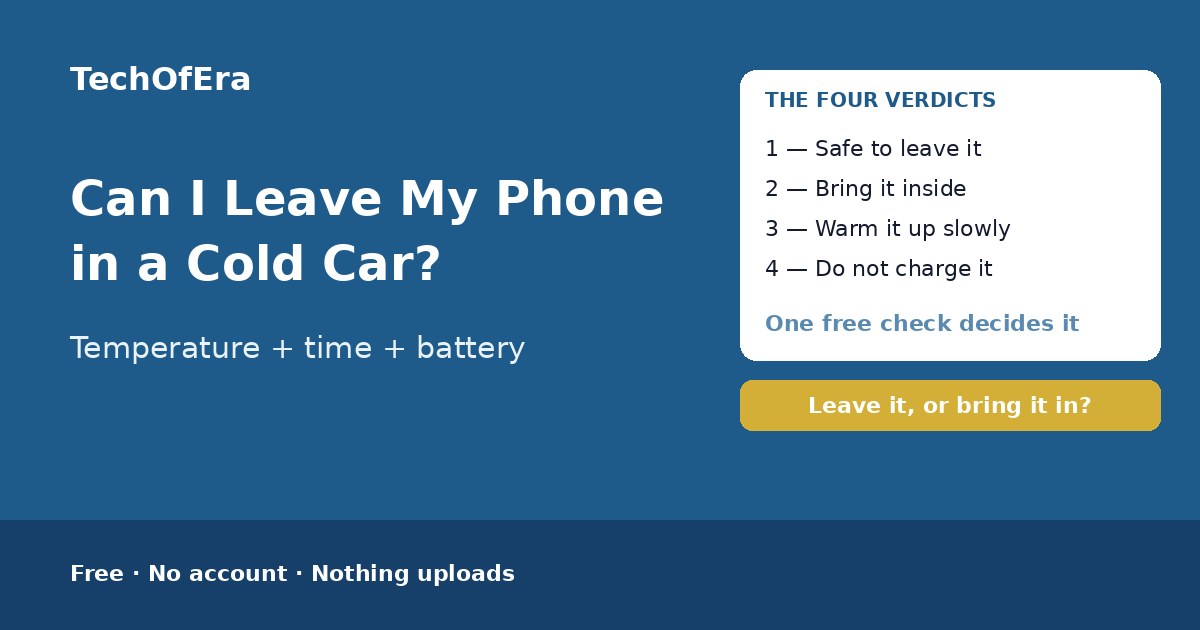
Leaving a phone in a cold car is a balance, not a habit. A short stay in a mild frost is fine — the phone is inside its storage range and the battery has room to spare. An overnight freeze is different: the car gets as cold as the air outside it, the battery holds less and less charge, and by morning the phone may have shut down — or, below −20°C, sat outside the storage range its maker allows. And the damage that lasts is not the cold itself but the charging: plug a below-freezing battery into a car charger and the lithium can plate onto the anode, which is permanent. This checker weighs all of it — the phone, the temperature, how long it will be out there, the battery level, whether it is charging, whether it is switched on, whether it is already cold, and where it will warm up — and gives you a verdict: safe to leave it, bring it inside, warm it up slowly, or do not charge it while it is cold.
To use it:
- Say what phone it is. Apple says iPhones work best between 0 and 35°C (32–95°F) and can be stored between −20 and 45°C (−4–113°F); Samsung cites a similar 0–35°C range for Galaxy phones. The limits are close across brands, but the exact storage floor differs — and the checker names the one for your phone.
- Say how cold it is where the car is. Above freezing is mild, 0 to −10°C is a frosty night, −10 to −20°C is a hard freeze, and below −20°C is outside the storage range Apple allows. Check the weather for where the car is parked, not where you are now.
- Say how long it will be in the cold. Under an hour is a quick stop and the phone barely cools through; one to four hours is long enough for it to reach the car's temperature; overnight is the case every guide warns against, because a parked car stays cold for hours.
- Say what the battery is at. Cold shrinks the charge a battery can deliver, so a phone under 20% can shut off in the cold even though the battery is not empty. Over 50% gives the phone room to lose charge and still have plenty left when it warms up.
- Say whether it is charging in the car. This is the one answer that can change the verdict on its own: charging a lithium-ion battery below 0°C risks metallic lithium plating onto the anode, which is permanent capacity loss. If it is plugged in and below freezing, the answer is to unplug it.
- Say whether the phone is switched on or off. A switched-on phone has to power its screen, radio and apps from a cold battery, so it drains faster. A switched-off phone survives the cold far better — Apple says to switch phones off at lower temperatures.
- Say whether it is already in the cold, or you are still planning. A phone that is already cold needs a slow warm-up, not a decision — and it must not be charged until it is warm. A phone that is still warm gives you the choice.
- Say where it will warm up. A warm, dry room is best. A warm, humid room — a bathroom or a kitchen — is where condensation forms on a cold phone's internal parts, and charging or switching it on while it is wet risks a short circuit.
The four verdicts, and what each one means
Safe to leave it
The cold is mild and the stay is short — above freezing, or a few hours at 0 to −10°C with a decent battery and no cable connected. Keep the stay short, and bring it inside if it stretches past a few hours or the temperature drops further.
Bring it inside
The cold, the length of the stay, or the battery level makes leaving it a bad idea: an overnight stay in a freeze, a nearly flat battery in the cold, or a temperature below the −20°C storage floor. Take it inside and keep it in an inside pocket.
Warm it up slowly
The phone is already cold, so the job now is the warm-up, not the decision. Bring it into a warm, dry room and leave it there for at least 30 minutes — in a pocket or a bag — and do not charge it, switch it on, or use it until it feels at room temperature.
Do not charge it
The phone is plugged in while its battery is below freezing. Charging a lithium-ion battery below 0°C risks permanent damage from lithium plating. Unplug the cable and let the phone reach room temperature first — at least 30 minutes in a warm, dry room.
What makes this checker different
The pages that rank for this search are guides — a news listicle on what not to leave in a car in winter, a blog on why a phone battery dies in the cold, a Canadian winter phone guide. All of them say the same thing in prose: do not leave it in the car, warm it up before charging, keep it in an inside pocket. None of them asks what your temperature is, how long the phone will be out there, what the battery is at, whether it is charging, or whether it is already cold — and none of them gives you a verdict for your phone. There is no free, standalone checker that takes your phone, temperature, time, battery, charging, state and warm-up and turns them into a verdict with a slow warm-up plan. This page is that answer: eight questions, an instant verdict, the blockers named, and the next steps. It is a self-assessment, so it says plainly what it cannot know: it cannot measure the temperature, read the battery, or see inside the phone.
When is this the right check?
When you are about to leave the phone in the car while you go into a shop or a restaurant on a frosty evening — because a quick stop at −5°C with a half-charged battery is fine, and the checker says so. When you wake up to a hard freeze and realise the phone spent the night in the car — because the question then is not whether to leave it, but how to warm it up without damaging it. When the phone is plugged into the car charger on a winter drive — because charging below 0°C is the one mistake that causes permanent damage, and it is easy to make without thinking. And when the phone has already shut off in the cold — because the charge usually comes back when it warms up, and the checker tells you how to warm it safely.
Honest limitations
A self-assessment, not a repair diagnosis
This checker cannot measure the temperature, read the battery, or see inside the phone. It cannot tell whether a battery is worn out or a phone has water damage. If a phone stays dead, swells, or smells after warming up, stop using it and talk to the manufacturer or a repair shop.
Without a temperature, the verdict is weaker
How cold it feels is a poor guide: a car in the shade can be far colder than the air temperature, and a car in the sun can be warmer. The checker still works without a reading, but it says so — the verdict drops to low confidence and the first step is to check the forecast for where the car is parked.
The car is colder than the forecast by morning
A parked car tracks the overnight low, not the evening temperature — and the inside of a car can fall below the air temperature overnight as the metal and glass radiate heat away. A phone left in at −5°C in the evening can be sitting at −12°C by morning.
The battery reading is a snapshot
A phone that says 40% in a warm pocket can read far lower once it is cold, because the voltage sags in the cold — and the percentage can jump back up when it warms. The checker takes the reading you give it; if the phone has already gone cold, the reading it shows may not be the reading it had.
Wind chill does not apply to a phone
Wind chill is a measure of how fast exposed skin loses heat — it does not make an object colder than the air temperature. A phone in a car cannot get colder than the air around it, however hard the wind blows. What matters is the air temperature and how long the phone sits in it.
Rules from official sources, dated November 2026
The rules here are the Apple temperature guidance for iPhones (0–35°C operating, −20–45°C storage), the Samsung operating range of 0–35°C for Galaxy phones, and the lithium-ion charging rule — never charge below 0°C — as they read in November 2026. Guidance changes: recheck the manual for your exact model if anything about the phone changes.