How to tell whether you should upgrade your router
“Replace it every five years” is the rule everyone quotes — and it is a reasonable rule of thumb, but it is not the whole test. A router can be old and still perform fine, or new and still struggle. This checker scores your router on the seven things that actually decide it: its age, its Wi-Fi generation, whether it still gets security updates, whether your plan is faster than it can deliver, dead zones, device count, and stability — then gives you a verdict for your router, plus whether a mesh system or a single router is the right replacement.
To use it:
- Find the router’s age and generation. The label under the router usually carries a model number and a manufacture date; the router’s app usually names the Wi-Fi standard. If you cannot find either, leave them as “Not sure” — the checker flags them instead of guessing.
- Check whether it still gets updates. Open the router’s app or admin page and look for the last firmware update date. If nothing has arrived for months or years, search the maker’s site for your model plus “end of life” — Asus, D-Link, Netgear, Synology and TP-Link all keep end-of-life lists. A router on one should be replaced even if it still works.
- Compare the plan with the router. Your bill or provider app states the plan speed. A Wi-Fi 5 router delivers about 350 Mbps in a typical home (this checker’s estimate), so a 500 Mbps or 1 Gbps plan through it is speed you pay for and never receive. A 100 Mbps port has the same effect on a wired connection. If the plan is faster than the router, upgrade the router — not the plan.
- Count the dead zones. Walk the house with your phone. One weak room is usually placement — move the router higher and more central first. Several weak rooms, or a whole floor offline, is a coverage problem: a mesh system fits better than a faster single box in the same spot.
- Count the devices. Six to fifteen is a normal modern household; more than thirty is smart-home territory. Wi-Fi 6 was built to handle many devices at once; Wi-Fi 5 was not — so a busy household on Wi-Fi 5 will feel it at the busy hour even if a speed test looks fine.
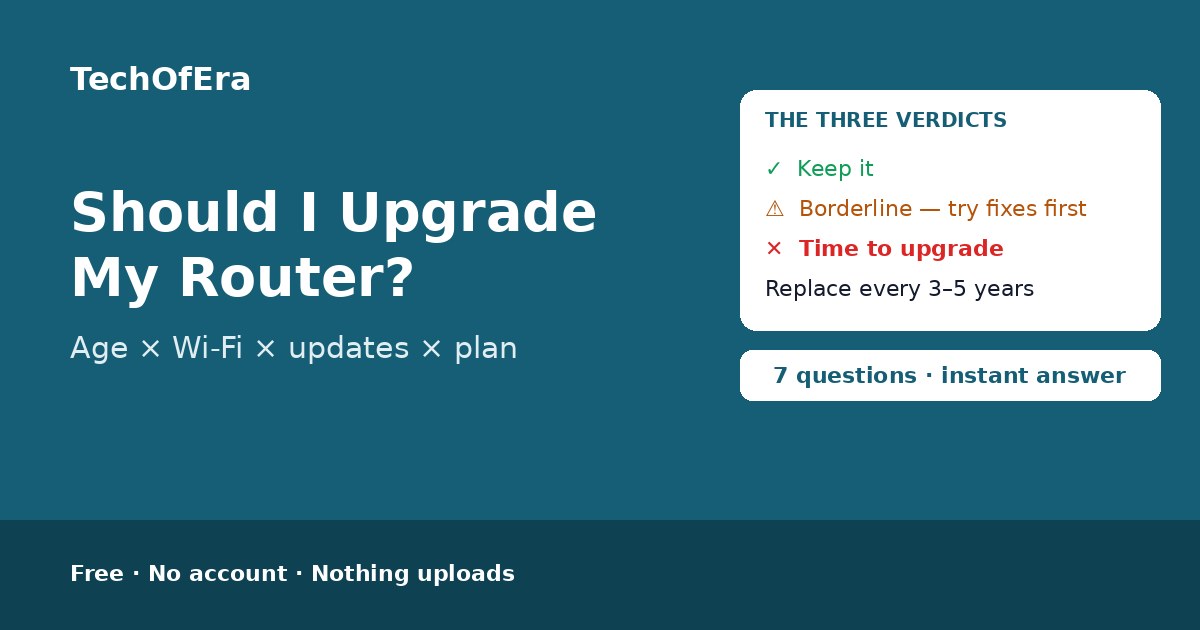
- Read the verdict, then the score. “Keep it” means the score is under 30 of 100 and nothing forces a replacement. “Borderline” (30 to 54) means the router is near the end of its useful life: try the free fixes first and budget for a replacement within the year. “Time to upgrade” (55 or more) means the problems add up to more than a single fix can solve.
Household setups and what they need at a glance
The table below is built from the same rules as the checker, so it can never disagree with your verdict. Your router’s age, generation, updates, plan, coverage, devices and stability decide together.
| Household setup | Verdict | What to know |
|---|
What makes this checker different
The pages that rank for this search are guides — How-To Geek, Consumer Reports, Engadget, WikiRouter and XDA publish thorough lists of the signs it is time to replace a router — but they leave you to weigh the signs for your own home: whether a four-year-old Wi-Fi 5 router on a 100 Mbps plan with one dead zone is worth replacing, whether a fast plan still buffers because the router caps it, whether dead zones mean a mesh system or just a better spot for the box you already have. The speed-test sites measure your connection and stop there. No free interactive checker gives a per-router verdict — your age, generation, updates, plan, coverage, devices and stability scored together — with the replacement that fits and what to try first. This page is that answer: seven questions, an instant verdict, the reason named, and the fix stated plainly instead of buried in the text — with nothing to install, no account, and nothing uploaded. It is a self-assessment from the answers you enter, so it says plainly what it cannot know: it does not inspect your router, and anything you mark “Not sure” stays on the list until you confirm it.
When is this the right check?
Whenever the Wi-Fi drops in the middle of a video call, a room goes dark, or downloads crawl while the plan says they should not — and whenever you are about to pay for a faster plan and want to know whether the router would even deliver it. Also before buying a new router on age alone: a supported Wi-Fi 6 router on a 200 Mbps plan with no symptoms does not need replacing, whatever the calendar says. And whenever you move house or rearrange the rooms, so you can check whether the new layout still holds.
Honest limitations
A verdict, not an inspection
This checker does not inspect your router: it works from the answers you enter. If an answer is wrong, the verdict is wrong. Check the label under the router for its model and age, and the router’s app for the last firmware update, before you trust the score.
Throughput figures are estimates, not measurements
The real-world ceilings here — about 150 Mbps for Wi-Fi 4, 350 for Wi-Fi 5, 600 for Wi-Fi 6, 900 for Wi-Fi 6E and 1200 for Wi-Fi 7 — are this checker’s own planning estimates for a typical home. Walls, distance, interference from neighbours and the router’s age all move them. Only a speed test run at the device tells you what you actually get.
Age is a guide, not a deadline
Makers’ guidance is 3 to 5 years, but a router can be old and still perform fine, or new and still struggle. The score weighs age together with updates, generation and symptoms — age alone never forces an upgrade here, and a young router with no updates still scores badly.
Your provider’s router is different
If your router is rented from your provider, the decision is theirs as much as yours: providers usually cycle rented routers out before support ends, and a replacement is often free. Call them before buying your own — this checker’s verdict still tells you what to ask for.
Dead zones have more than one cause
A weak room can be thick walls, a neighbour’s network on the same channel, or a router hidden in a cabinet — none of which a new router fixes on its own. Try moving the router and changing channels first; the checker’s “borderline” verdict is built for exactly that case.
Rules from published guidance
The rules here follow the makers’ own replacement guidance — Netgear 3 years, Google and Linksys 3 to 5, Eero 3 to 4 — and the 2026 guides that checked them (How-To Geek, Consumer Reports, Engadget, WikiRouter), as they read in November 2026. Guidance can be revised, so re-check if a new edition appears.